
From a downloaded map to a print on your wall
A good print starts before you press Print. Choose the size for the space you have, save the right file and check how your printer or print provider plans to place it on the paper. Cartivale supplies the digital artwork; printing and framing are arranged separately.
Start with the downloaded file
Choose the physical size and orientation in Format, then check the map, text, frame and small details. Print Ready includes PNG / PDF at 300 DPI for personal printing. Other packages may be appropriate if you need SVG or different usage rights.
- Download the finished file and save a local copy somewhere you can find again.
- Open it before sending it to print. Check spelling, orientation and the full composition.
- Use PDF when your printer accepts it and you want a page with defined physical dimensions. Use PNG when the provider requests an image file.
- Keep the original download and make a separate copy for any changes.
Printing at home: check the preview twice
Select the correct paper size and portrait or landscape orientation in the print dialog. Use 100% or Actual size when you want to preserve the chosen dimensions. Fit to page can shrink or enlarge the artwork to the printer’s printable area, even when the PDF page size is correct.
Make a small test or print one copy before using your best paper. Look at the darkest areas, pale colours and smallest lettering. A screen emits light; paper reflects it, so a luminous theme will not look identical on paper. Printer settings and colour management also affect the result.
Give a print provider a clear brief
A local print shop can help you choose paper and inspect a proof. An online print provider may offer a more fixed set of sizes and upload settings. Ask which file format they accept, state the intended physical dimensions and confirm whether their process crops, adds a border or scales the file.
If they request bleed, crop marks or a particular colour profile, check their requirements before ordering. Do not assume the Cartivale download already supplies a production setup specific to that printer. For business or products for sale, also choose a package that covers the intended use.
Let the paper support the image
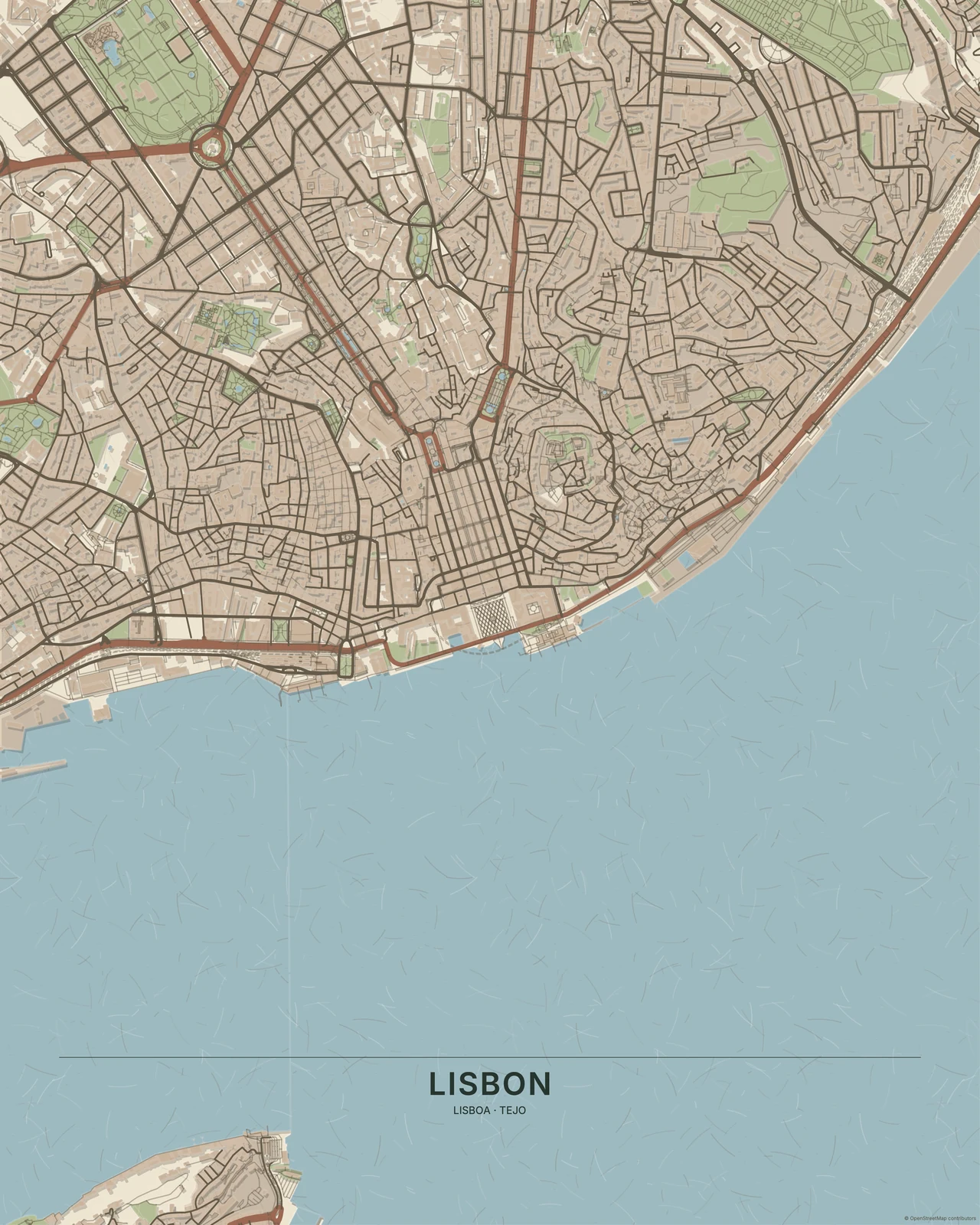
© OpenStreetMap contributors
Matte paper can suit a quiet, textured composition; a smoother finish may make crisp colour and linework feel more pronounced. Ask for samples if the finish matters to you. Paper weight, texture, ink and the printer all contribute, so choose by a proof rather than a promise of a universal best paper.
Check the frame’s visible opening, not only its outer dimensions. A mount or frame lip can cover the edge of the print. Leave room for the composition and keep the required OpenStreetMap credit visible; do not crop it away to make the artwork fit.