
From a place to a piece of you.
Follow the streets that mean something to you. Give them a palette, a few words and a new home.
01 — Choose your place and frame
Open the studio and search for your place. Move the map and zoom in or out until the streets, shoreline or neighbourhood sit where you want them.
Choose a portrait, landscape or square canvas and one of the available print sizes. The frame and map extent work together: leave room for a title, or let the geography fill the artwork.
02 — Find your artistic direction
A Theme sets the artistic direction; a Style is a particular interpretation within it. Explore the collections, switch styles and see the artwork change in the preview.
Keep the detail that matters to your composition. Show or hide geographic layers and adjust their available colours. Points of interest have their own visibility, size and colour controls, so you can give a landmark emphasis or keep the map quiet.
Theme previews use real geography from selected places, showing how each treatment transforms streets, water and land.
03 — Add what makes it yours
Give the map a few words of its own. Add text boxes with a main line and optional secondary text; place them at the top, middle or bottom, or use a full-width title band.
Choose the font, size, colour and alignment, then refine the weight and spacing. A title can sit beside the geography, divide the composition or become part of a shape; check small text at your intended print size.
Try a geometric or decorative shape as an overlay, or use it to cut out the map. Adjust its size, rotation, position and available fill and outline colours. Add a marker for a particular place or draw a route, then refine its colour, size or line treatment in the editor. The Gallery offers a few ways to bring these choices together.
04 — Choose your download
Choose Free for a personal PNG, or compare paid packages for print files, SVG and broader usage rights. Check the artwork, size and package. Before paid Stripe-hosted Checkout, explicitly request immediate digital supply and acknowledge the withdrawal consequences. The Terms and Refunds policy explain the conditions; Free exports are exempt.
Preview the complete composition before downloading. PNG is an image, PDF preserves the page size, and packages that include SVG provide editable vector geography.
05 — Save, print or publish
After confirmed payment, generate files on the purchase page. Your confirmation email records the purchase, consent and applicable terms and links back to that page. Download within 30 days and keep a local copy. Retry a failed generation from the same purchase. Printing is arranged separately; retain OpenStreetMap attribution wherever you publish the artwork.
A place can become so many things.
A quiet canal, a luminous harbour, a city in bold shapes. Borrow a starting design, then change the view, text and details to tell your own story.
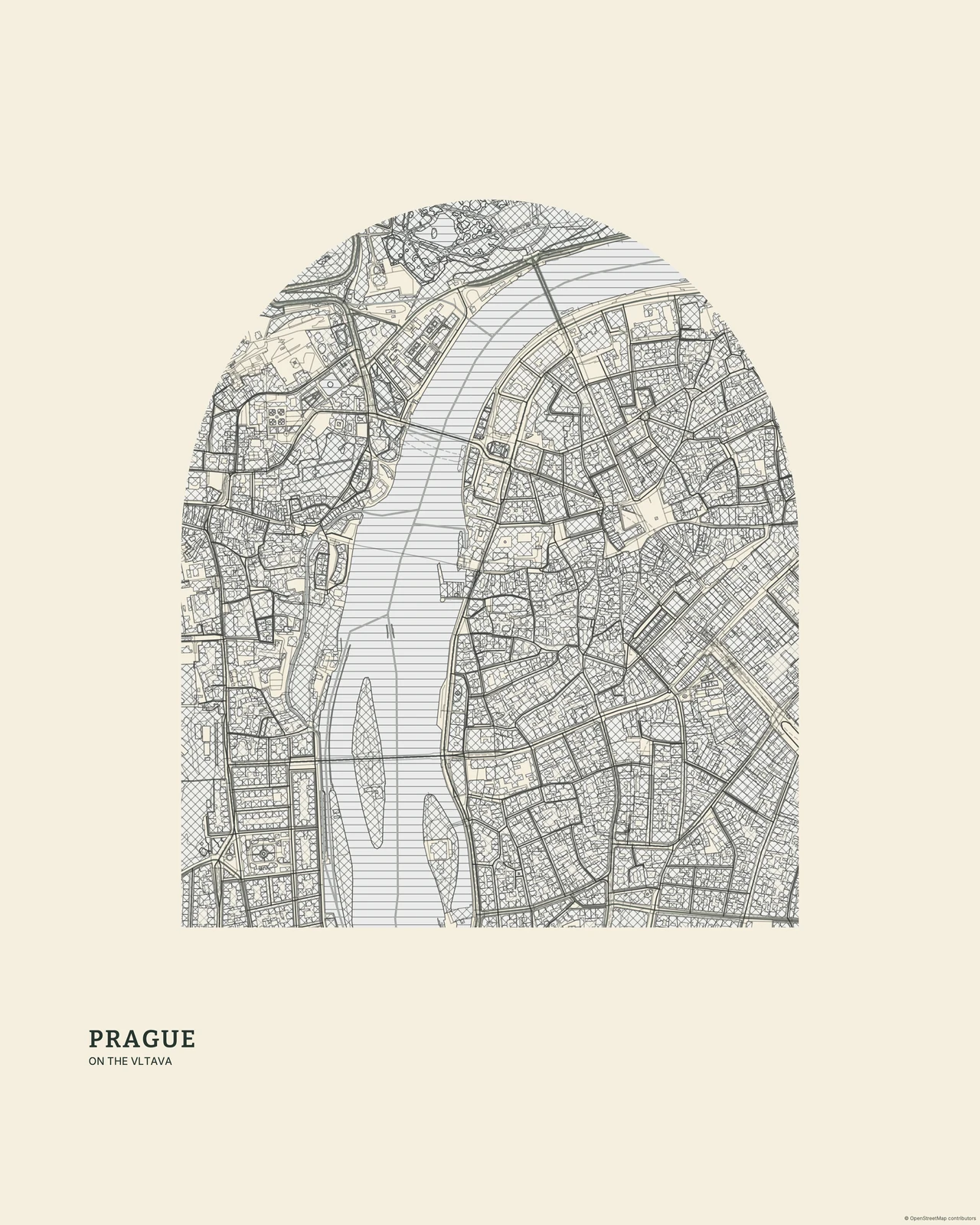
Prague in Ivory
Engraving / Etching · Ivory
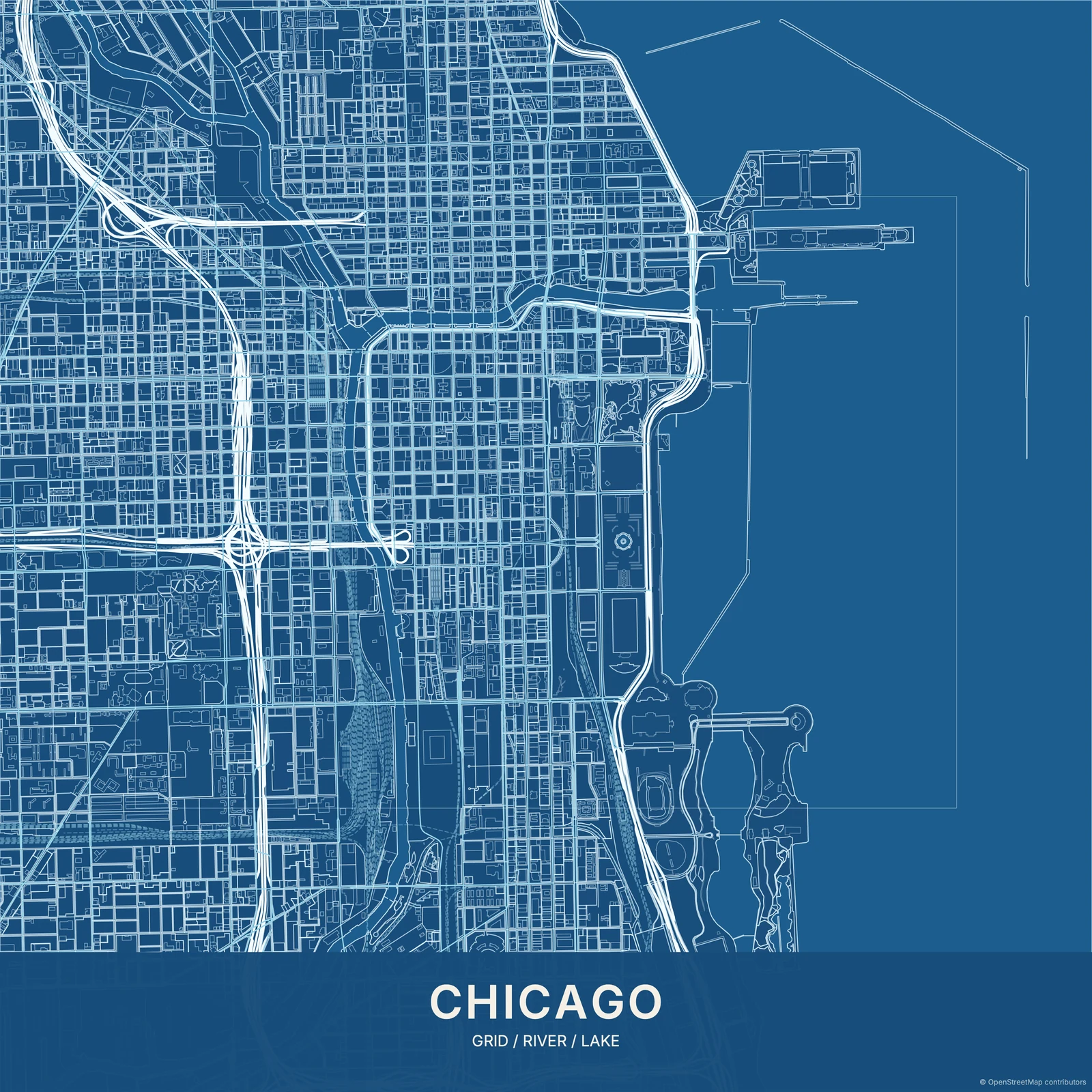
Chicago in Architect Blue
Blueprint · Architect Blue
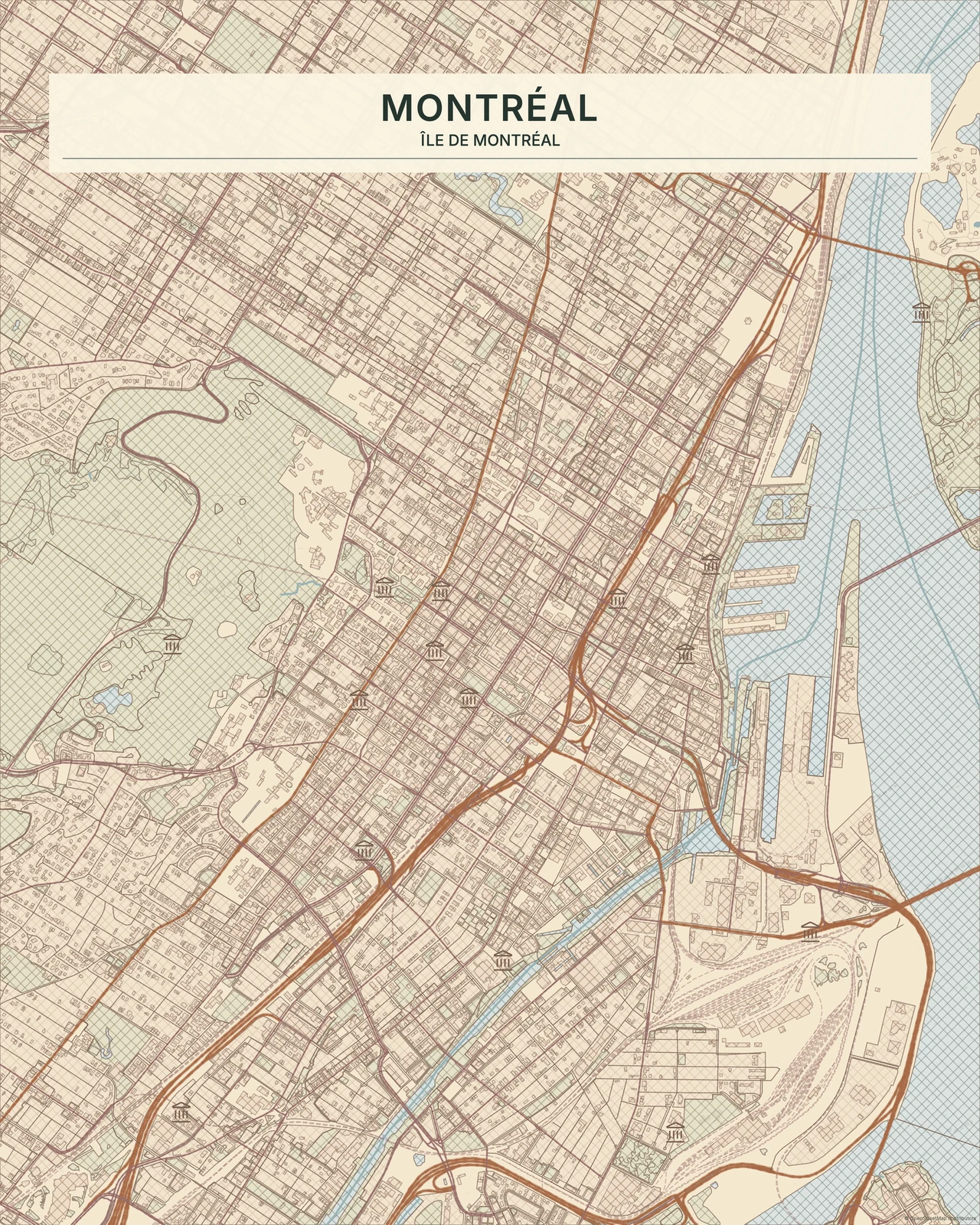
Montréal in Autumn
Coloured Pencil · Autumn
Your place. Your point of view.
Find a palette, add a memory and make something personal. Start in the map studio for free.