
Topographic
Stone, green, sand and cool blue. Topographic takes its colour cues from landscape maps and gives everyday geography a quieter outdoor feel. Start with a natural palette and frame a place you like to explore.
Explore TopographicIn the studio, choose Topographic under Theme, then pick a style.
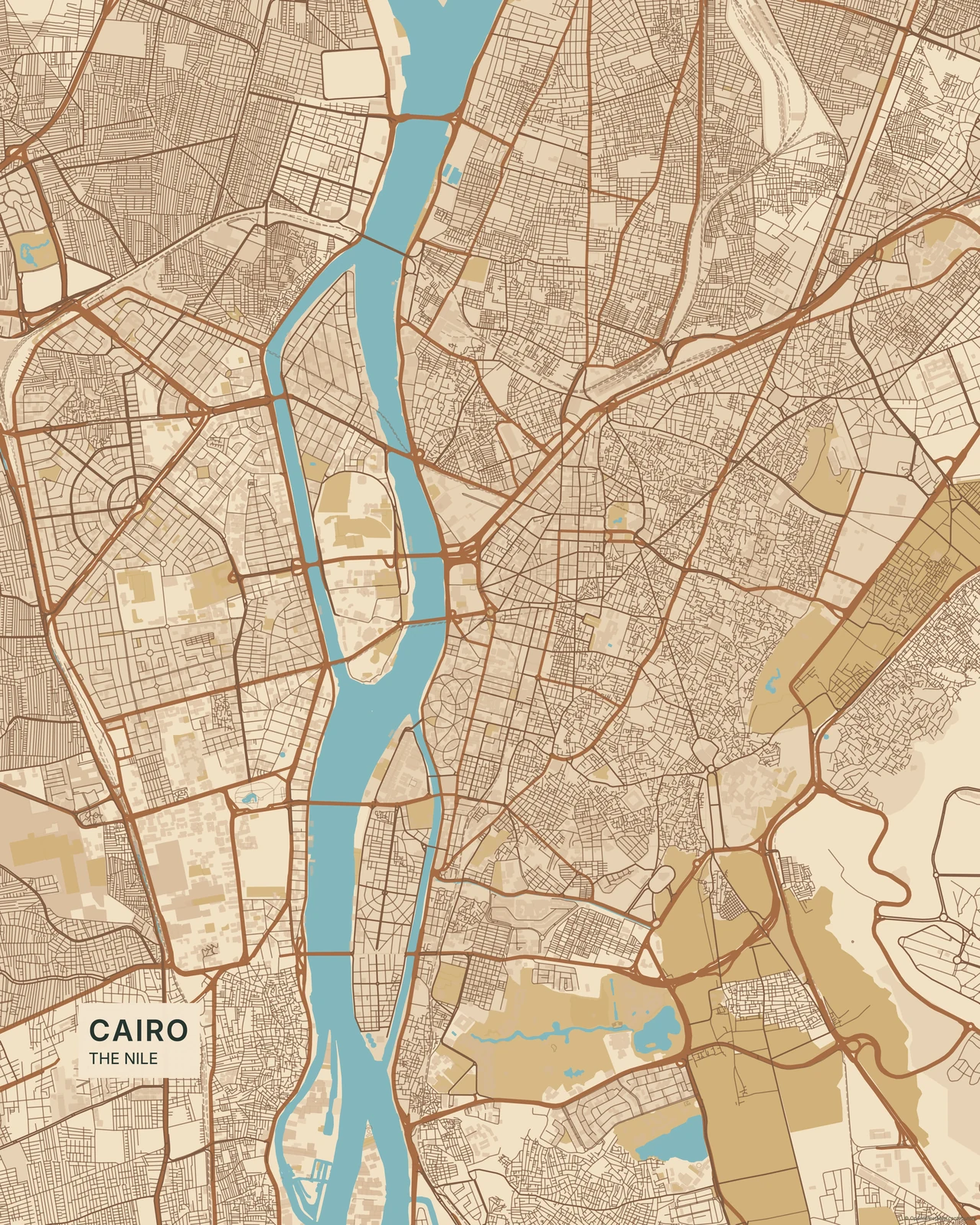
Landscape colour, real geography
Vegetation, water and settlement areas carry the composition through related natural tones. The current Vaduz artwork shows those geographic features without elevation contours or hillshade: terrain data isn’t available here. Nothing is invented to make the view look mountainous. Compared with Minimal’s neutral restraint, Topographic gives the land and its colours more of the story.
Find your starting style
Alpine balances cool stone and green. Forest favours vegetation tones, Desert warms the palette, Arctic keeps it pale, and Earth brings a broader set of natural colours.
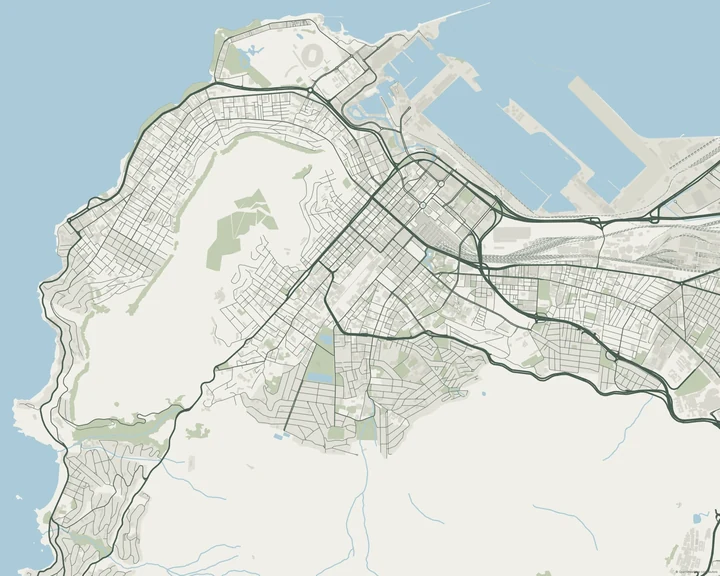
Alpine
Cape Town
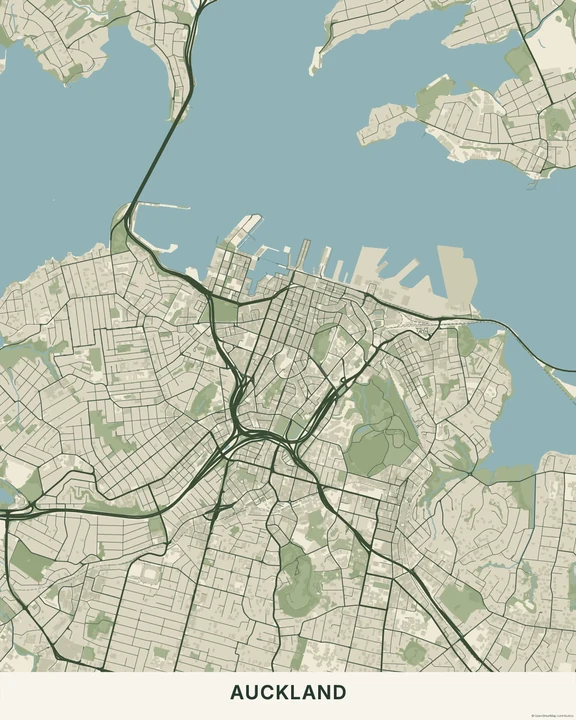
Forest
Auckland
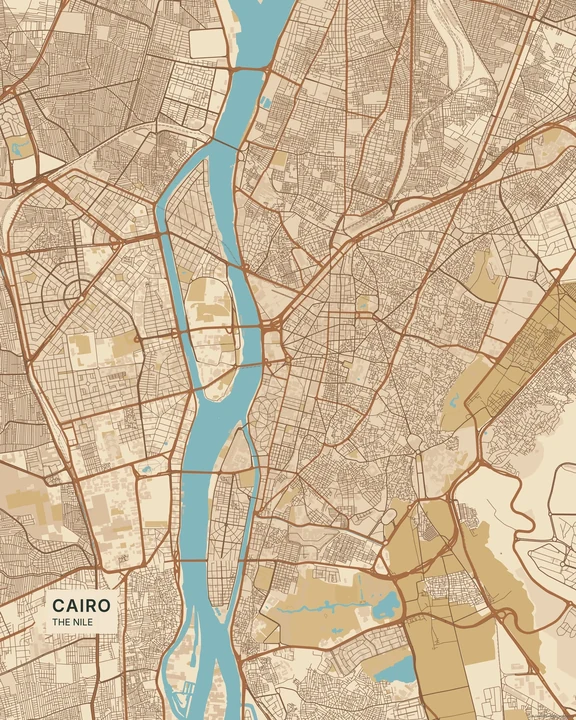
Desert
Cairo
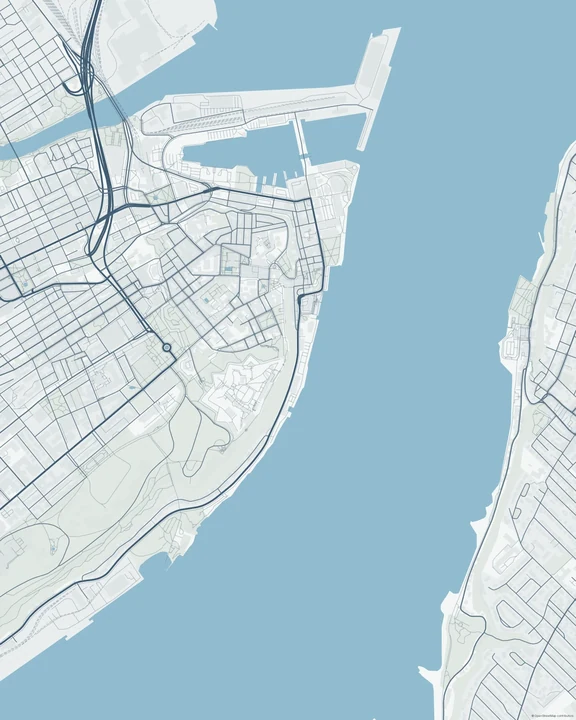
Arctic
Québec
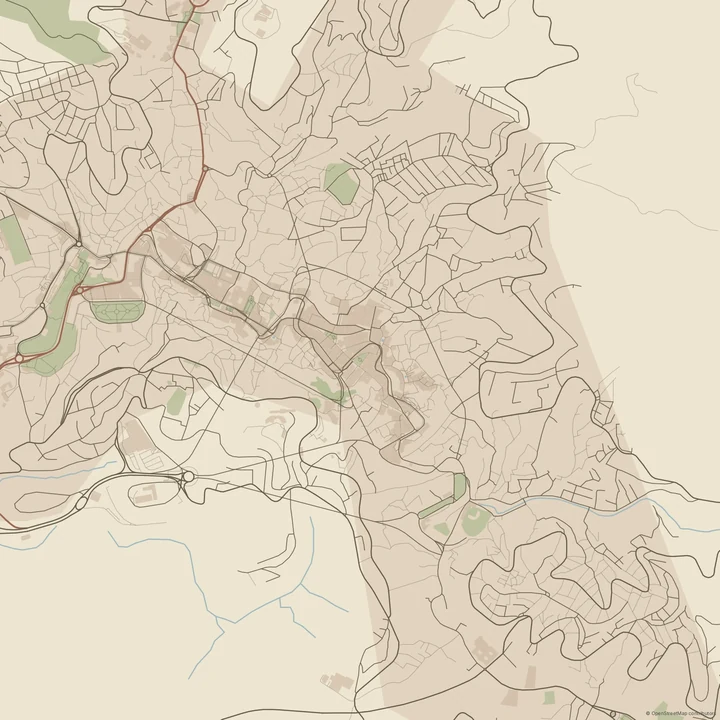
Earth
Guanajuato
Follow a route you remember
Choose an available view, draw your own route and mark a place along the way. Adjust the layer colours so your route stays clear against the land. You can add a short note or date, then refine the framing around the part of the journey you want to keep.
How it worksMaps in this theme
Cairo in Desert
Topographic · Desert
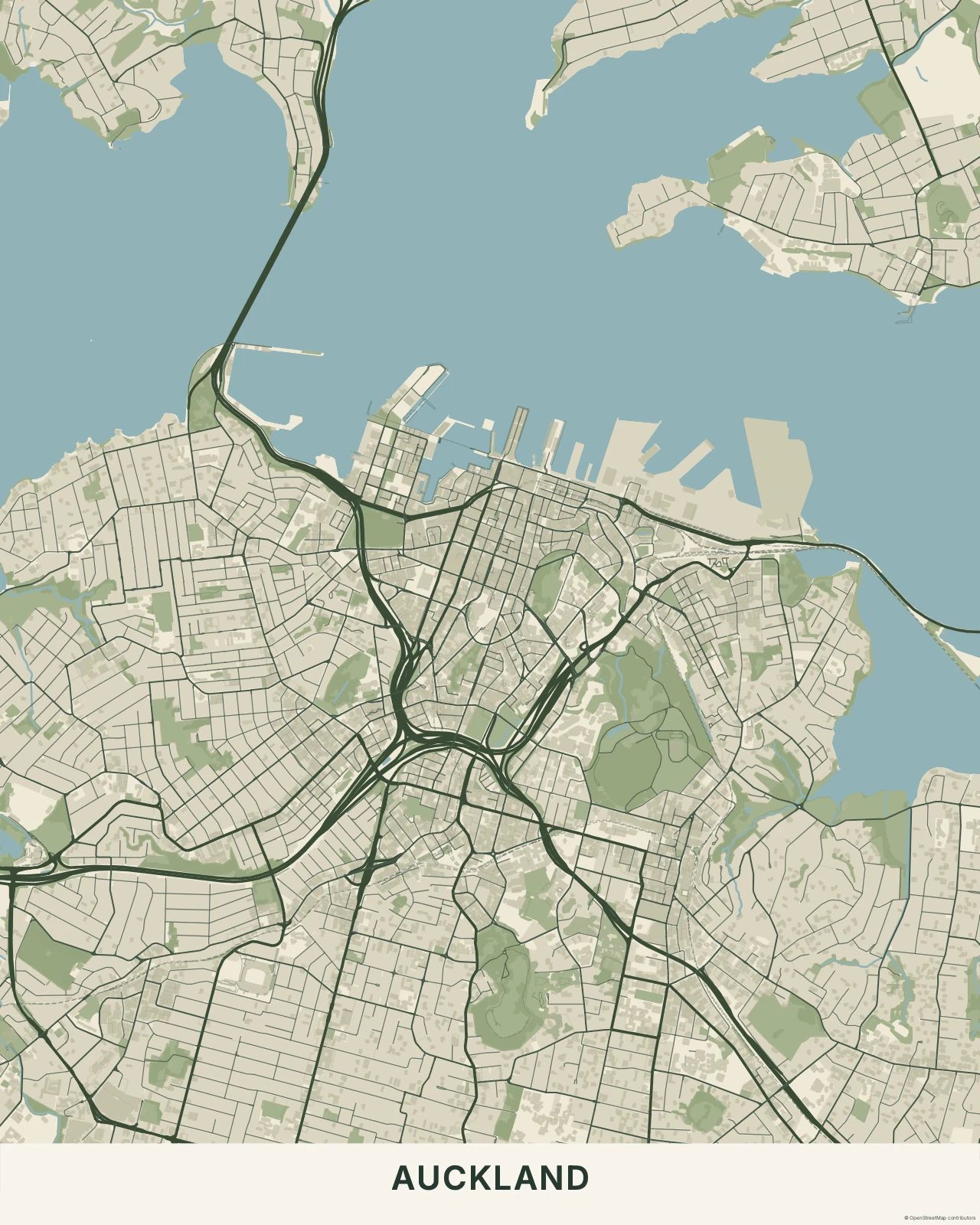
Auckland in Forest
Topographic · Forest
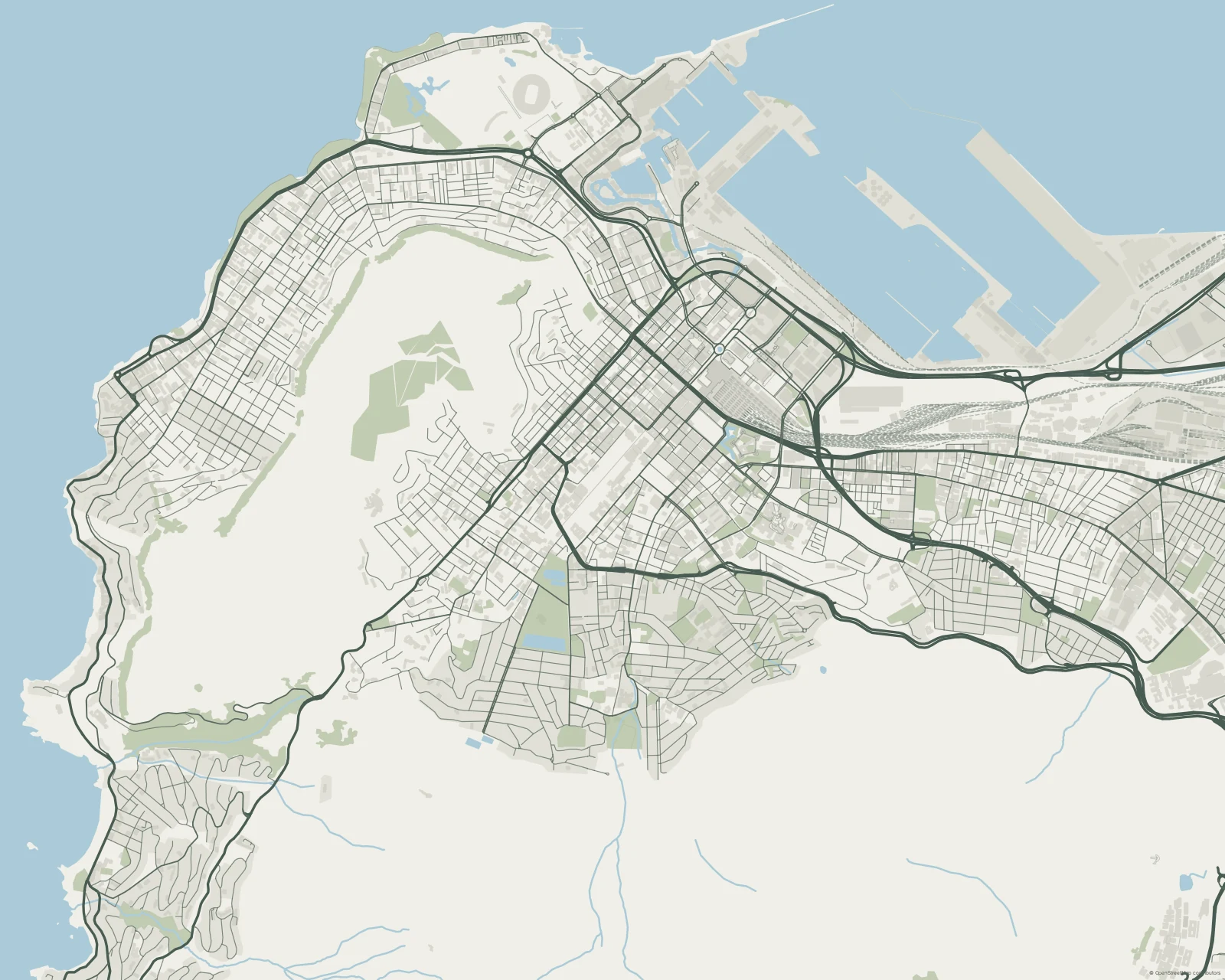
Cape Town in Alpine
Topographic · Alpine
Keep a place from your wanderings.
In the studio, choose Topographic under Theme, then pick a style.
Selected places, real geography. Search the editor for your own place and check the available map detail. © OpenStreetMap contributors