
Minimal
Let the shape of a place do the talking. Minimal brings clean streets, quiet colours and a little breathing room to your Cartivale map. Start here when you want the geography to feel clear and unhurried.
Make a Minimal mapIn the studio, choose Minimal under Theme, then pick a style.
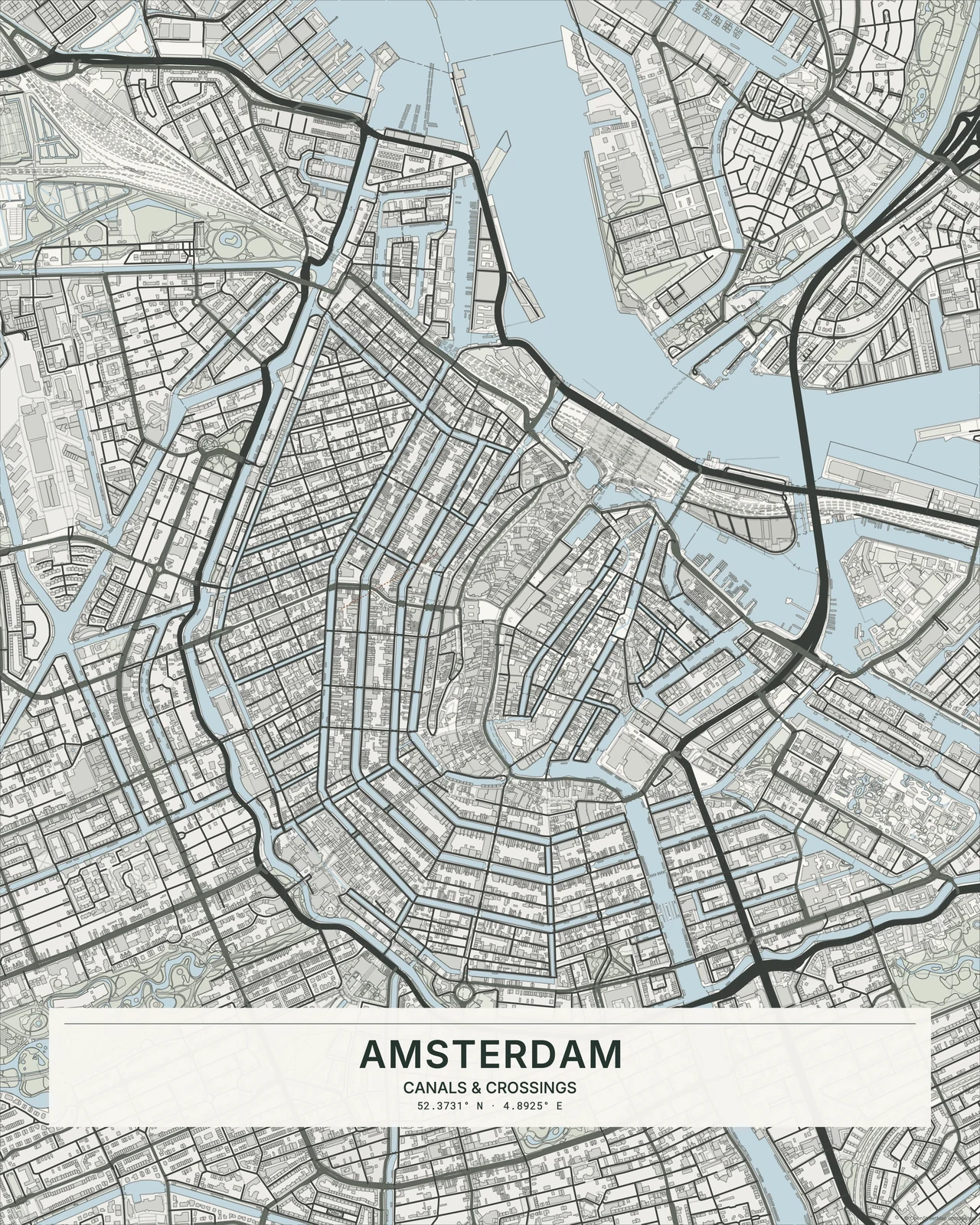
The pleasure of less
Fine roads trace their way through softly coloured land, with buildings kept in the background. There’s no heavy grain or glowing edge competing for attention. Minimal keeps gentle differences between water, greenery and streets; Monochrome Line Art goes further towards a single-ink drawing. A familiar river bend can be enough to hold the whole composition.
Find your starting style
Classic is a neutral starting point. Warm and Earth lean into softer natural tones; Nordic cools things down. Pastel adds gentle colour, while Monochrome keeps a close tonal family.
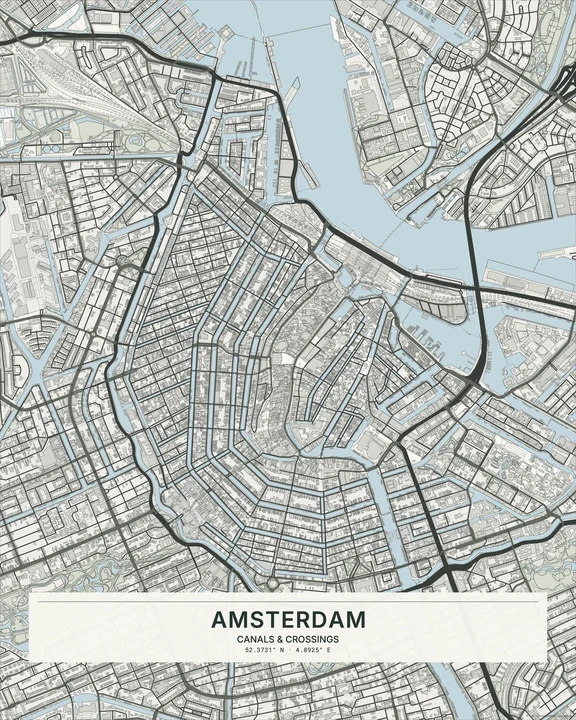
Classic
Amsterdam
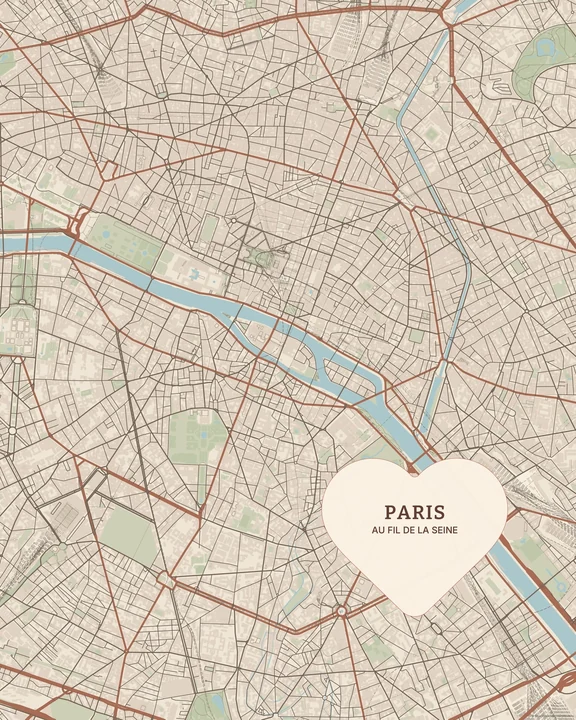
Warm
Paris
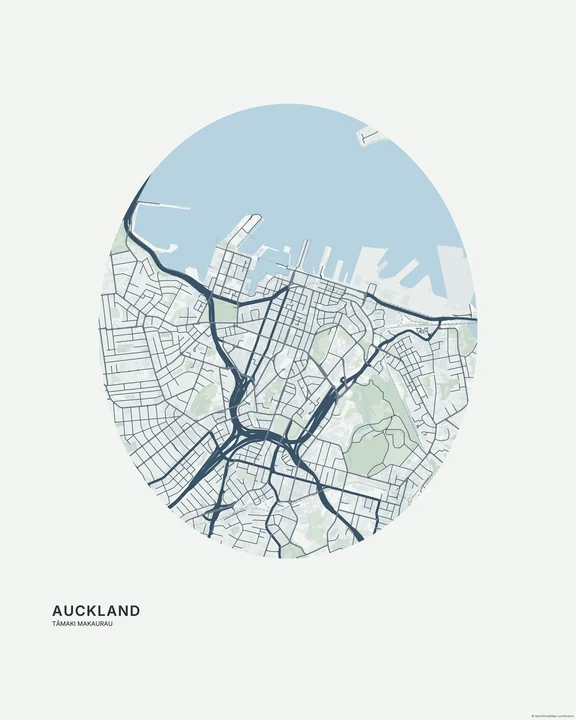
Nordic
Auckland
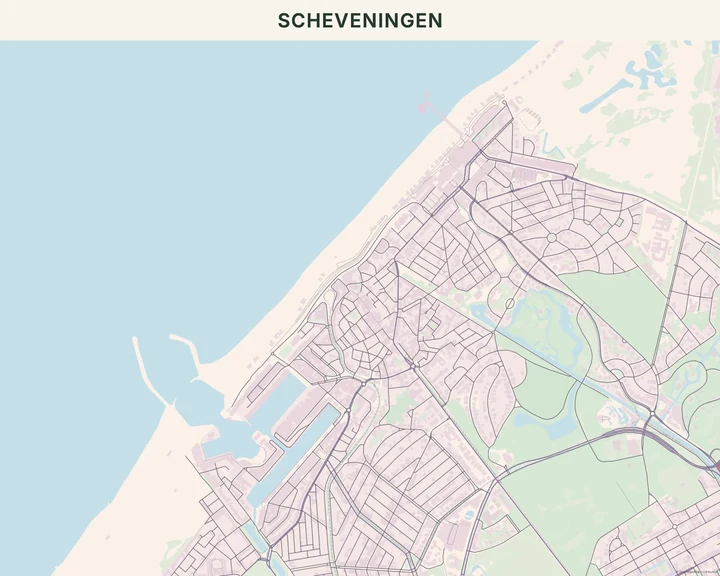
Pastel
Scheveningen
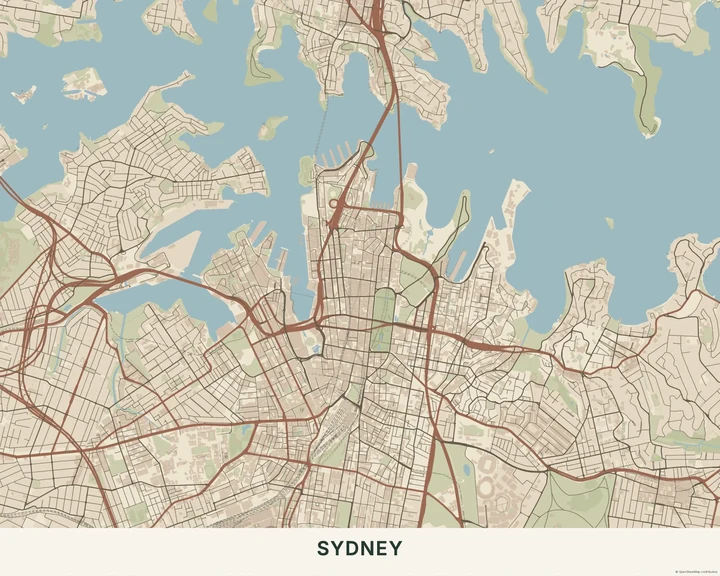
Earth
Sydney
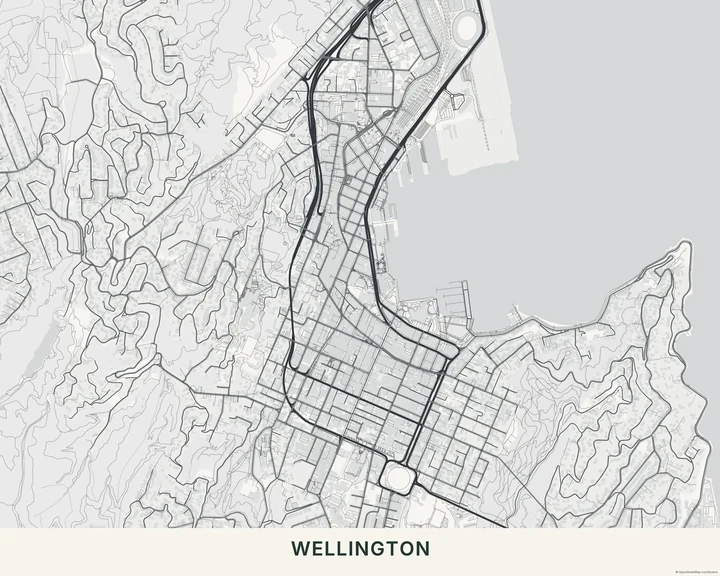
Monochrome
Wellington
Keep what matters
Move the map until the streets you care about sit comfortably in the frame. Adjust the layer colours, leave out details you don’t need, and add a small line of text or one marker. A quiet map gives even a tiny personal detail room to matter.
How it worksMaps in this theme
Amsterdam in Classic
Minimal · Classic
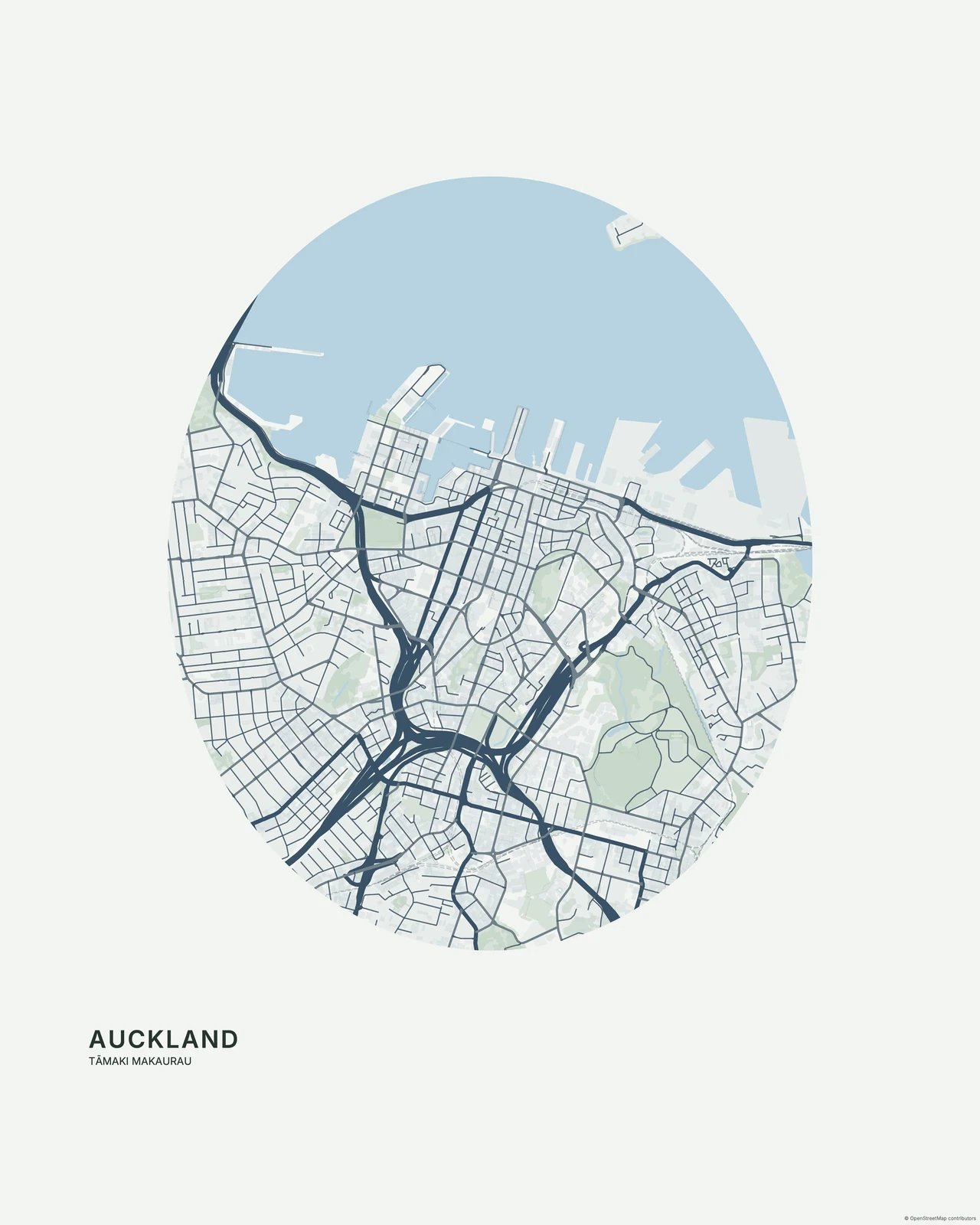
Auckland in Nordic
Minimal · Nordic
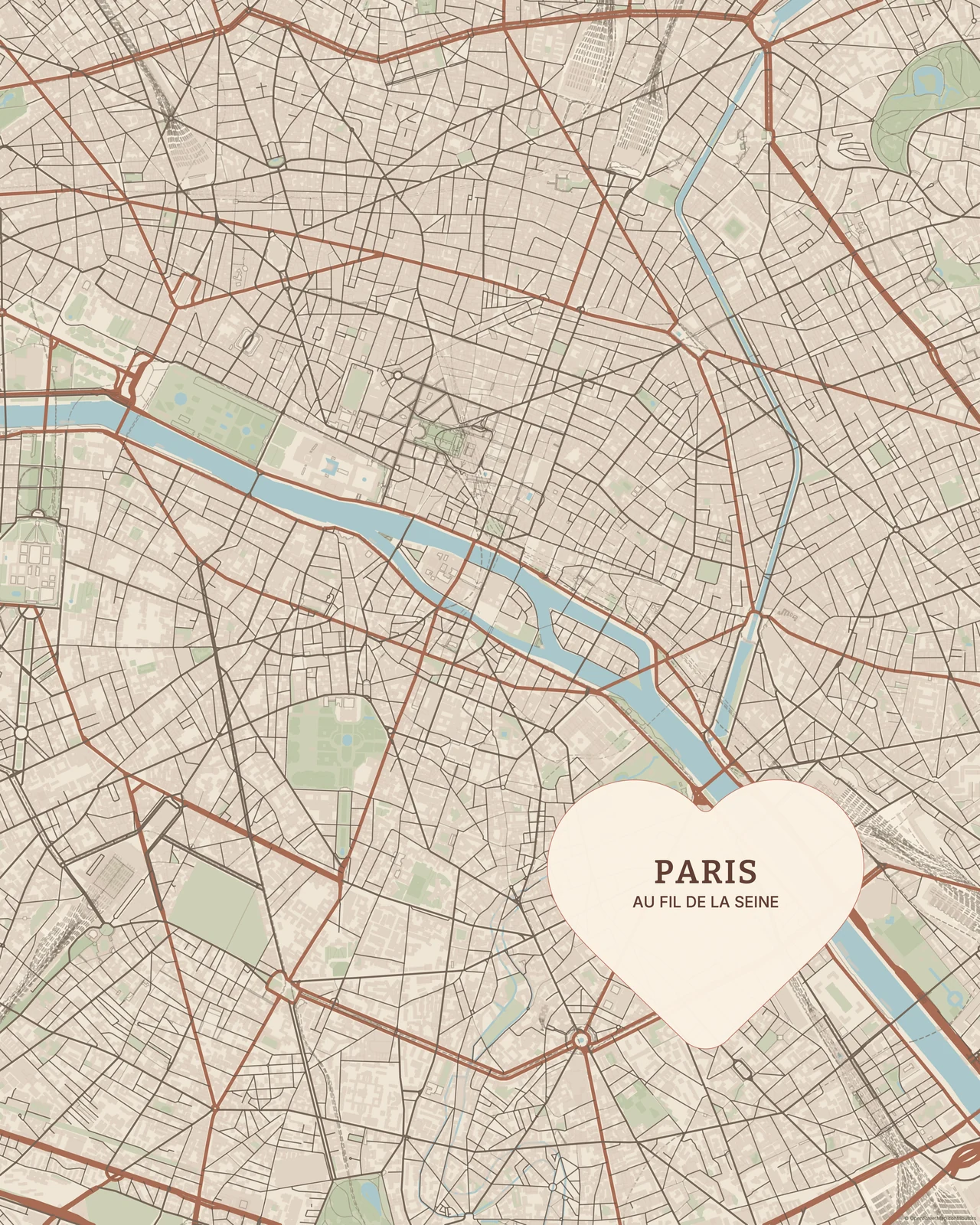
Paris in Warm
Minimal · Warm
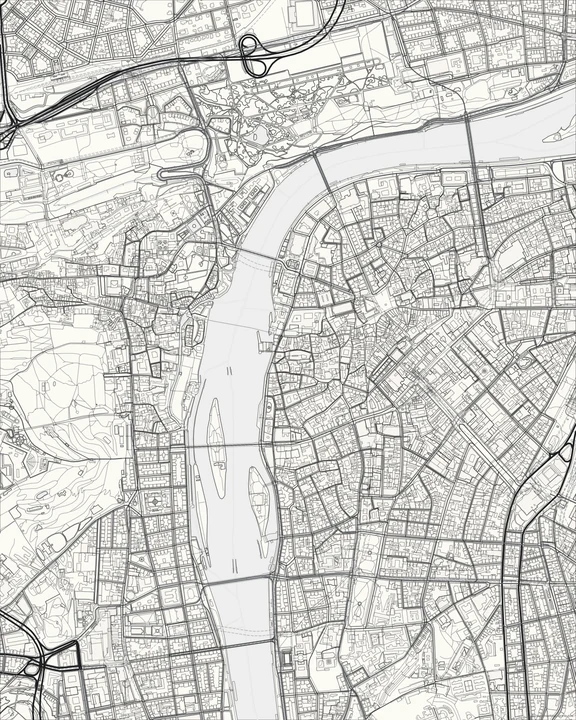
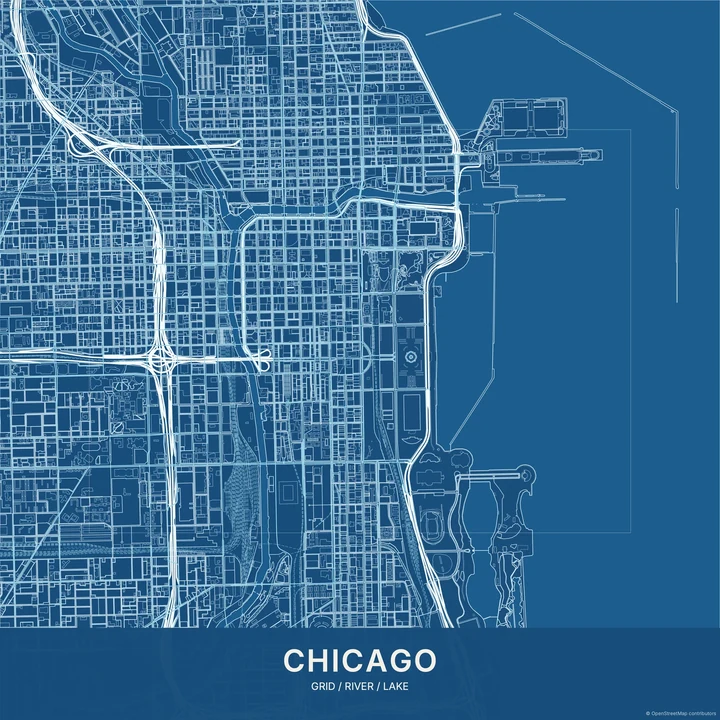
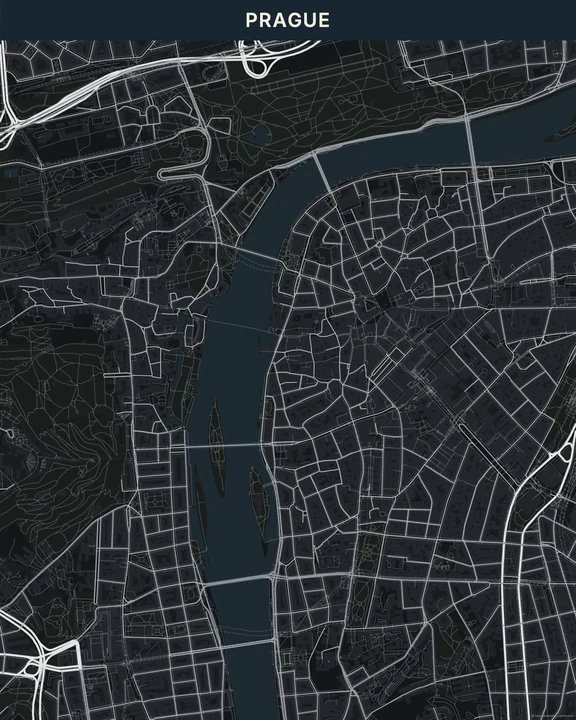
A little space for your place.
In the studio, choose Minimal under Theme, then pick a style.
Selected places, real geography. Search the editor for your own place and check the available map detail. © OpenStreetMap contributors