
Dark
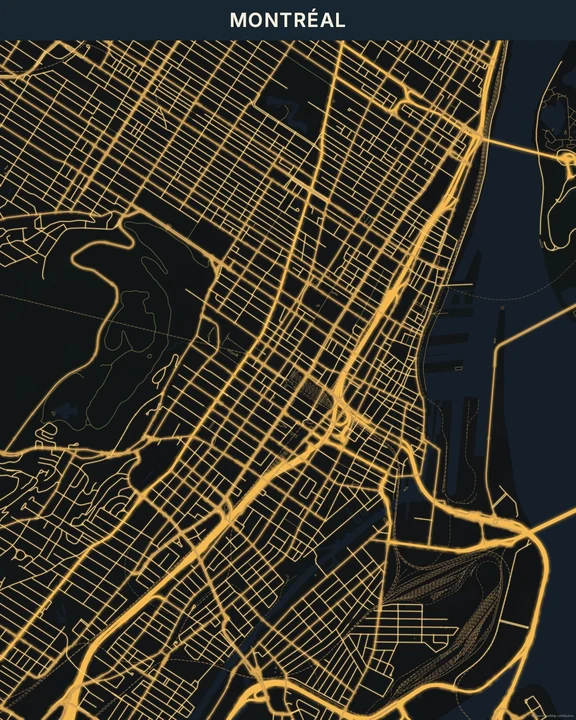
Pale streets on a deep, quiet background. Dark gives your map an architectural feel, with enough detail to explore and enough restraint to sit comfortably on a wall. Pick a palette and find your own balance of light and shade.
Explore Dark in the studioIn the studio, choose Dark under Theme, then pick a style.
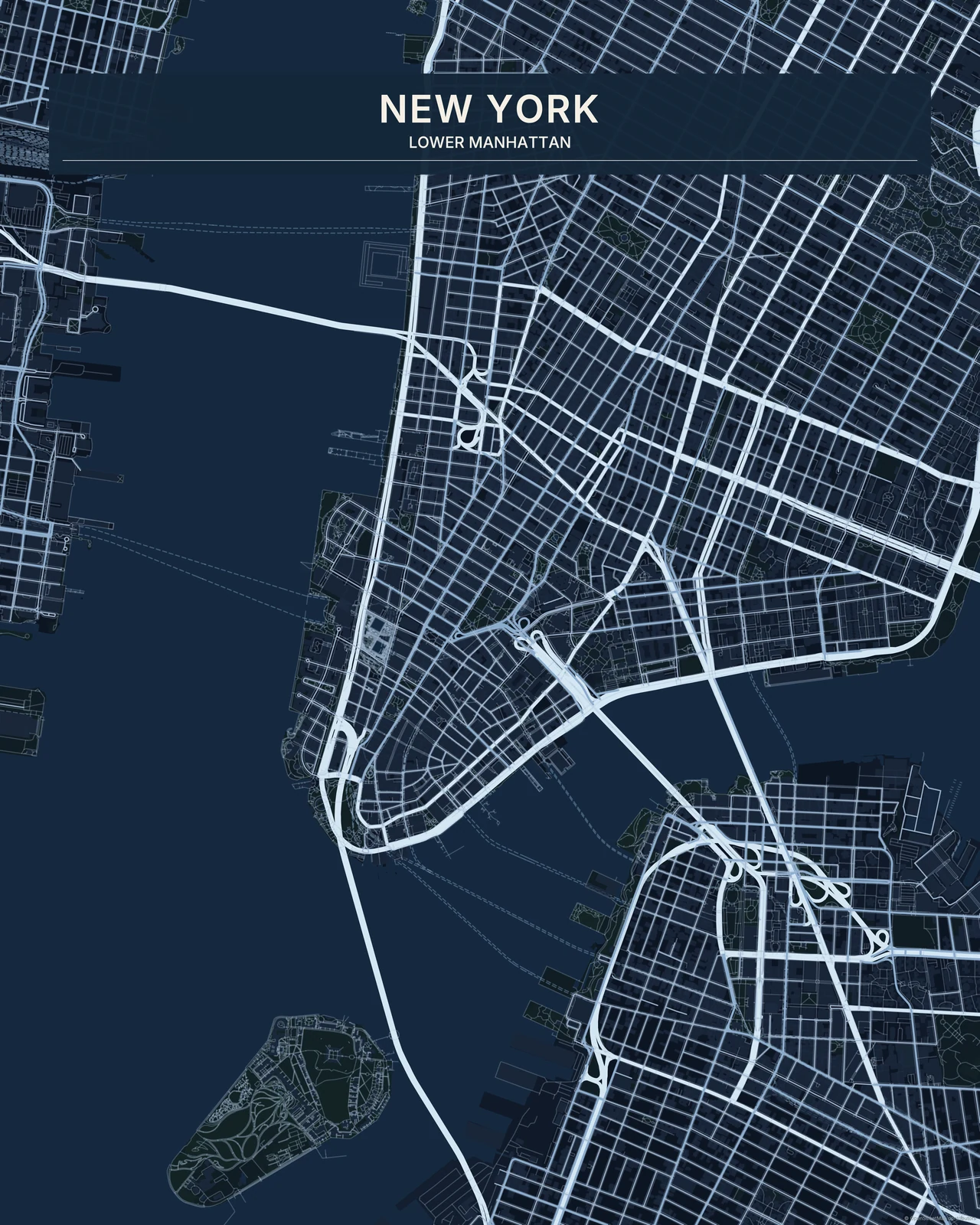
Depth without dazzle
Buildings and land stay close in tone, letting the road network carry the drawing. Water has its own dark shade rather than disappearing into the canvas. The edges remain crisp: Dark doesn’t use the luminous halos of Night Glow or the saturated light of Neon. Its character comes from the spaces between the lines as much as the lines themselves.
Find your starting style
Carbon keeps the palette neutral. Midnight and Navy explore blue, Forest Night brings deep green, and Warm Black trades cool shadows for cream and brown-black tones.
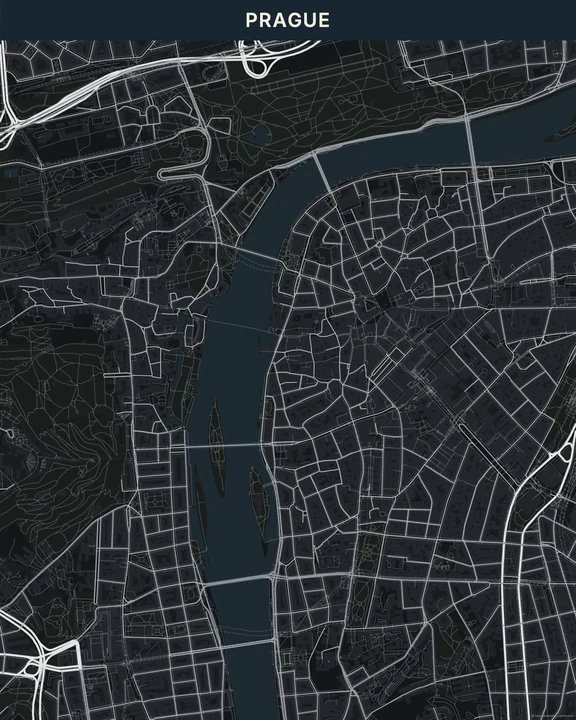
Carbon
Prague
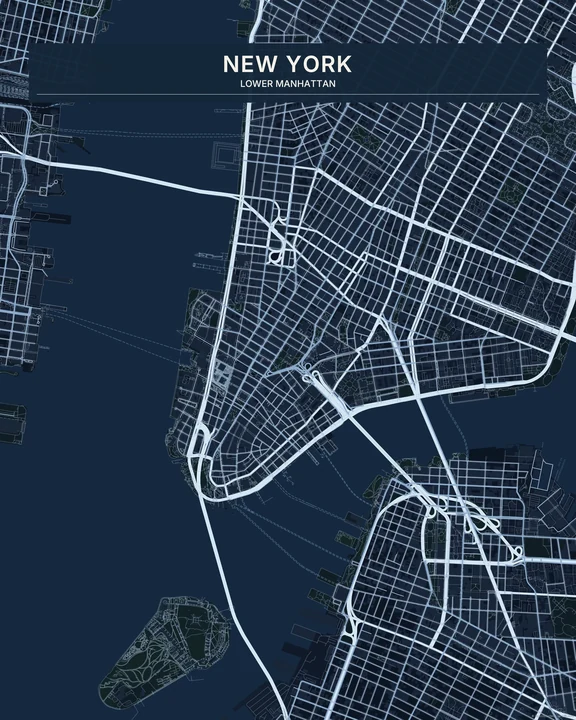
Midnight
New York
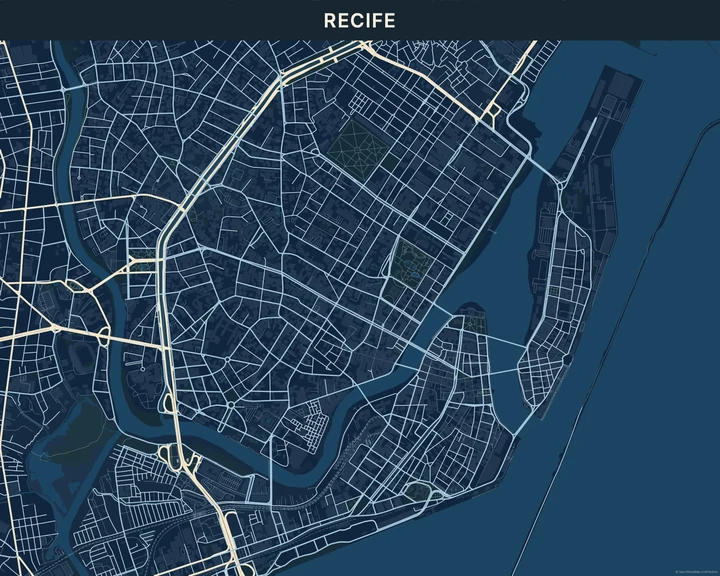
Navy
Recife
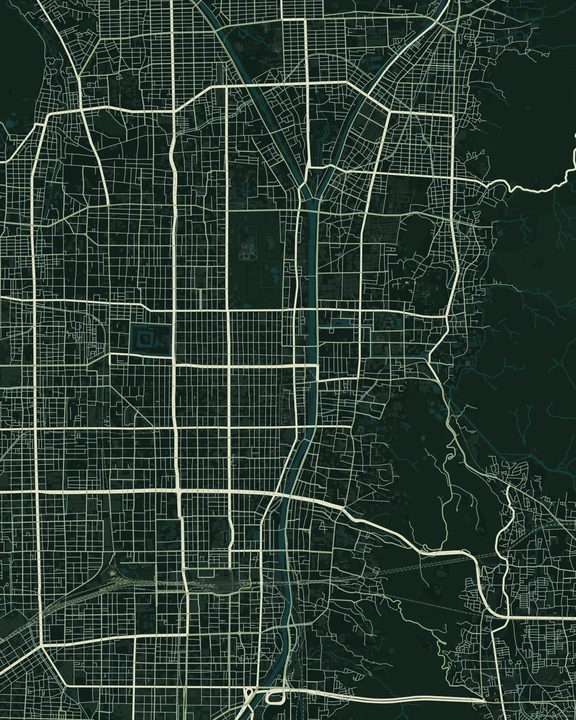
Forest Night
Kyoto
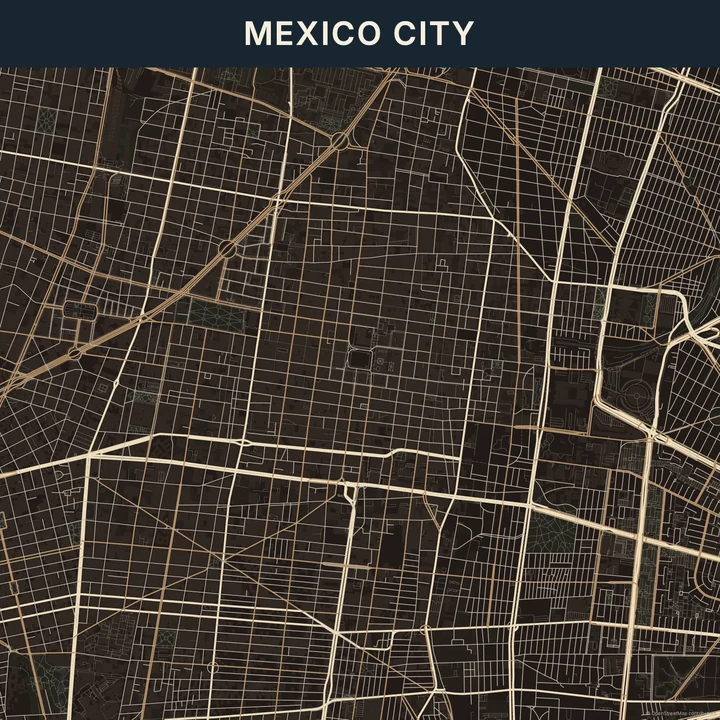
Warm Black
Mexico City
Find your contrast
Try a lighter road colour against your chosen background, then check how the smaller streets read. Frame a neighbourhood or a wider view. A short title in a pale colour can finish the piece without crowding the darker areas.
How it worksMaps in this theme
New York in Midnight
Dark · Midnight
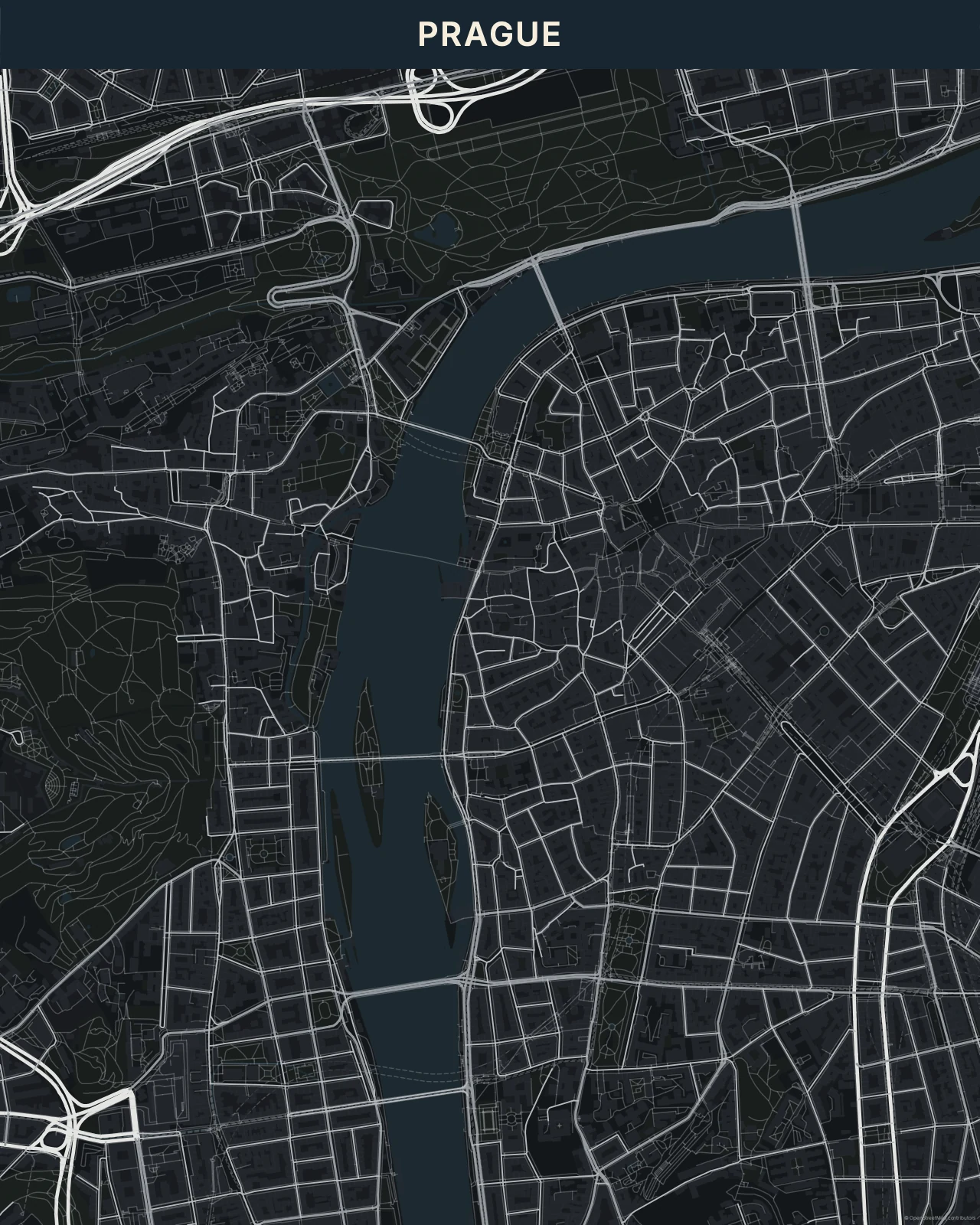
Prague in Carbon
Dark · Carbon
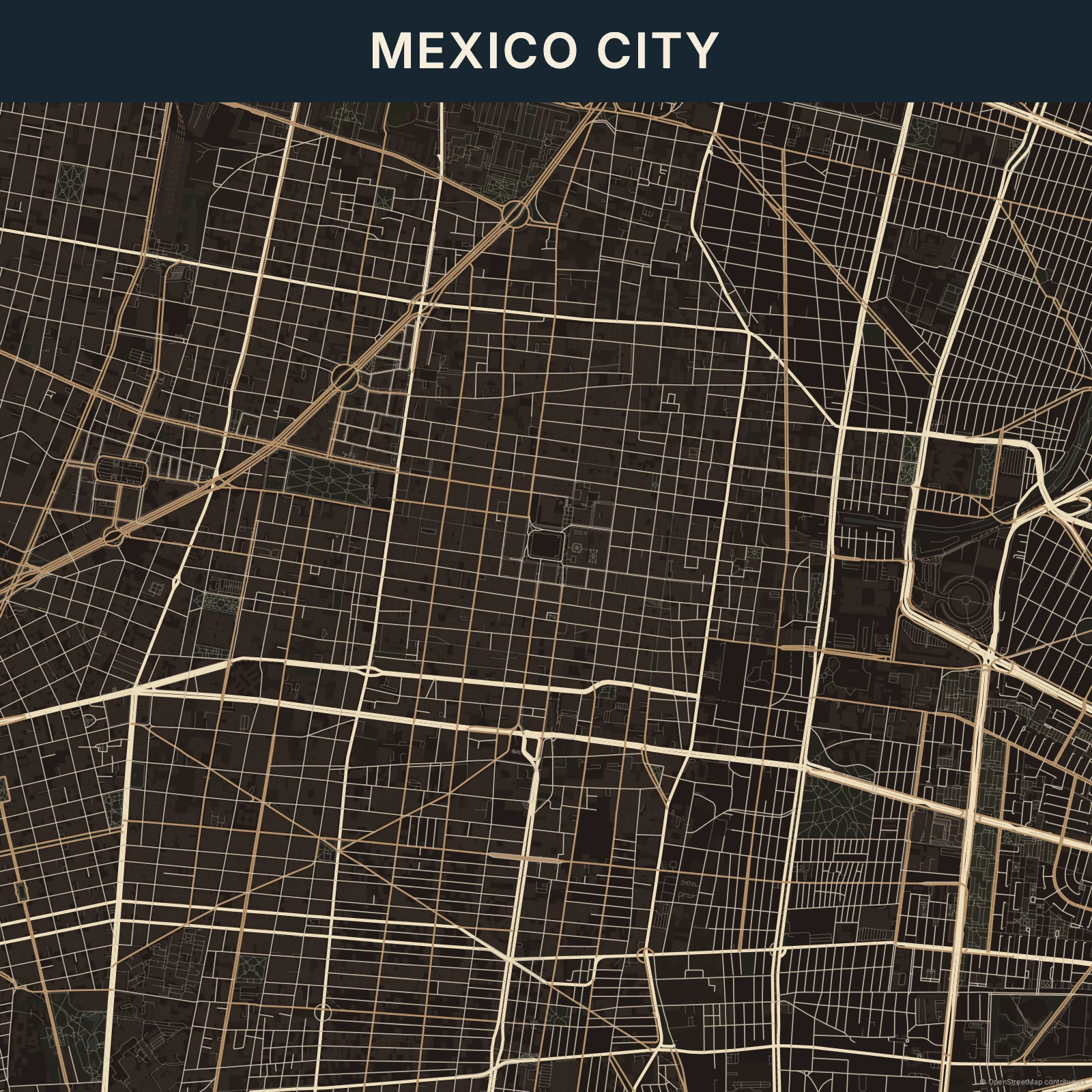
Mexico City in Warm Black
Dark · Warm Black
See familiar streets after dark.
In the studio, choose Dark under Theme, then pick a style.
Selected places, real geography. Search the editor for your own place and check the available map detail. © OpenStreetMap contributors