
Night Glow
Let a few lines light the page. Night Glow puts luminous roads into a deep, quiet landscape, using a focused palette to keep the mood calm. It’s a gentle way to give your map a sense of light.
Start with Night GlowIn the studio, choose Night Glow under Theme, then pick a style.
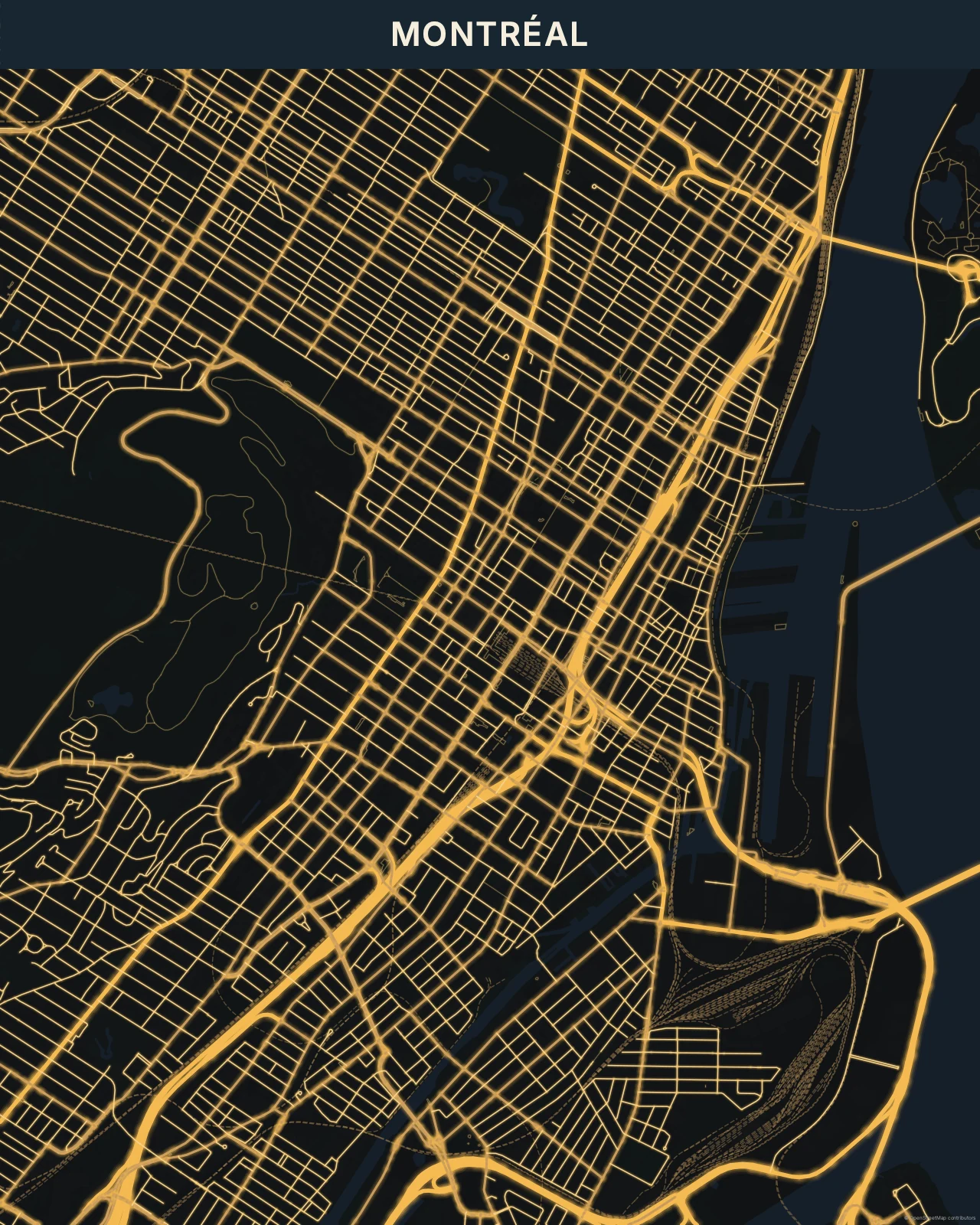
Light with room around it
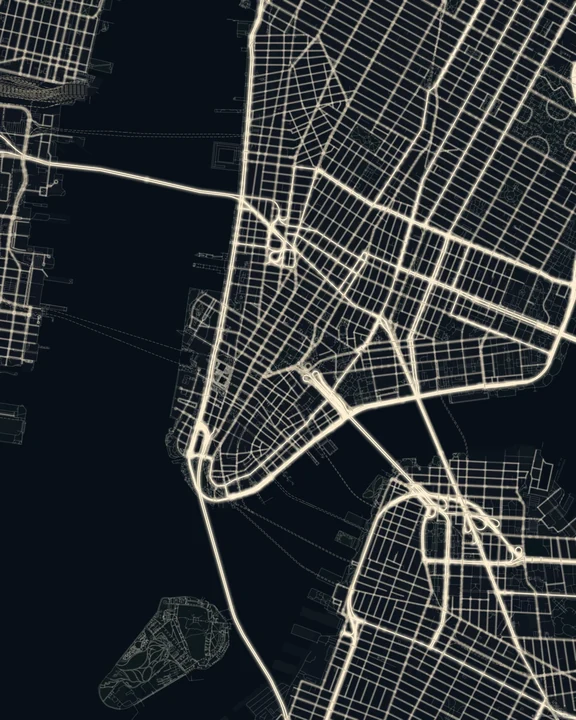
Bright road centres sit inside controlled halos, while buildings and open land stay subdued. The gaps are part of the image: everything doesn’t need to shine. Night Glow is more restrained in colour than Neon and more deliberately stylized than Night Lights. Dark offers a similar quiet background, but keeps its lines crisp rather than luminous.
Find your starting style
Gold gives the roads warm amber light. Electric Blue and Violet cool the atmosphere, Emerald shifts it towards green, and Ember brings copper and orange.
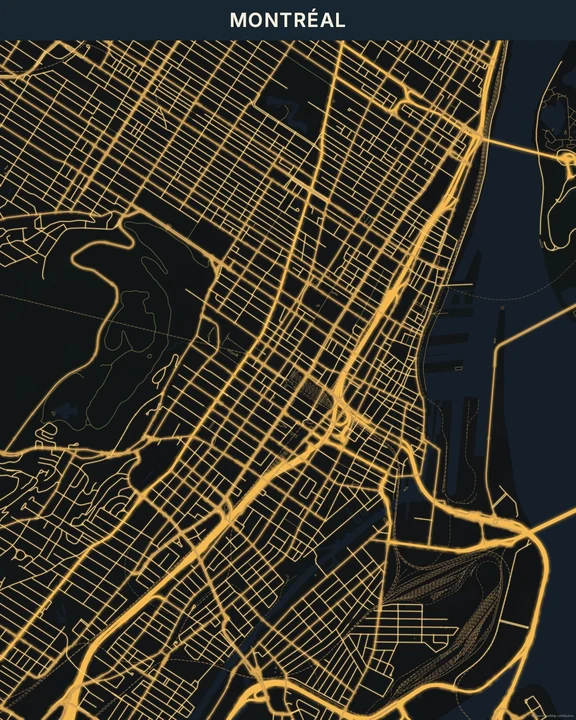
Gold
Montréal
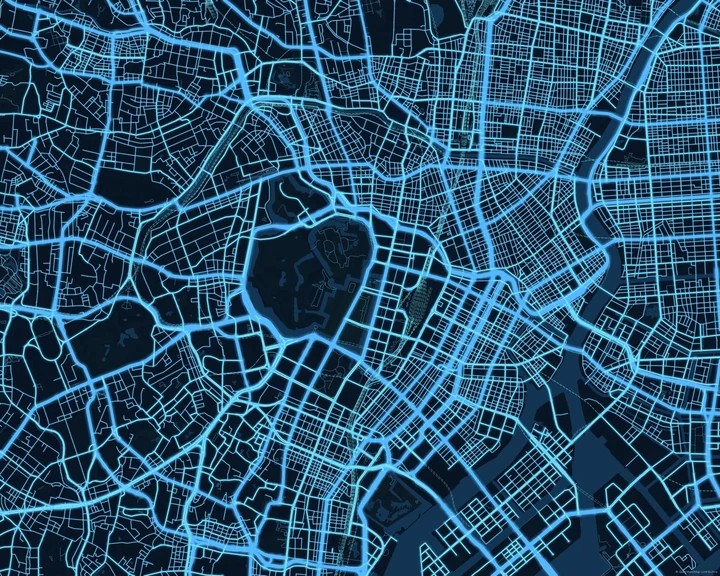
Electric Blue
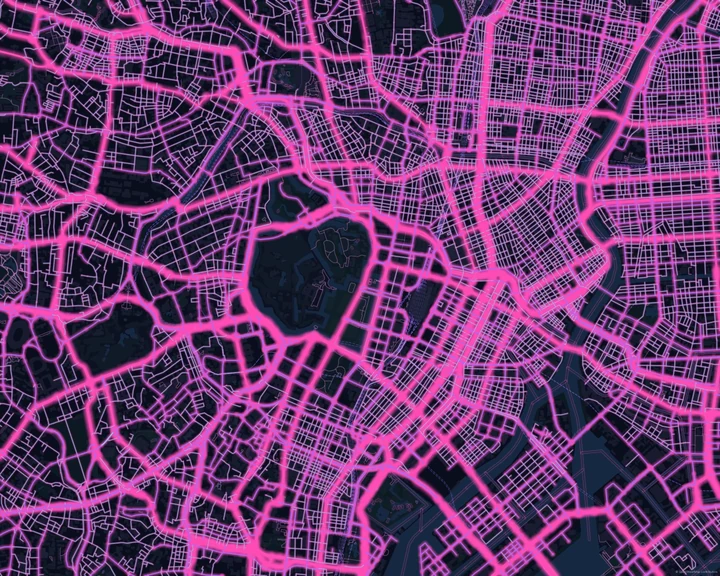
Tokyo
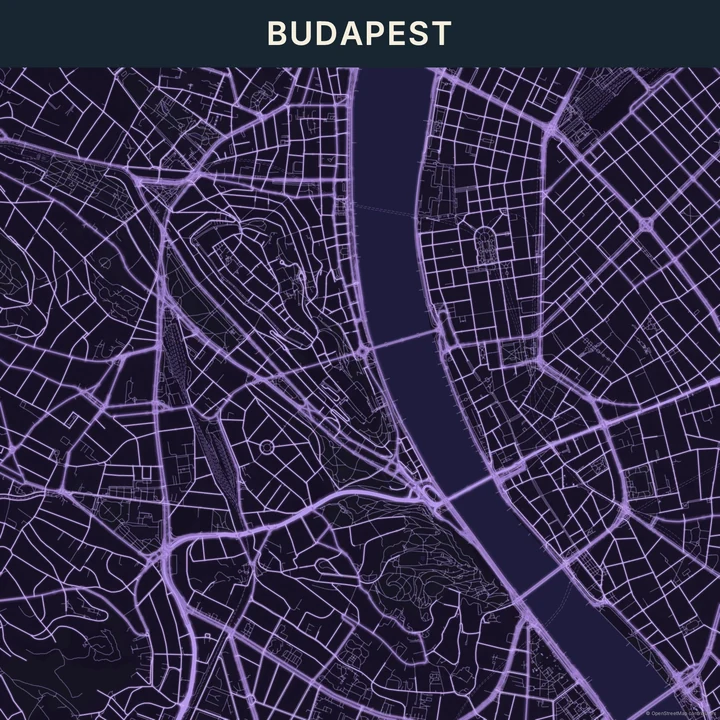
Violet
Budapest
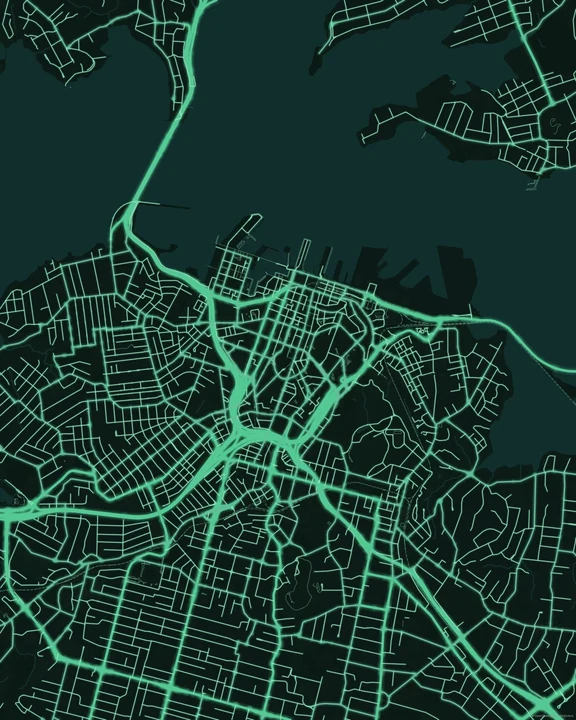
Emerald
Auckland
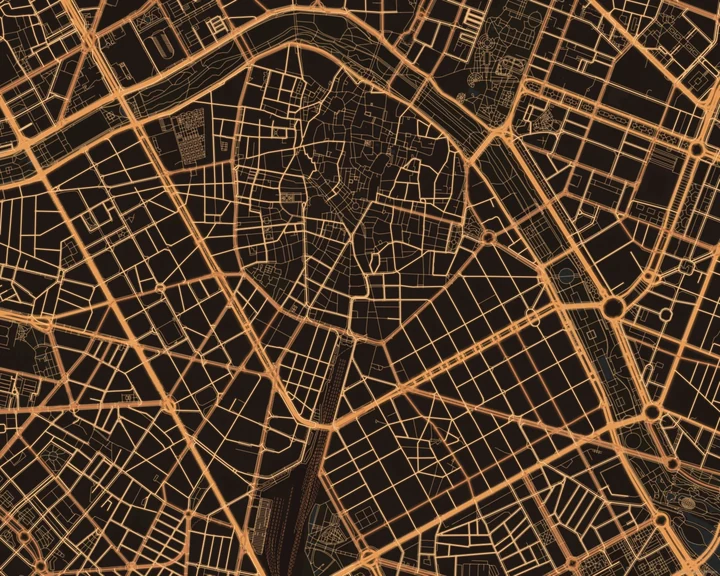
Ember
Valencia
Work with the dark space
Frame the view around a few strong roads and see where the dark areas fall. Add a short title there, or mark one place with a restrained accent. Changing the map colours can shift the mood, so check the whole composition before adding more detail.
How it worksMaps in this theme
Montréal in Gold
Night Glow · Gold
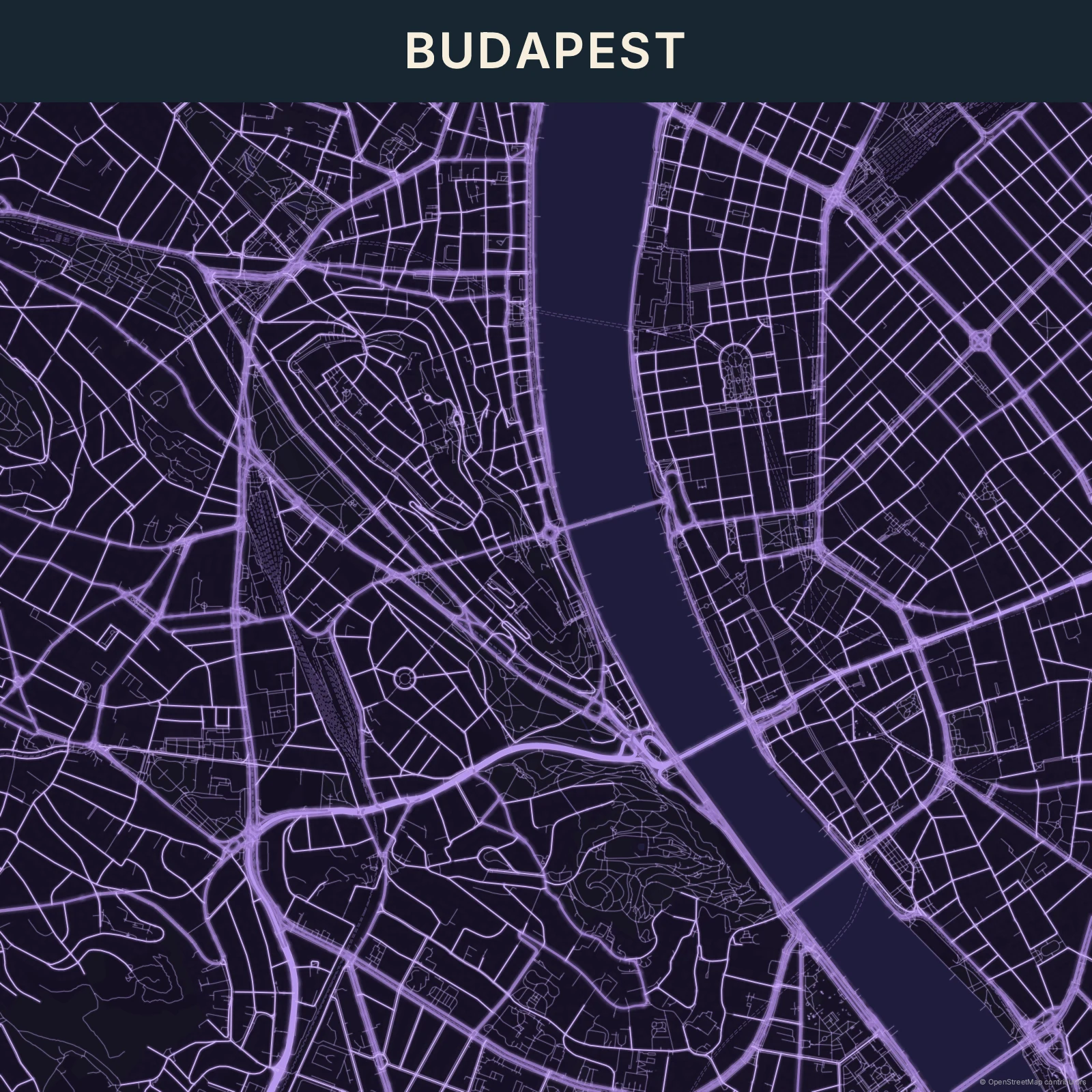
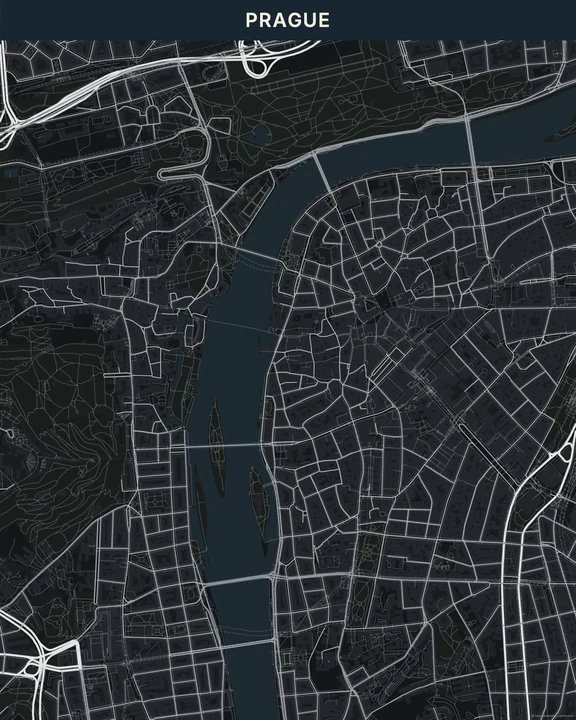
Budapest in Violet
Night Glow · Violet
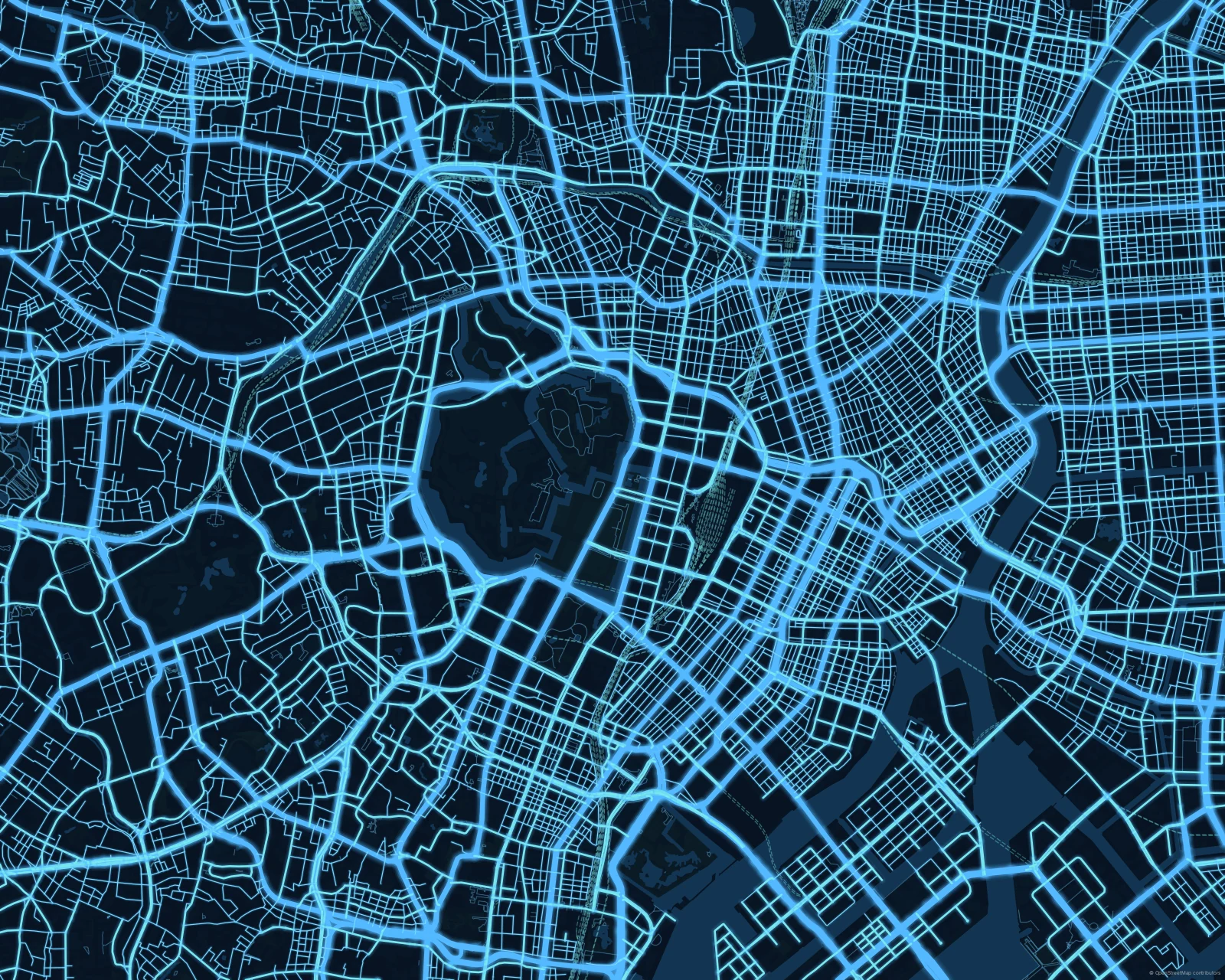
Tokyo in Electric Blue
Night Glow · Electric Blue
A small glow for a meaningful place.
In the studio, choose Night Glow under Theme, then pick a style.
Selected places, real geography. Search the editor for your own place and check the available map detail. © OpenStreetMap contributors