
Neon
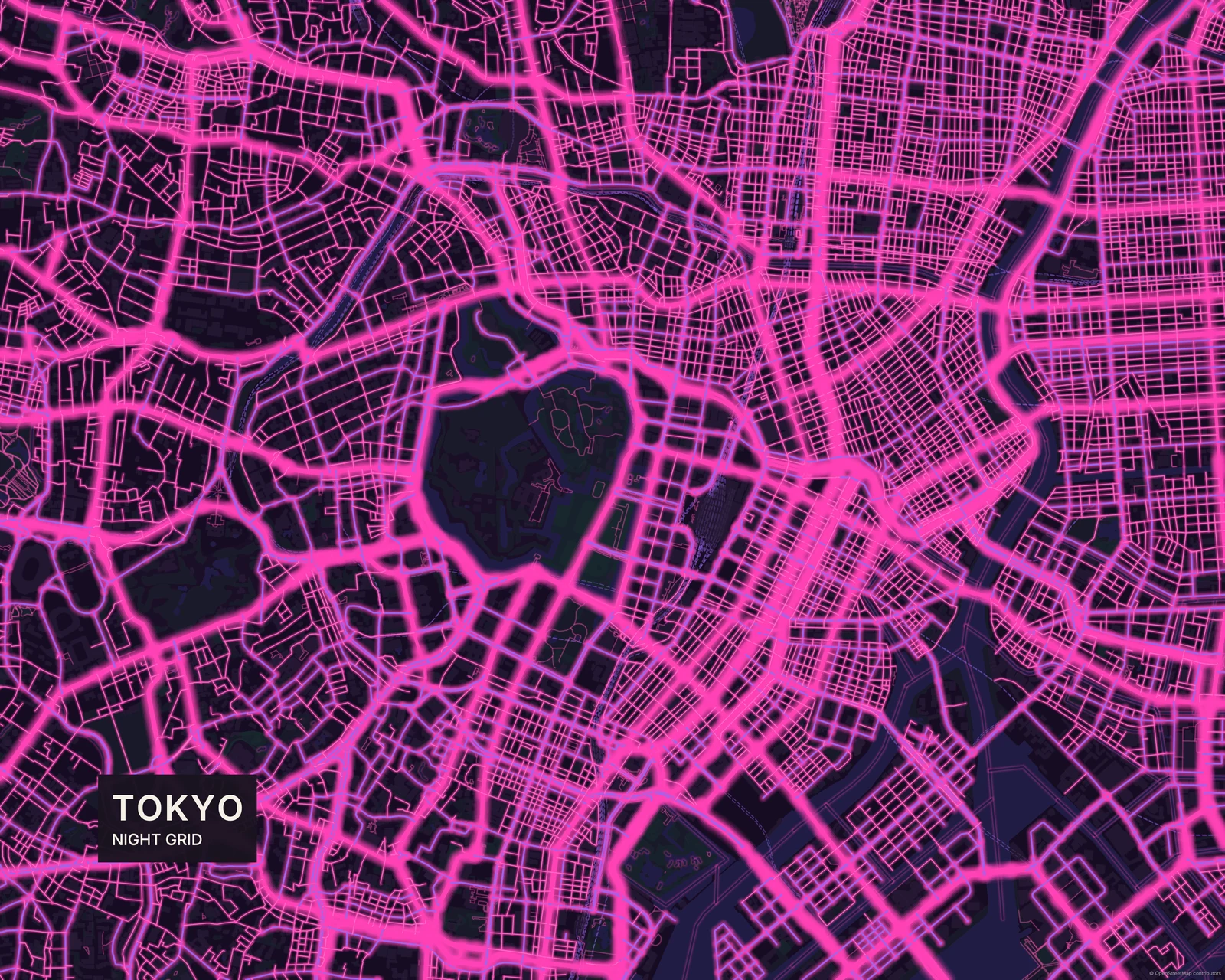
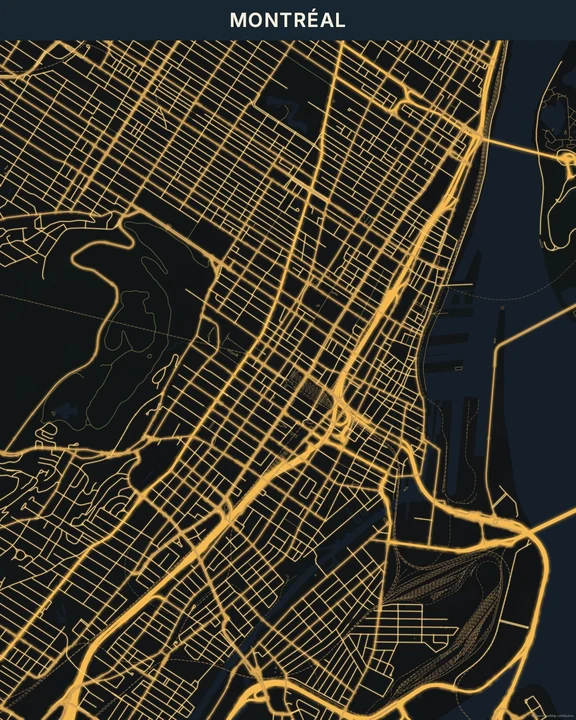
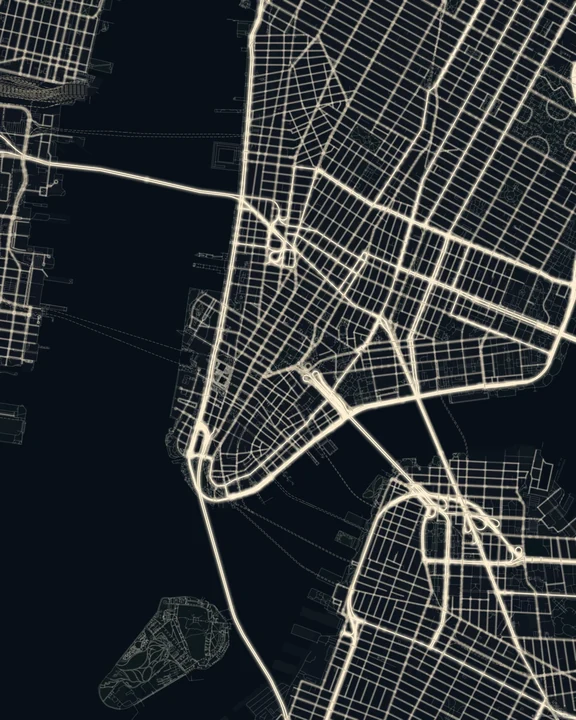
Turn up the colour. Neon sends bright lines through a dark map, with saturated halos that make familiar streets feel playful and synthetic. Cartivale’s most electric direction starts with real geography and leaves plenty of room for your taste.
Try NeonIn the studio, choose Neon under Theme, then pick a style.
Colour with a pulse
The roads have bright centres and coloured light around their edges, while buildings sit back in the dark. Different road colours give the network a lively rhythm. This is a deliberately graphic kind of night: more colourful than Night Glow, and further from the aerial-light impression of Night Lights. You’re making an artwork, not a view from a satellite.
Find your starting style
Cyberpunk pairs cyan and pink. Electric Blue stays cool; Tokyo Pink favours pink and violet. Acid brings lime and yellow-green, while Sunset takes a warmer turn.
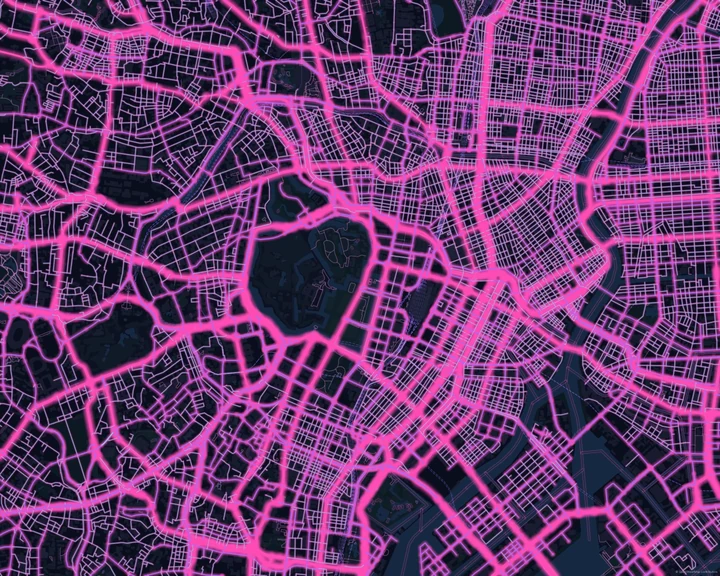
Cyberpunk
Tokyo
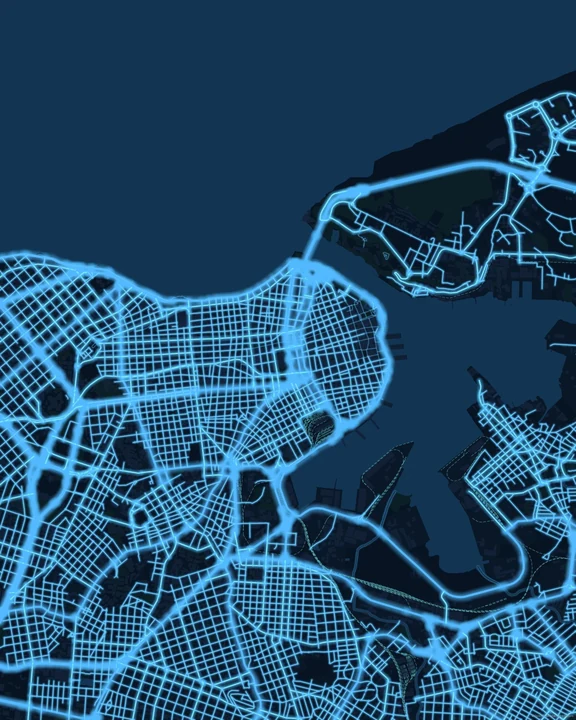
Electric Blue
Havana
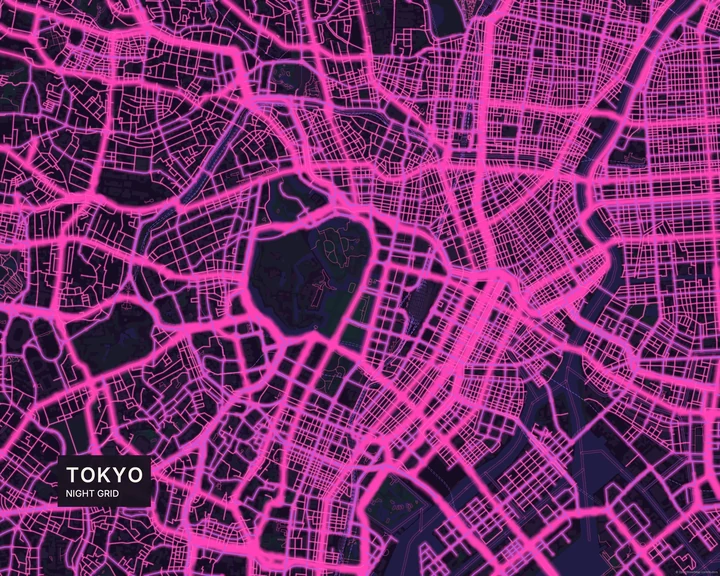
Tokyo Pink
Tokyo
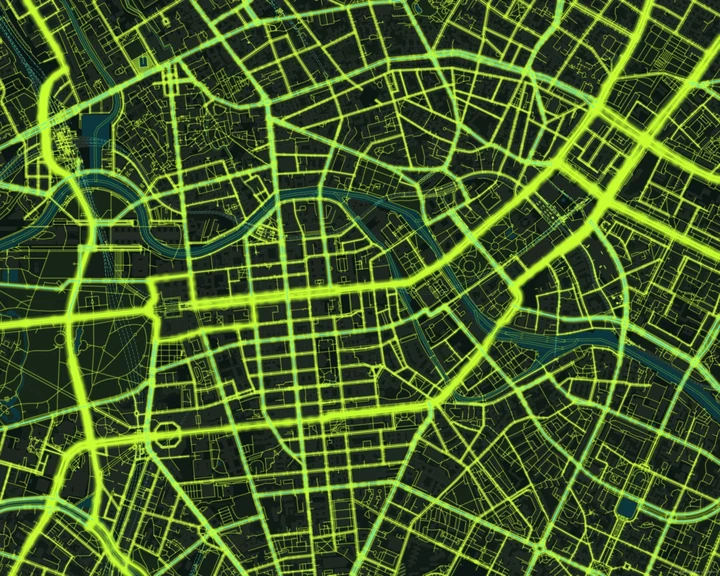
Acid
Berlin
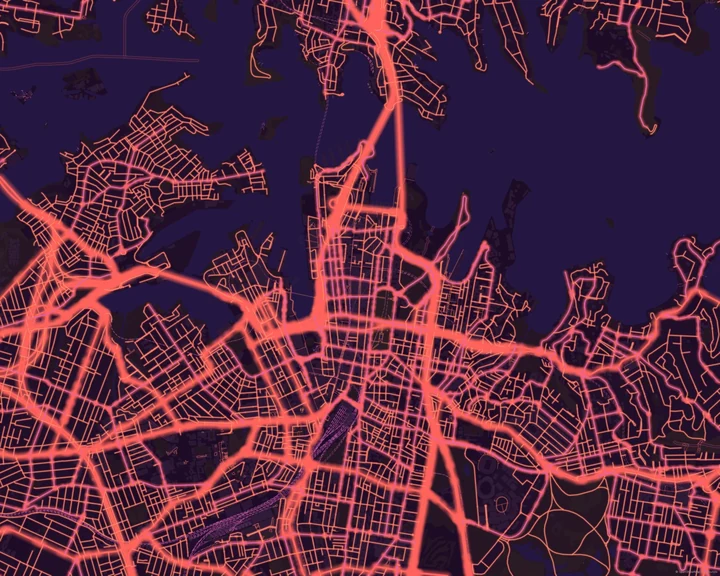
Sunset
Sydney
Choose your brightest detail
Start with the palette that catches your eye, then adjust the geographic colours in Customize. Add a route with a colour that stands apart from the road network, or keep it to a few words on the dark canvas. Check the overall view so the small details still read.
How it worksMaps in this theme
Tokyo in Tokyo Pink
Neon · Tokyo Pink
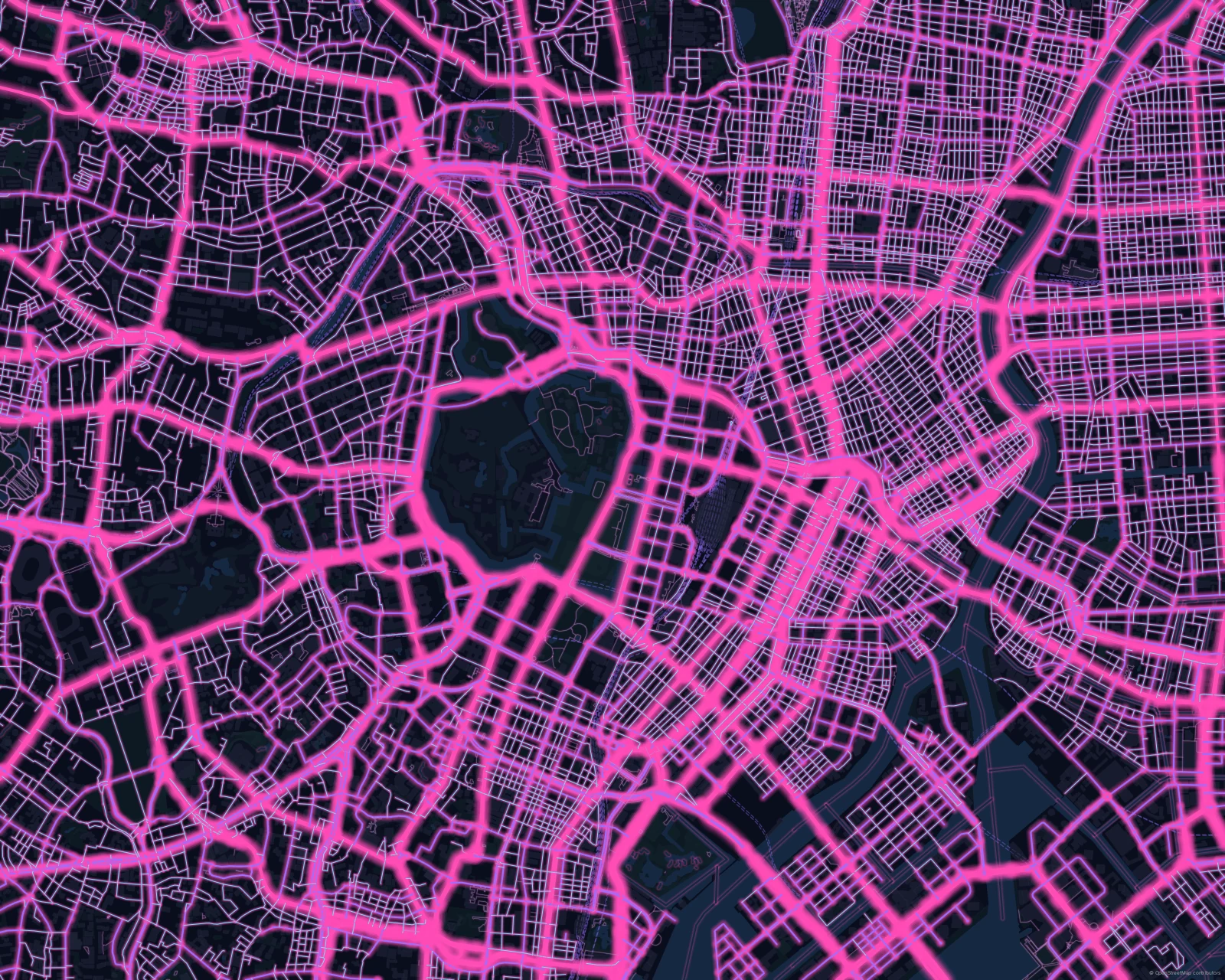
Tokyo in Cyberpunk
Neon · Cyberpunk
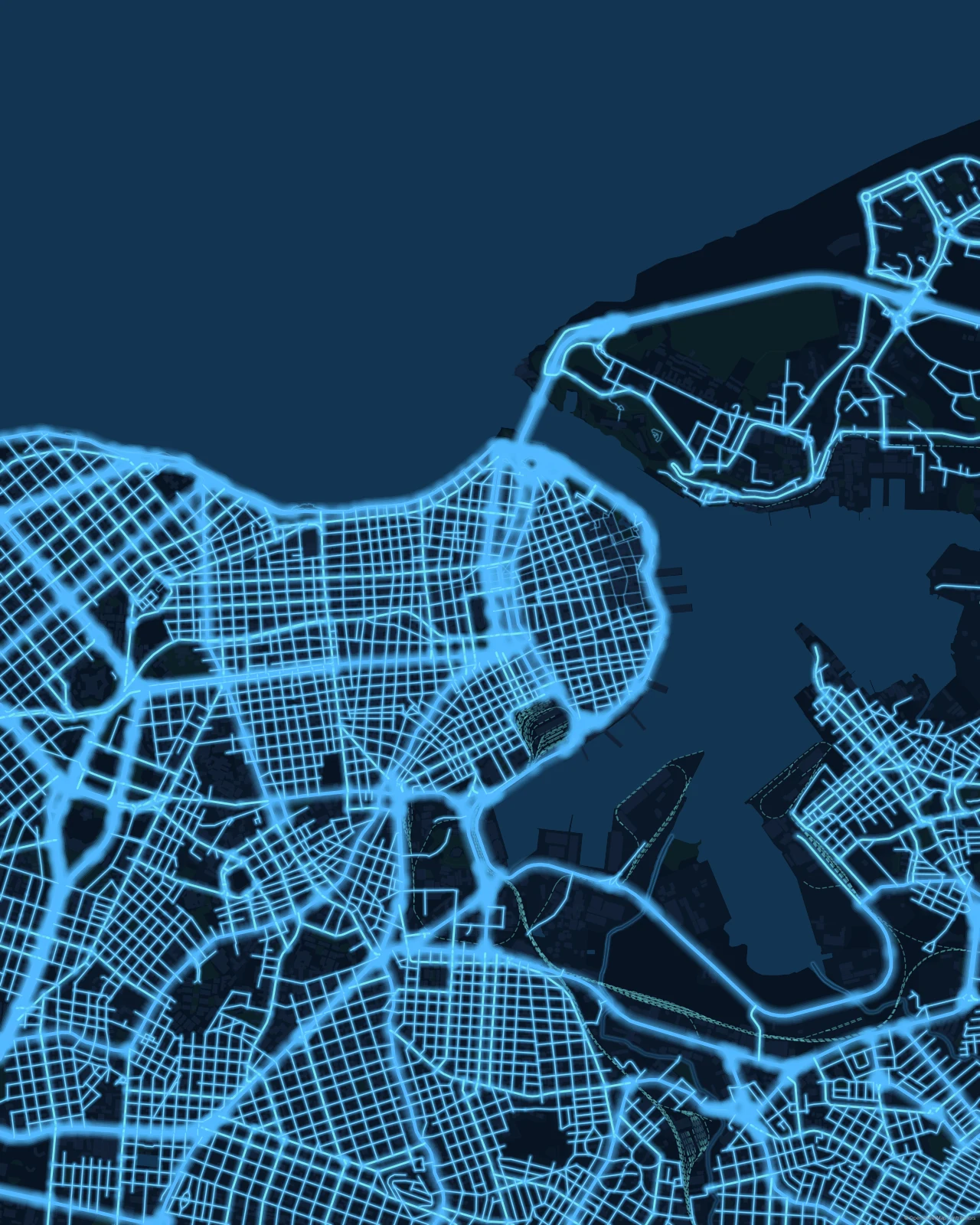
Havana in Electric Blue
Neon · Electric Blue
Follow a brighter line.
In the studio, choose Neon under Theme, then pick a style.
Selected places, real geography. Search the editor for your own place and check the available map detail. © OpenStreetMap contributors