
Graffiti / Street Art
Let the map get a little paint on it. Graffiti / Street Art brings sprayed edges, stencil-like shapes and a rough surface to real geography. The colours have energy; any words in the artwork come from you.
Create a Graffiti / Street Art mapIn the studio, choose Graffiti / Street Art under Theme, then pick a style.
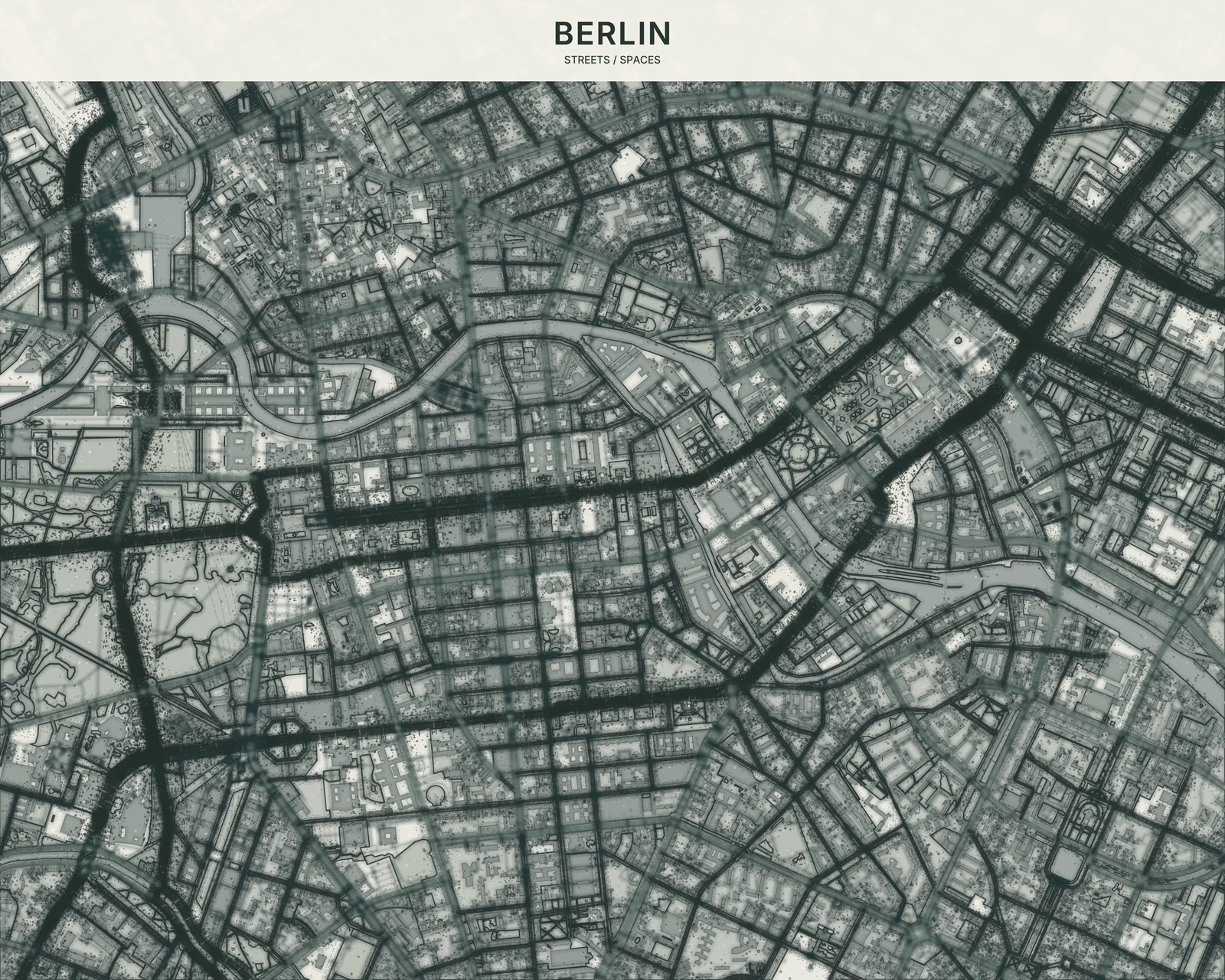
Paint follows the place
Layered fills, overspray and controlled splatter give geographic shapes a painted-wall character. Streets still hold the composition together. Even the Neon variant feels sprayed, unlike the cleaner luminous lines of the separate Neon theme. There are no automatic tags, slogans or city names. If you add text, the theme can give your own lettering a stencil-like presence.
Find your starting style
Berlin is raw and restrained; Miami is brighter. Brooklyn brings brick-red warmth, Neon explores fluorescent paint, and Monochrome Stencil pares the palette back. These are style names, not promises of city coverage.
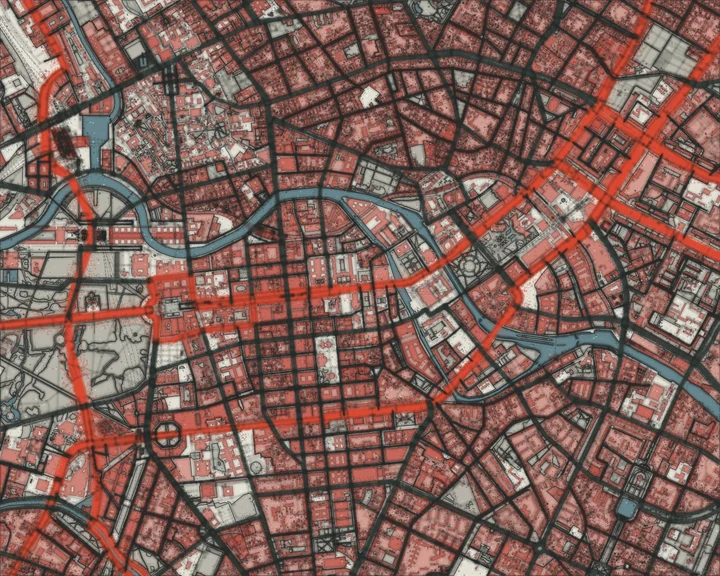
Berlin
Berlin
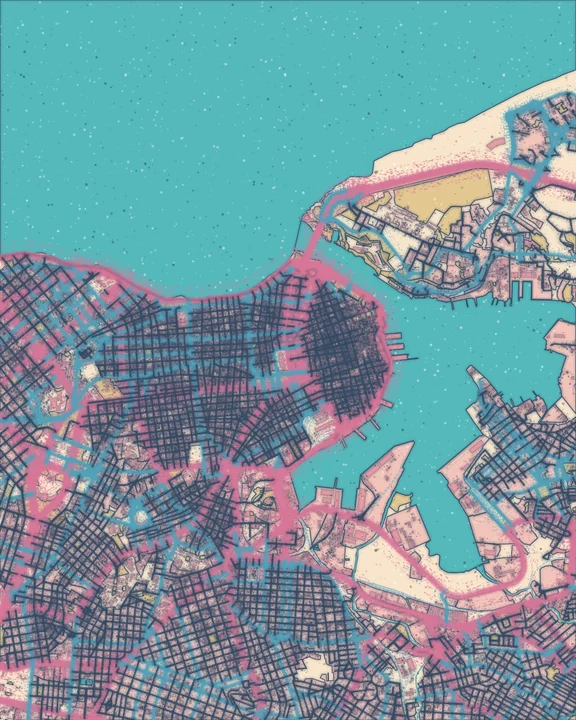
Miami
Havana
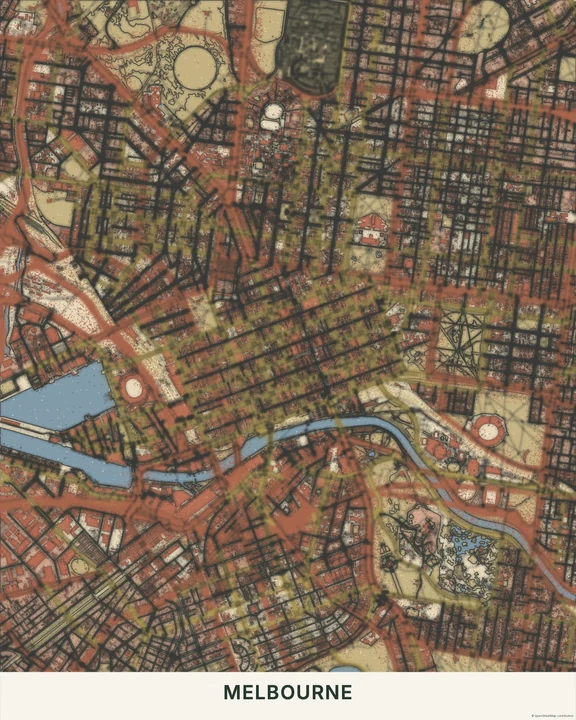
Brooklyn
Melbourne
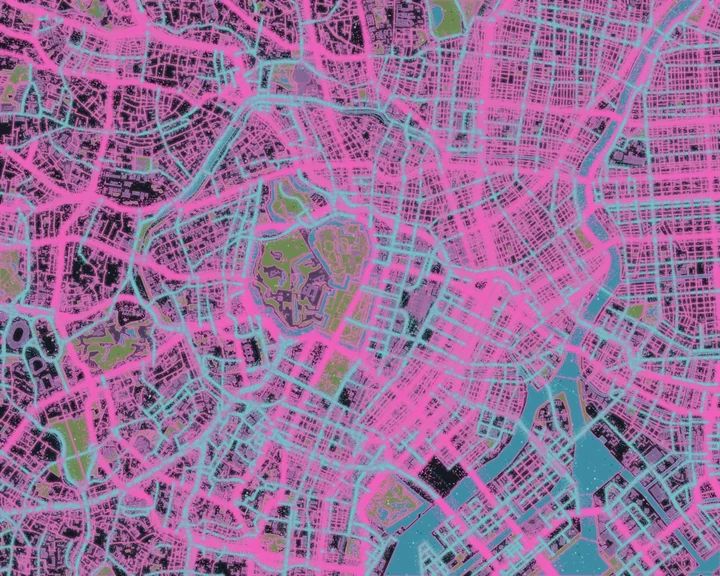
Neon
Tokyo
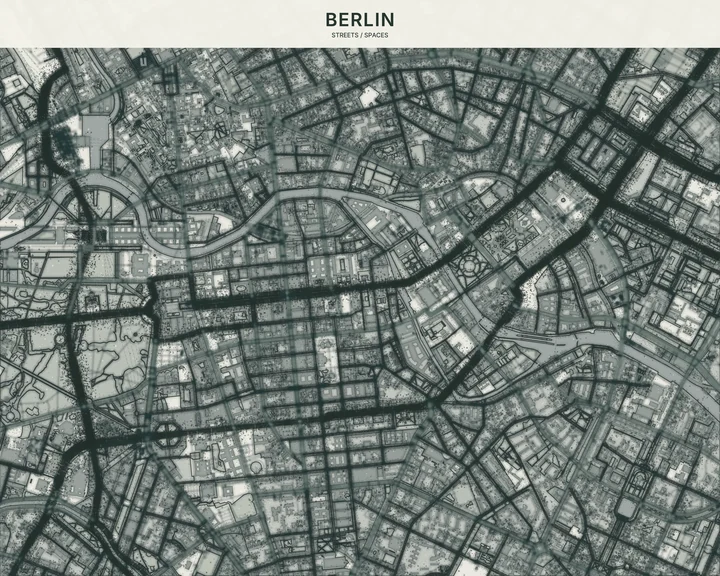
Monochrome Stencil
Berlin
Bring your own words
Choose the map view and paint palette first. Then add a word, name or short phrase with the text tools, and move it into a clear part of the composition. Routes, markers and shapes are yours to add too—leave enough space for the streets to remain part of the picture.
How it worksMaps in this theme
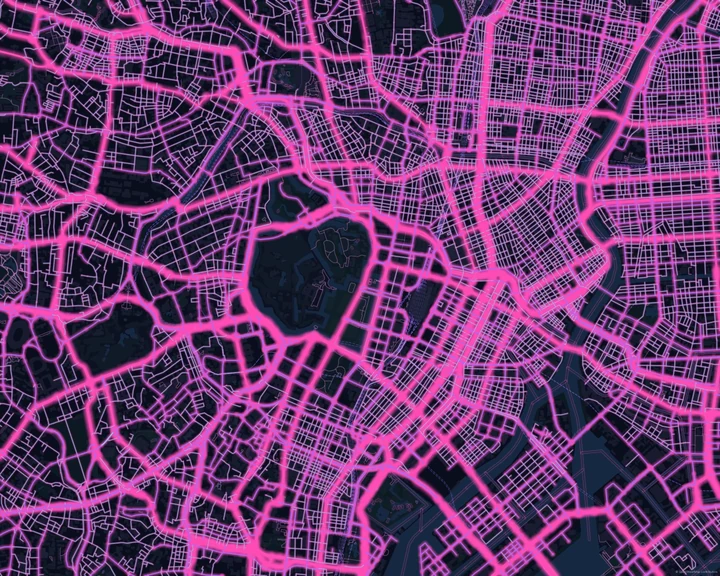
Berlin in Monochrome Stencil
Graffiti / Street Art · Monochrome Stencil
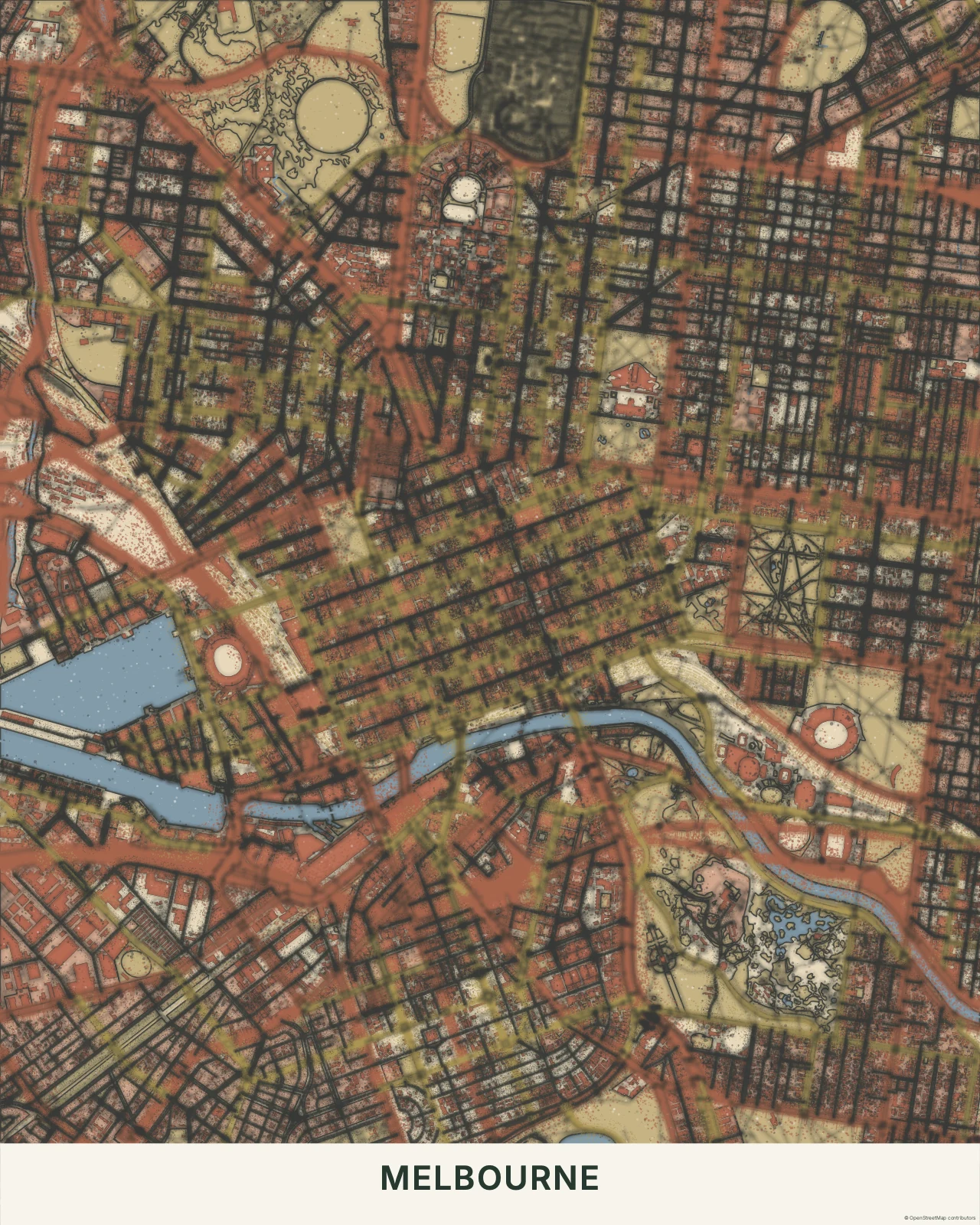
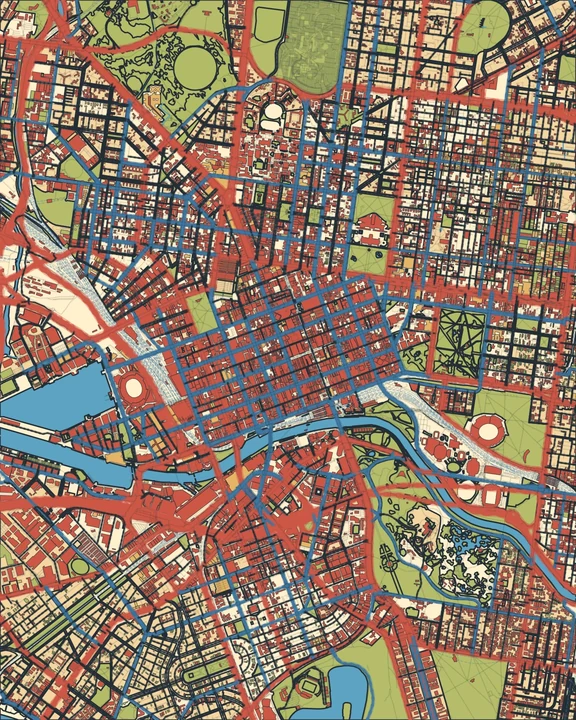
Melbourne in Brooklyn
Graffiti / Street Art · Brooklyn
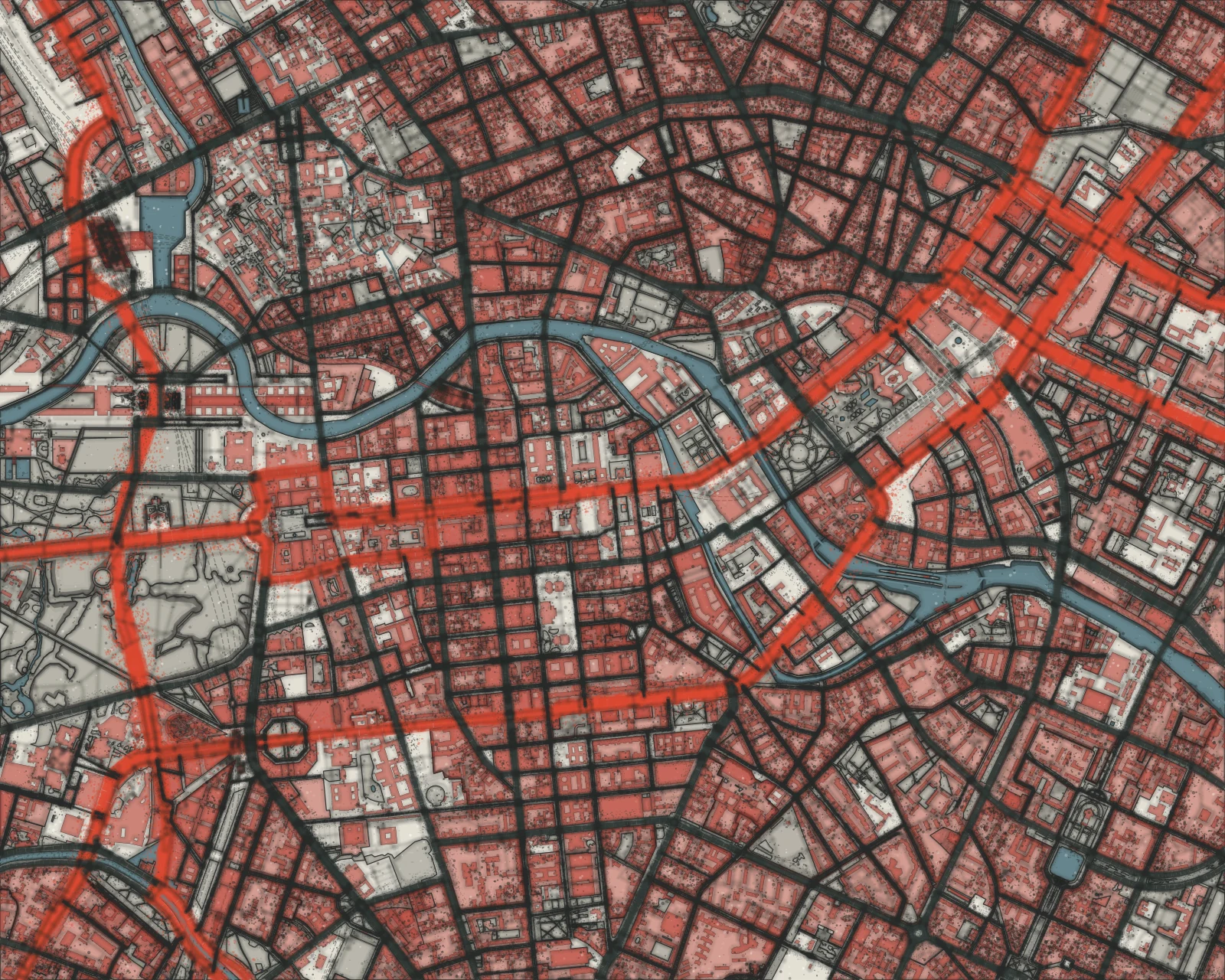
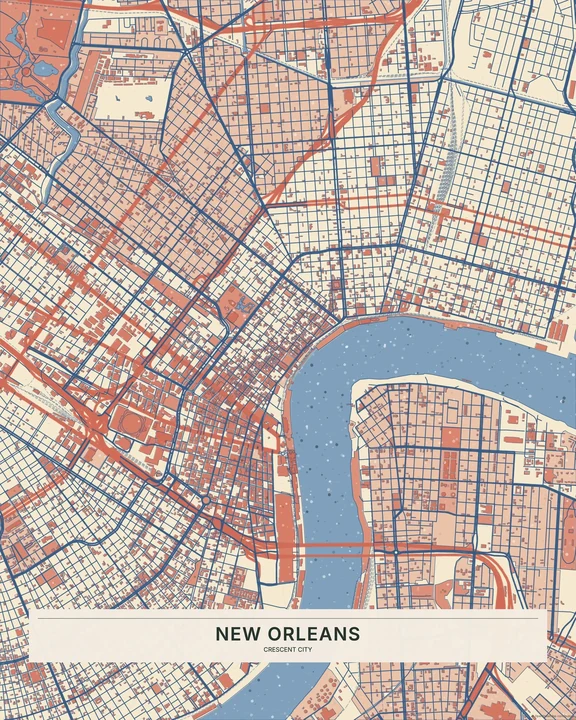
Berlin in Berlin
Graffiti / Street Art · Berlin
Your place. Your paint. Your words.
In the studio, choose Graffiti / Street Art under Theme, then pick a style.
Selected places, real geography. Search the editor for your own place and check the available map detail. © OpenStreetMap contributors