
Risograph
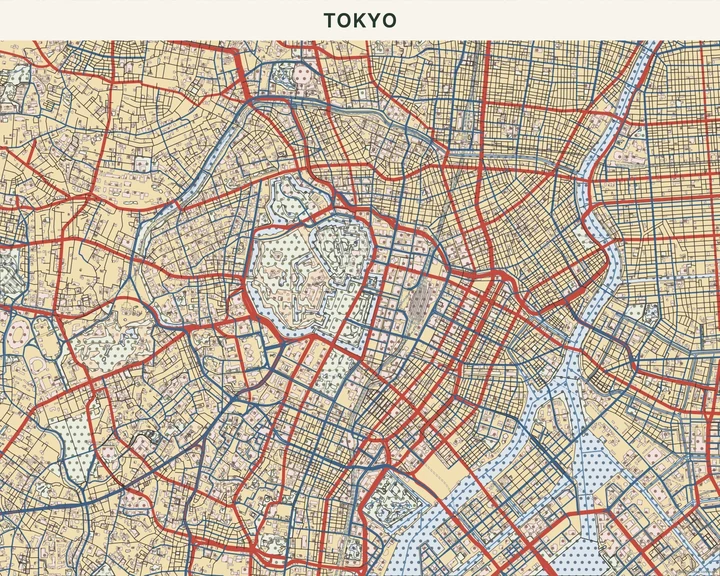
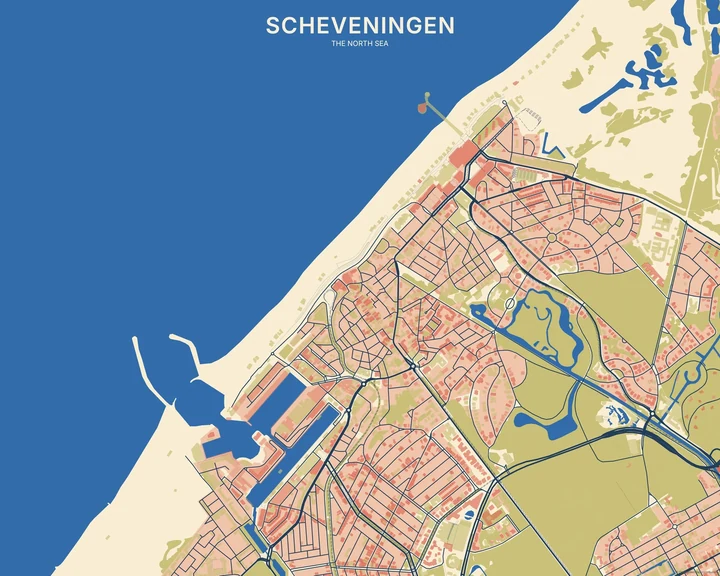
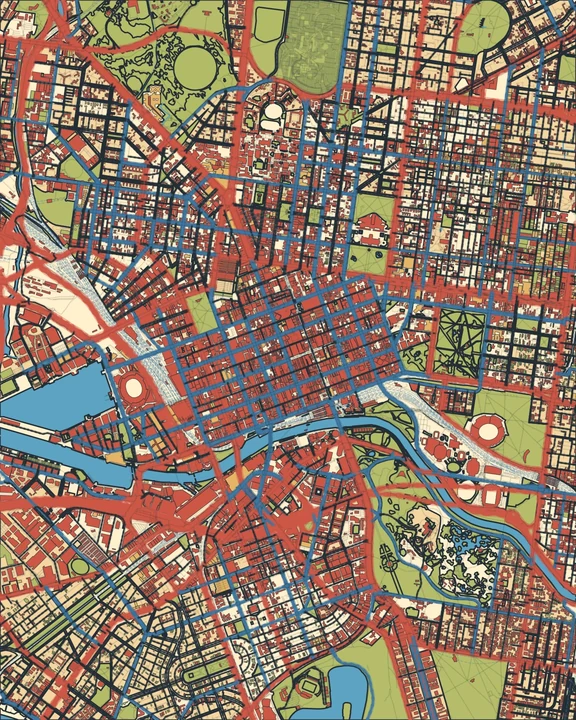
Two colours can have quite a conversation. Risograph gives geographic layers the character of spot inks on paper, with grain and small shifts at their edges. Pick a colour pair and see what happens where the map comes together.
Make a Risograph mapIn the studio, choose Risograph under Theme, then pick a style.
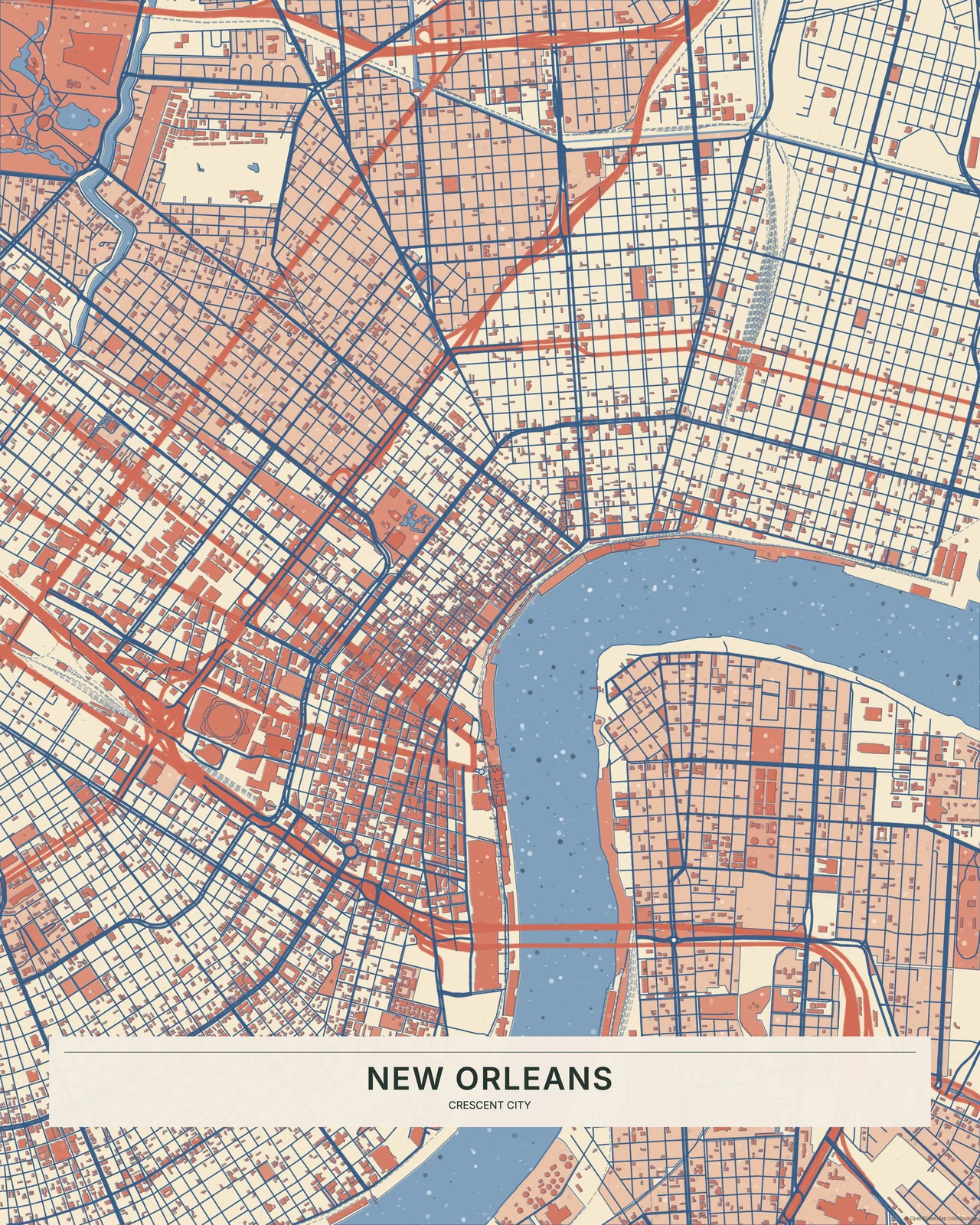
A little out of line, on purpose
Uneven ink density lets the paper show, while slight registration offsets add movement around the geographic shapes. The effect is controlled enough to keep streets readable. Unlike Ben-Day Dots, the identity comes from ink texture and alignment rather than a regular dot field. Compared with Mid-Century, the colours feel printed with a little more friction and less perfect polish.
Find your starting style
Coral & Blue is warm and lively. Teal & Orange and Yellow & Cobalt explore complementary colour, Pink & Navy adds stronger contrast, and Forest & Red feels more subdued.
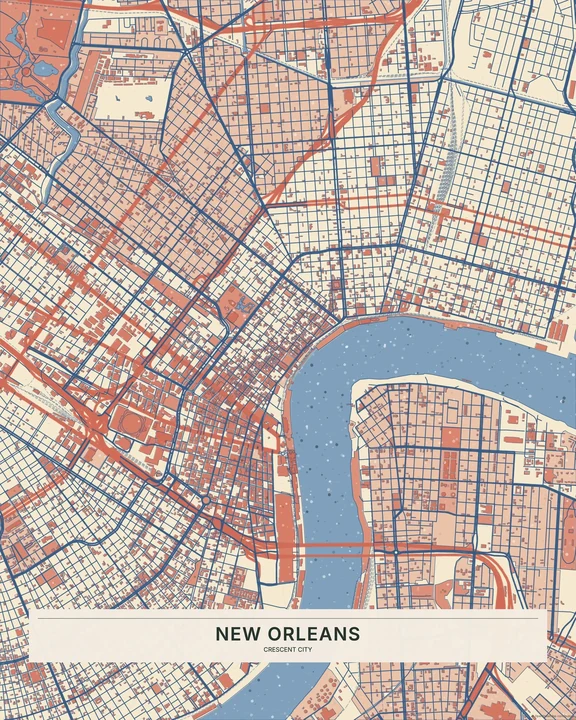
Coral & Blue
New Orleans
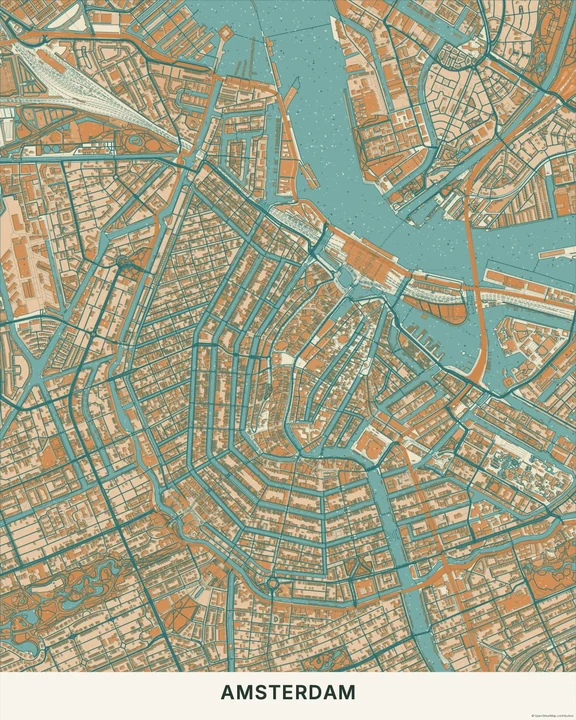
Teal & Orange
Amsterdam
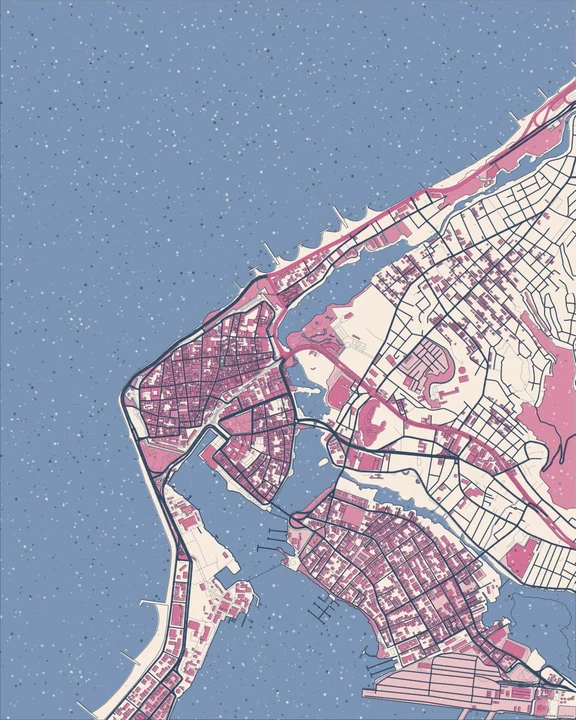
Pink & Navy
Cartagena
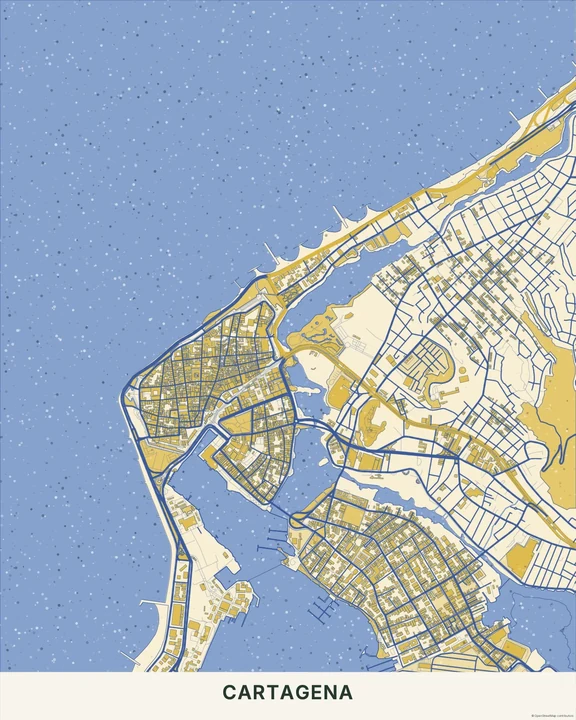
Yellow & Cobalt
Cartagena
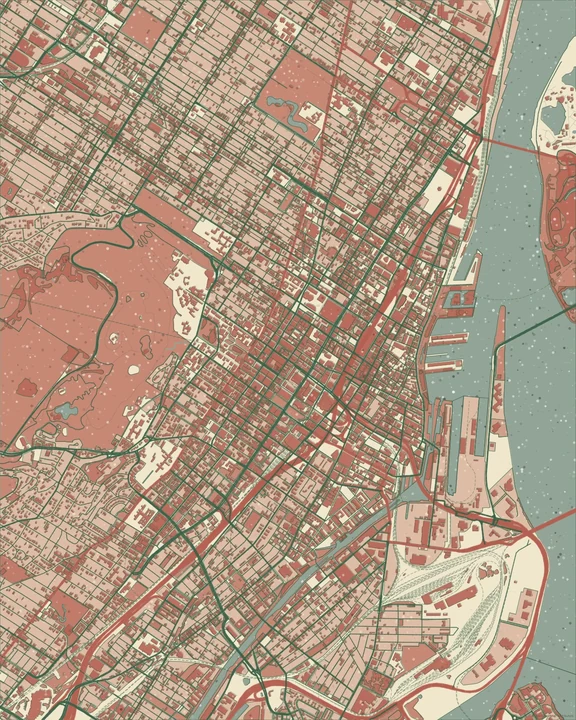
Forest & Red
Montréal
Keep your inks in conversation
Start with one of the paired palettes and adjust the layer colours a little at a time. Frame a view with a mix of open areas and streets so the print texture can breathe. Your own words can join the composition without needing a long caption.
How it worksMaps in this theme
New Orleans in Coral & Blue
Risograph · Coral & Blue
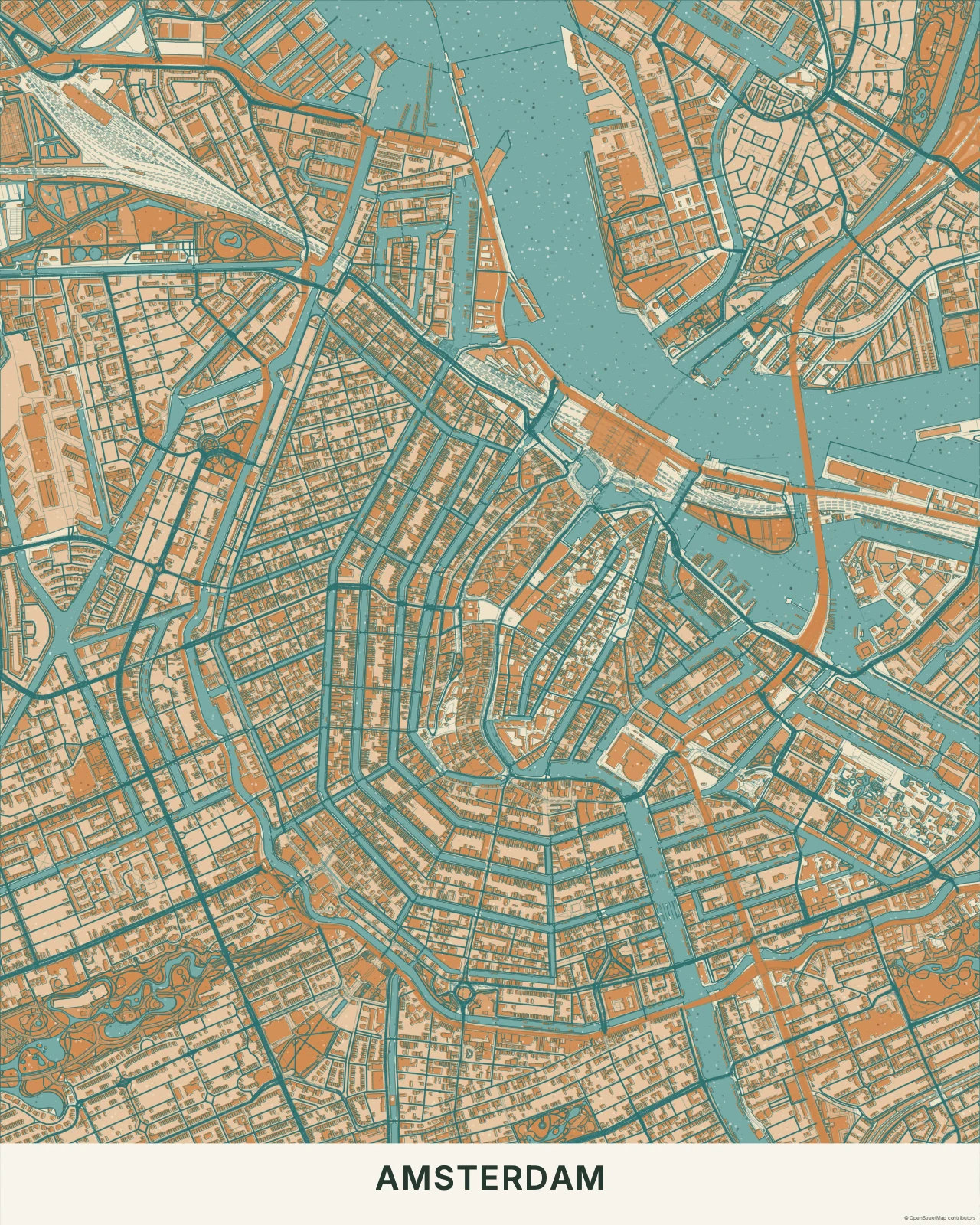
Amsterdam in Teal & Orange
Risograph · Teal & Orange
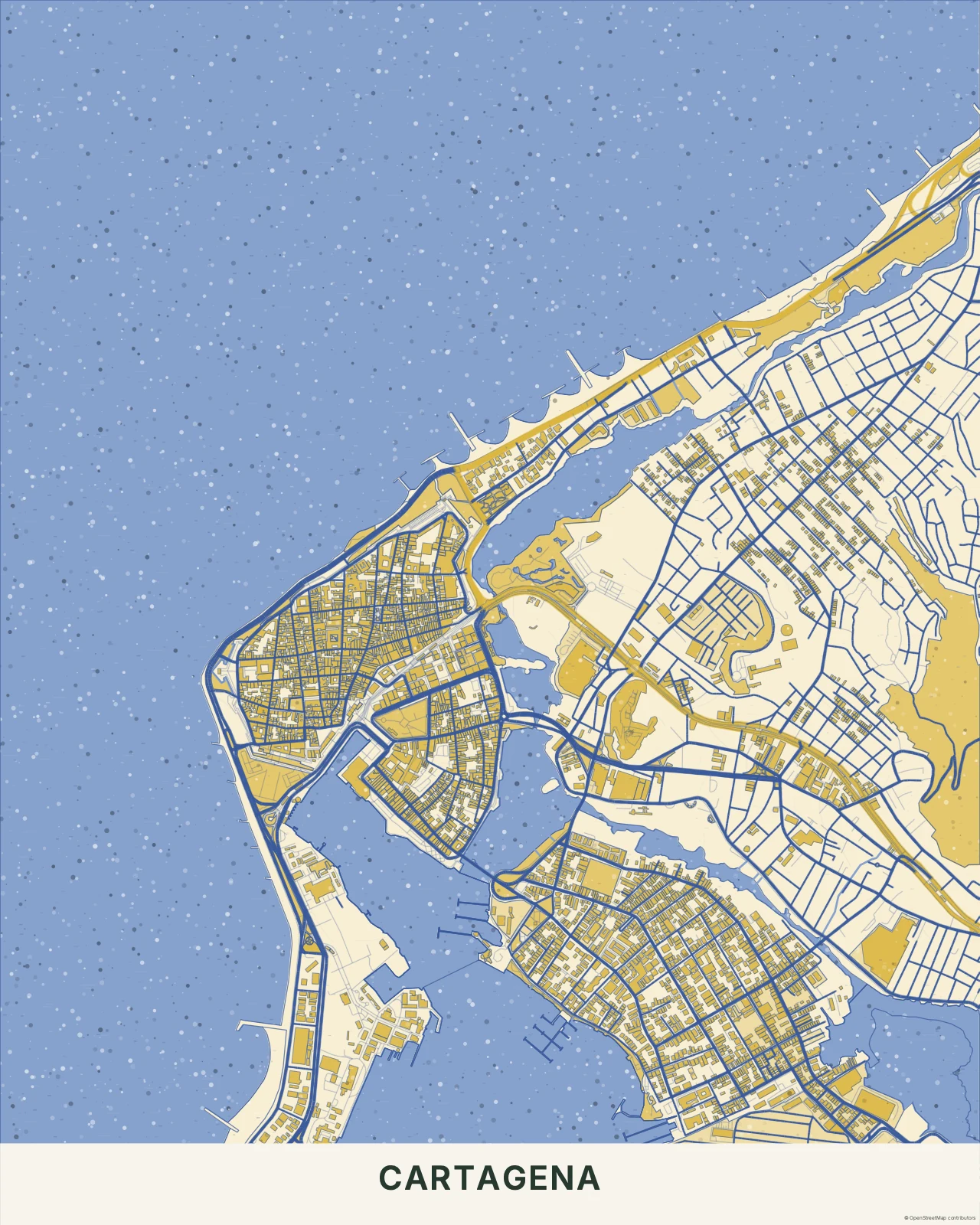
Cartagena in Yellow & Cobalt
Risograph · Yellow & Cobalt
Let the ink have a little personality.
In the studio, choose Risograph under Theme, then pick a style.
Selected places, real geography. Search the editor for your own place and check the available map detail. © OpenStreetMap contributors