
Ben-Day Dots
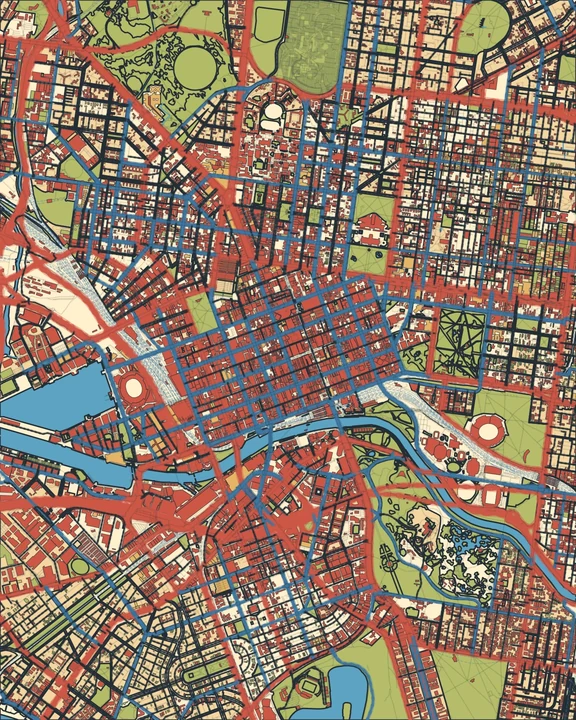
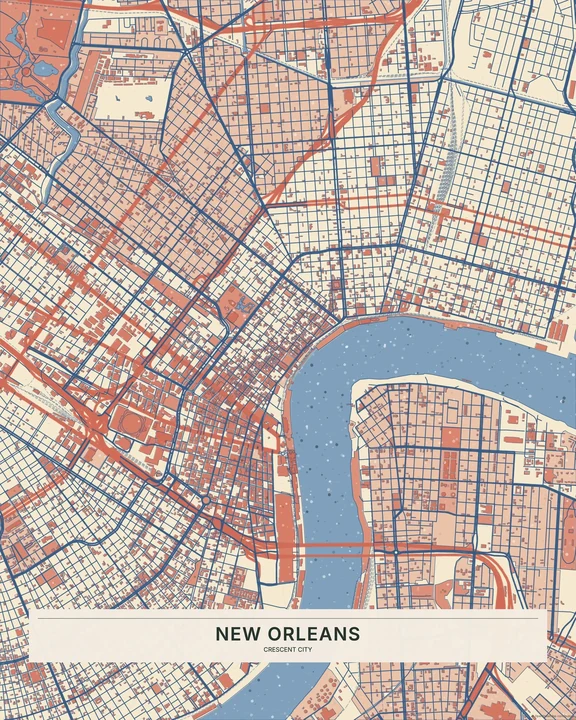
Little dots, a different picture. Ben-Day Dots fills geographic areas with regular printed patterns, giving your map a rhythm you notice up close. From across the room, the dots settle into larger fields of colour.
Try Ben-Day DotsIn the studio, choose Ben-Day Dots under Theme, then pick a style.
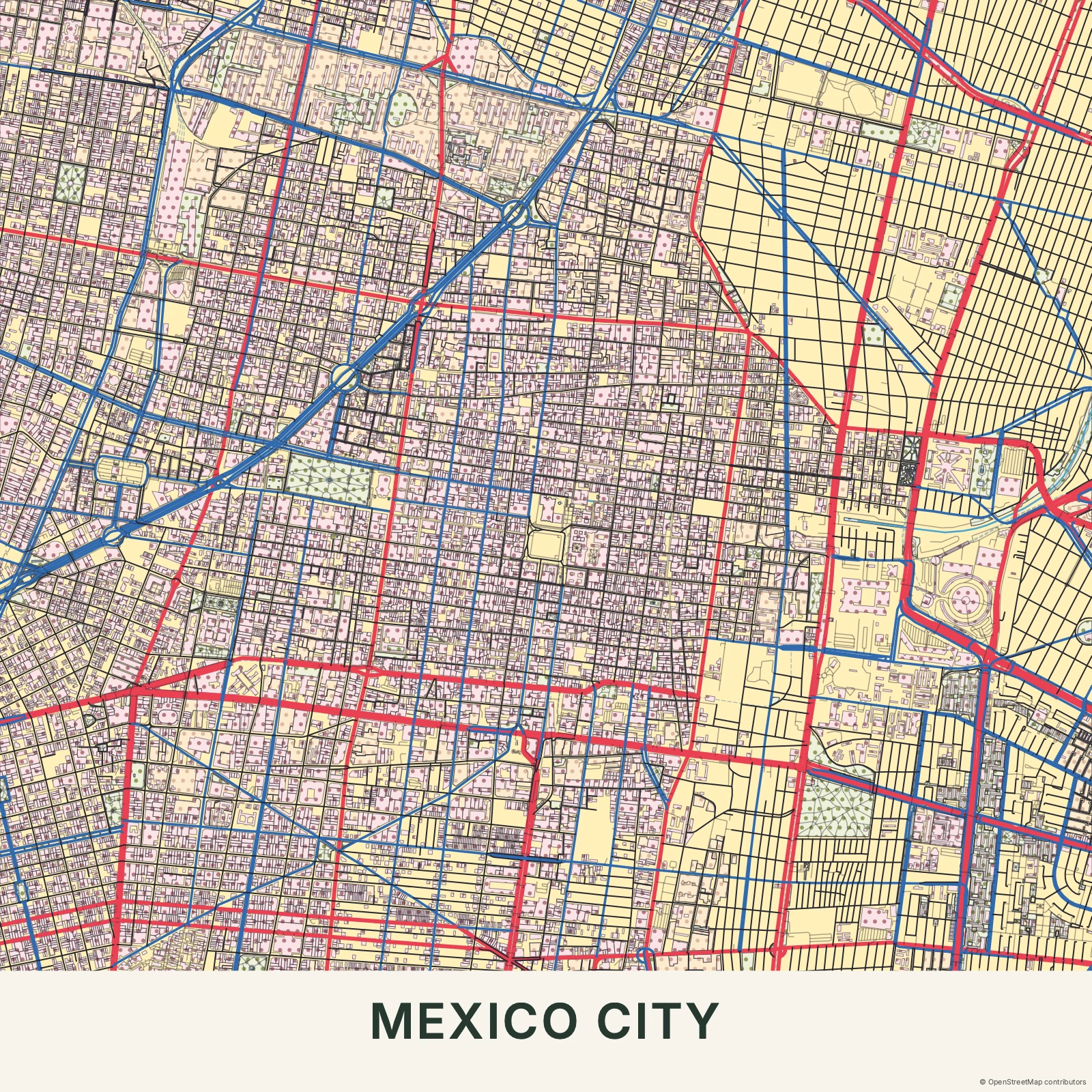
A pattern with a place
The dots belong to the map’s shapes rather than sitting as one screen over the whole picture. Solid lines keep the streets legible between patterned areas. That regular spacing separates Ben-Day Dots from Risograph’s grain and ink offsets. It also gives the surface more presence than Comic’s mostly flat fills. The result has a printed character without borrowing a comic scene.
Find your starting style
Vintage Comic and Pop have the strongest print-poster mood. Fine Dots is more restrained, Pastel lowers the contrast, and Monochrome keeps the idea to one ink family.
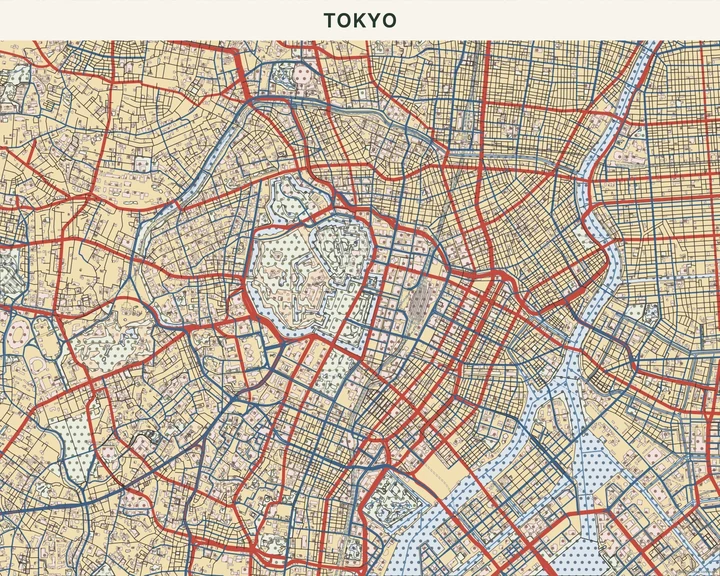
Vintage Comic
Tokyo
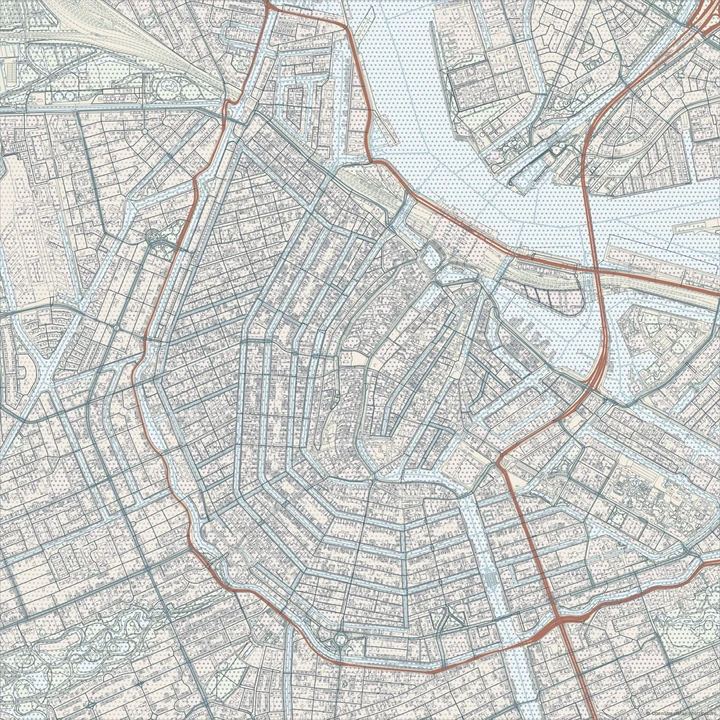
Fine Dots
Amsterdam
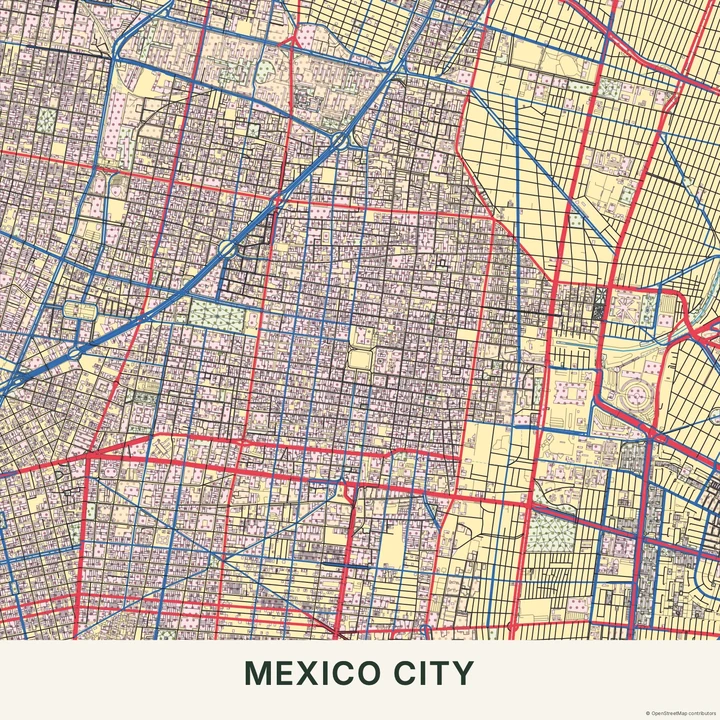
Pop
Mexico City
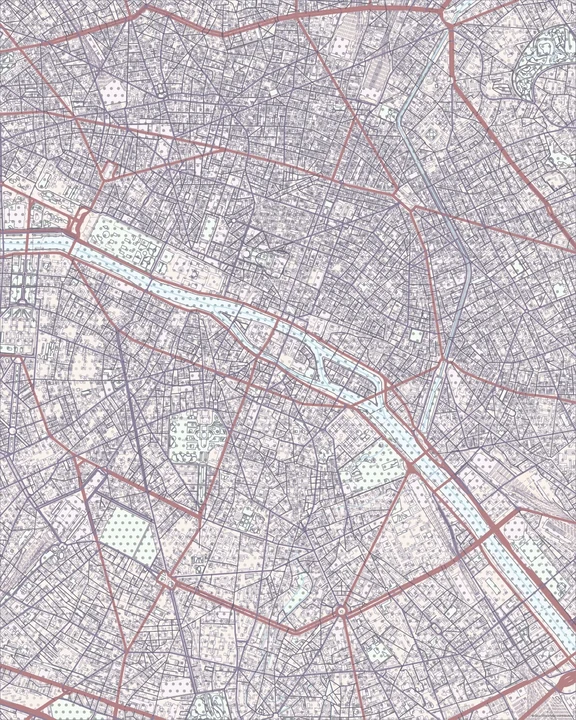
Pastel
Paris
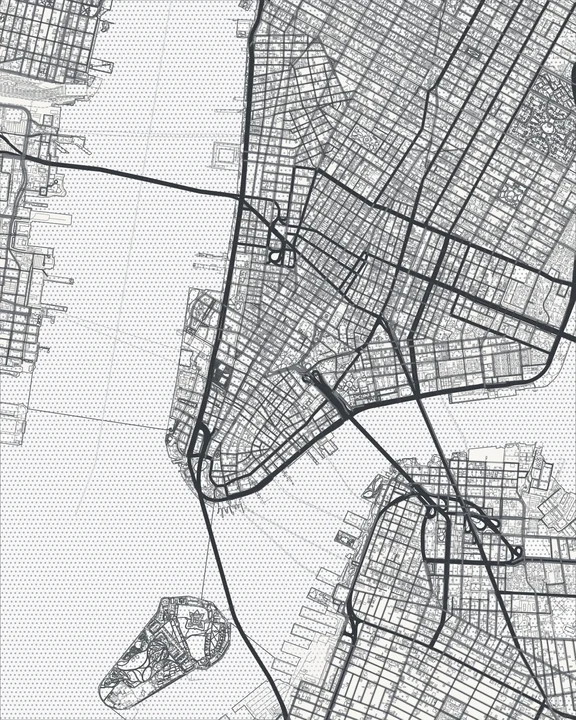
Monochrome
New York
Balance pattern and space
Choose a crop that leaves a few generous areas between the roads. Try different colours for the geographic layers and see how the pattern reads at the size you want. A simple text treatment often gives the dots enough room to do their work.
How it worksMaps in this theme
Mexico City in Pop
Ben-Day Dots · Pop
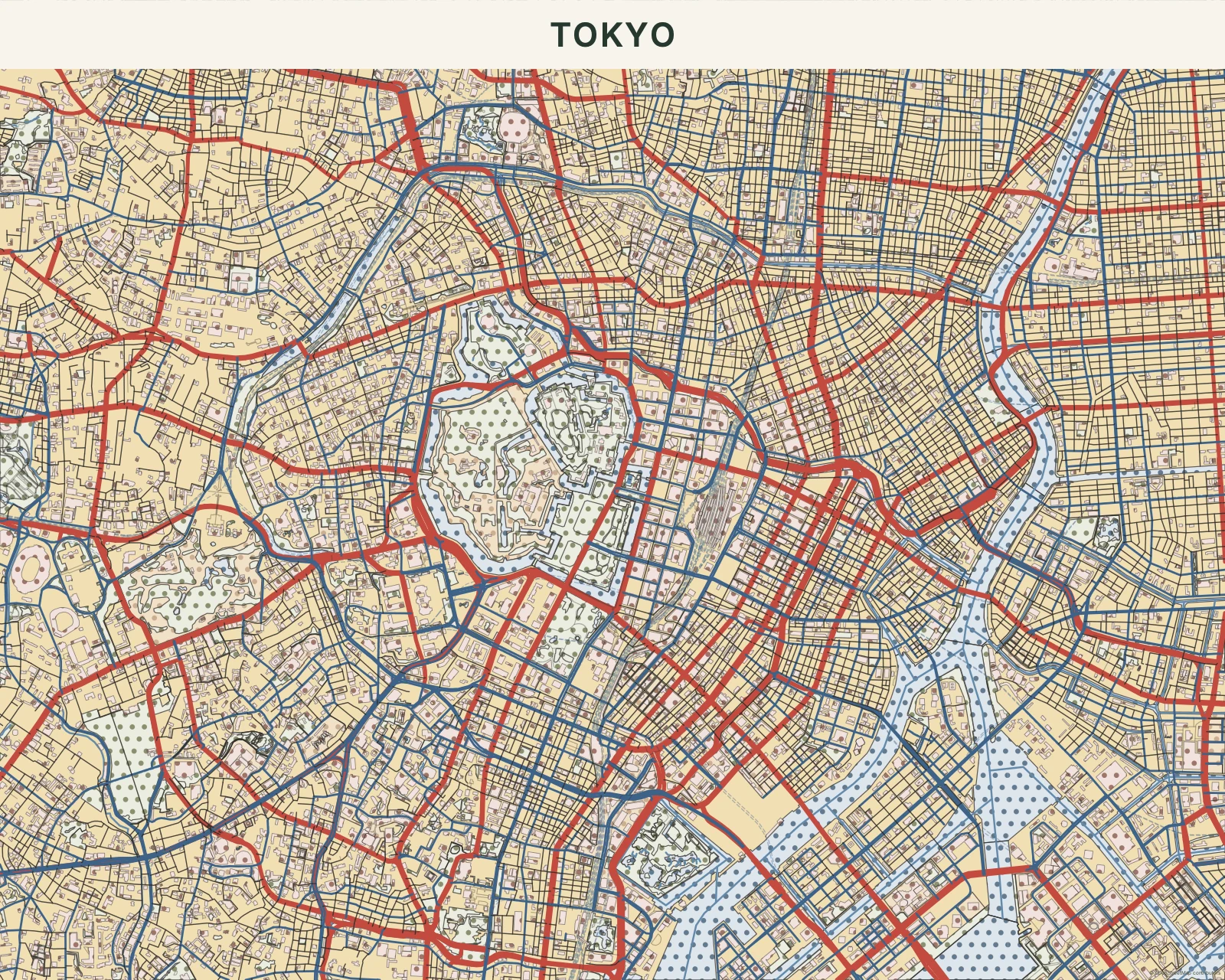
Tokyo in Vintage Comic
Ben-Day Dots · Vintage Comic
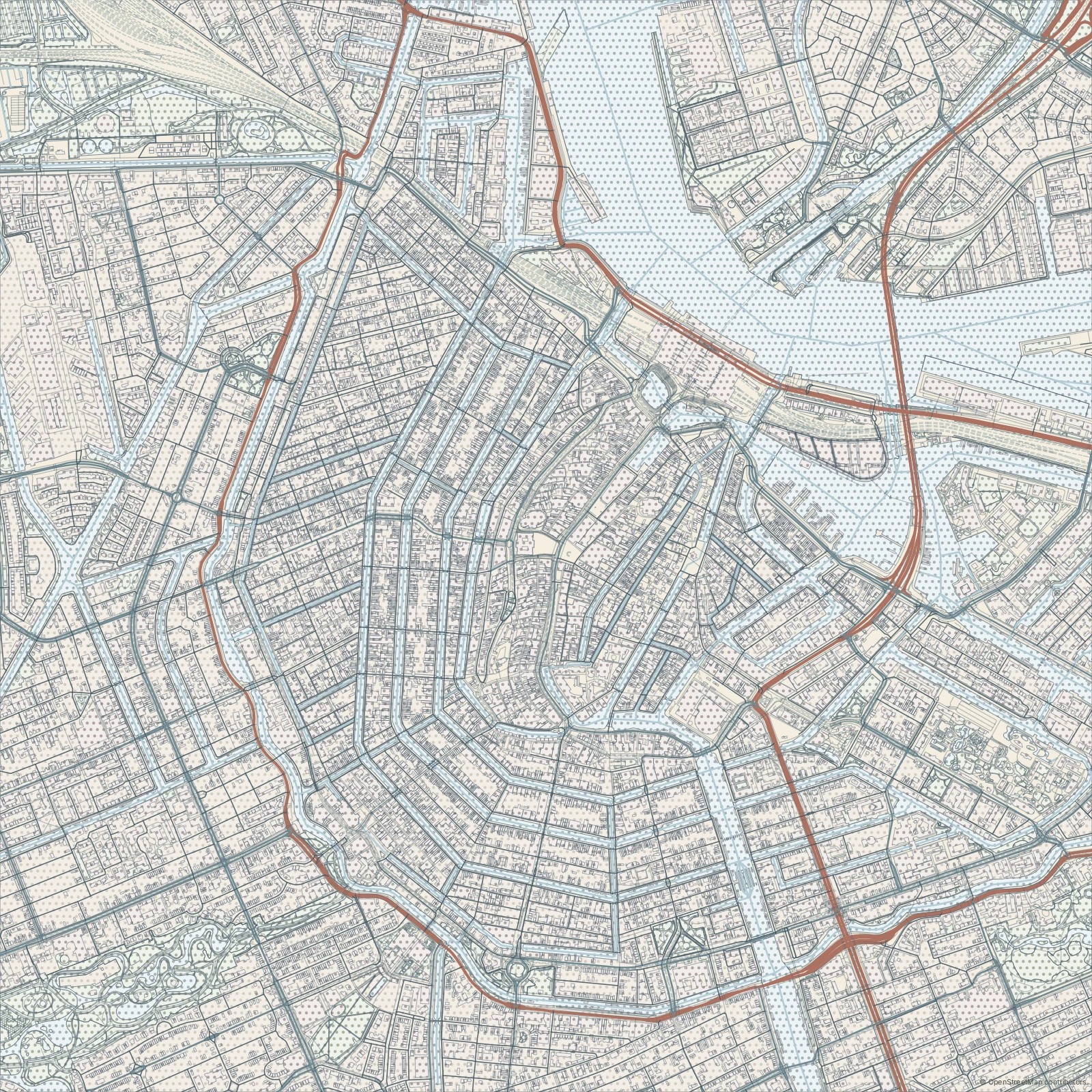
Amsterdam in Fine Dots
Ben-Day Dots · Fine Dots
Make room for a little print texture.
In the studio, choose Ben-Day Dots under Theme, then pick a style.
Selected places, real geography. Search the editor for your own place and check the available map detail. © OpenStreetMap contributors