
Night Lights
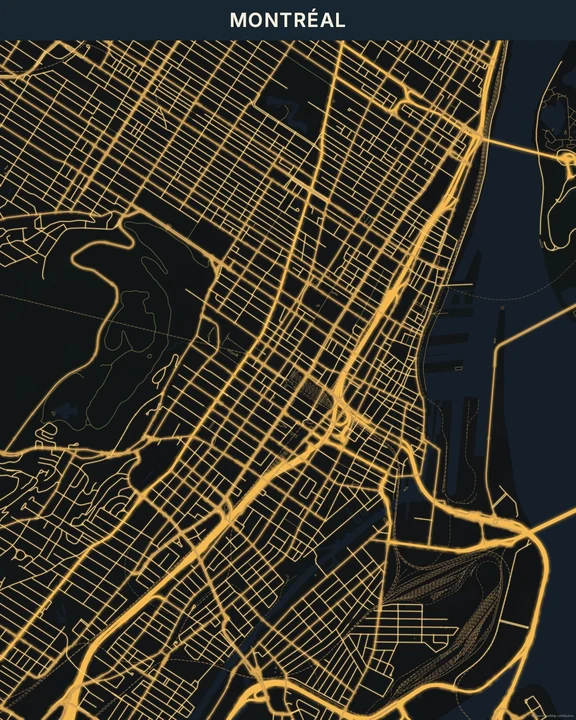
Imagine looking down as the streets light up. Night Lights uses the road network to suggest a place seen from above after dark. The glow follows the geography, with brighter main roads and quieter spaces around them.
Start with Night LightsIn the studio, choose Night Lights under Theme, then pick a style.
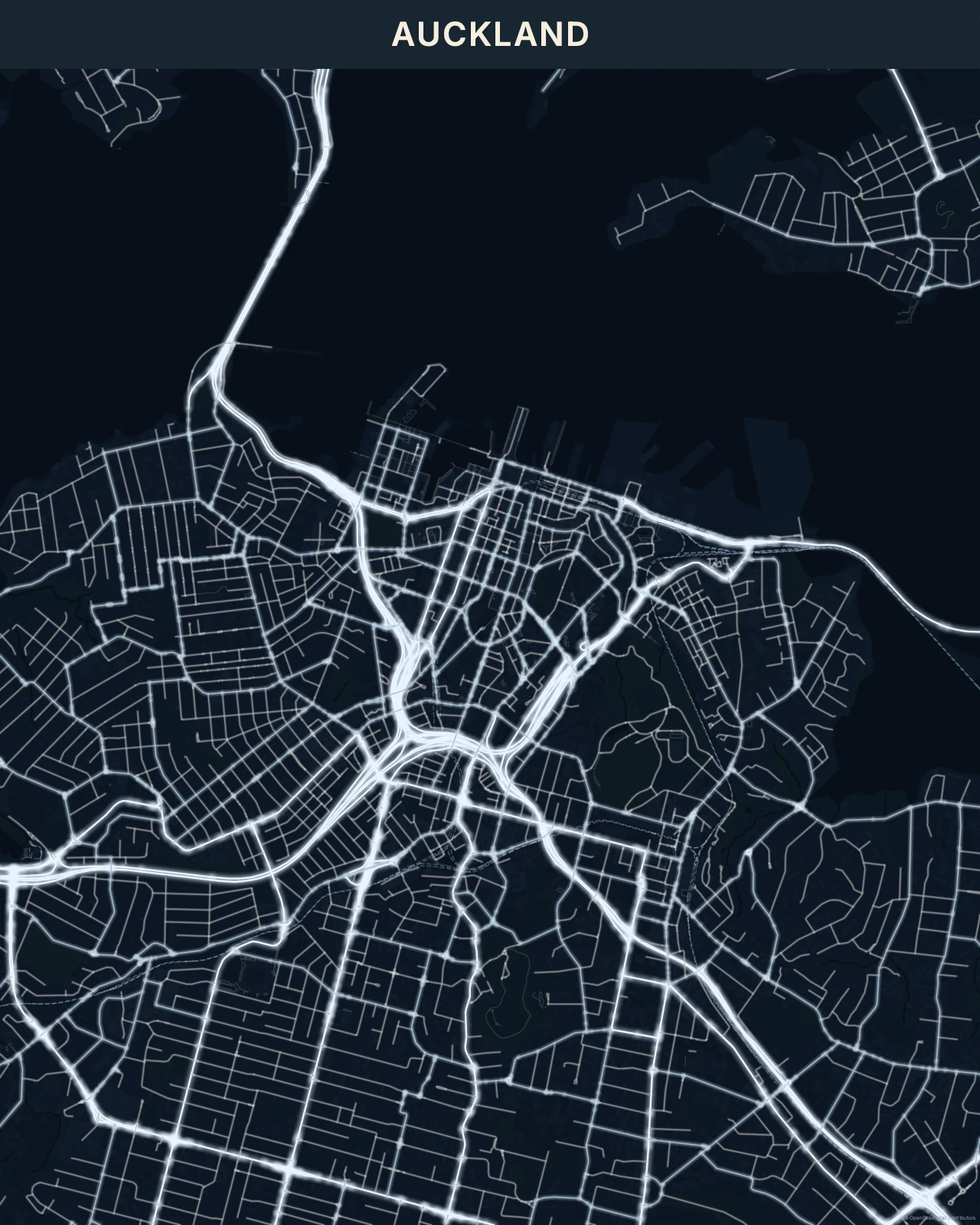
The roads become the light
Bright centres, medium halos and softer outer light give the roads depth. Smaller streets remain fainter, while parks and water sit in the dark. It’s an artistic impression built from map data, not measured lighting or satellite imagery. Neon is more synthetic and colourful; Night Glow is a more stylized luminous drawing. Night Lights aims for a gentler aerial-city feeling.
Find your starting style
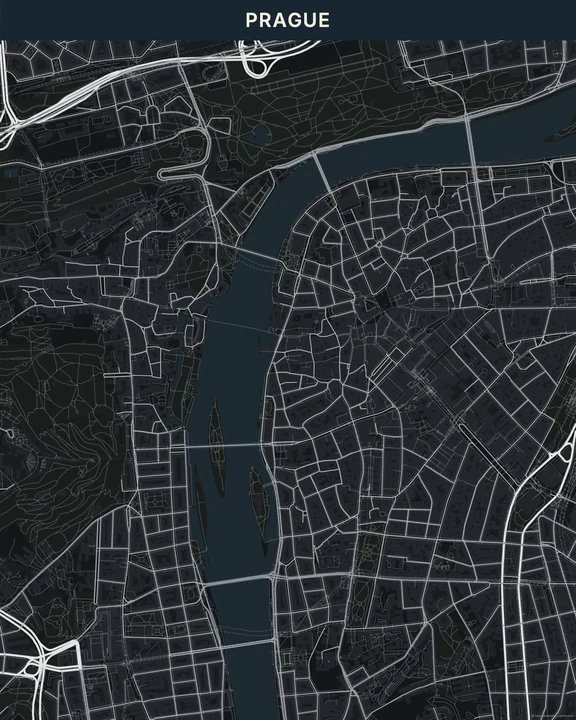
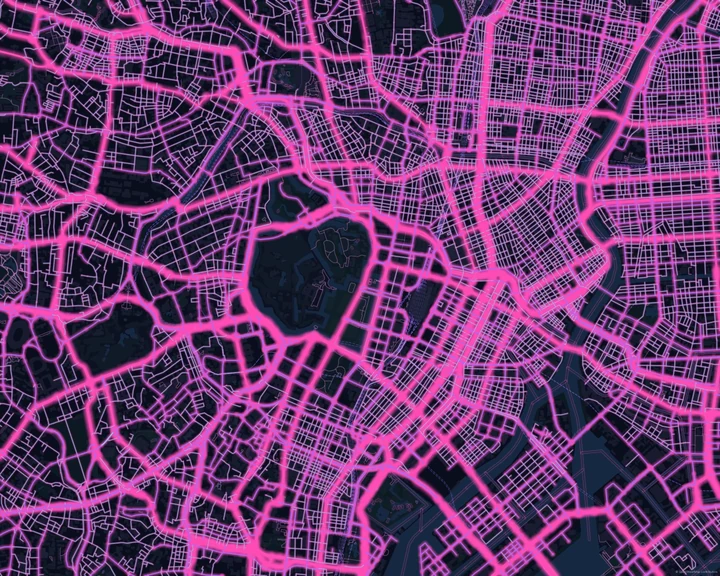
Warm City and Golden lean towards amber. Cool Blue changes the temperature, White Lights keeps the colour restrained, and Metropolis adds a little more variation to the network.
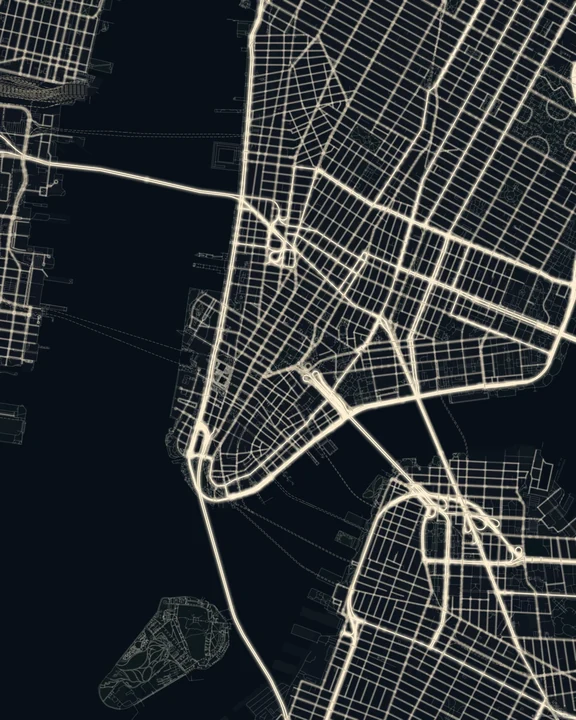
Warm City
New York
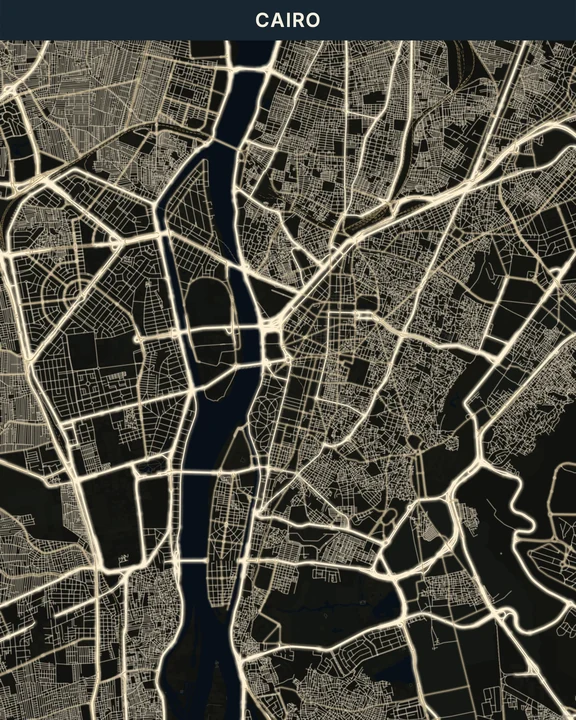
Golden
Cairo
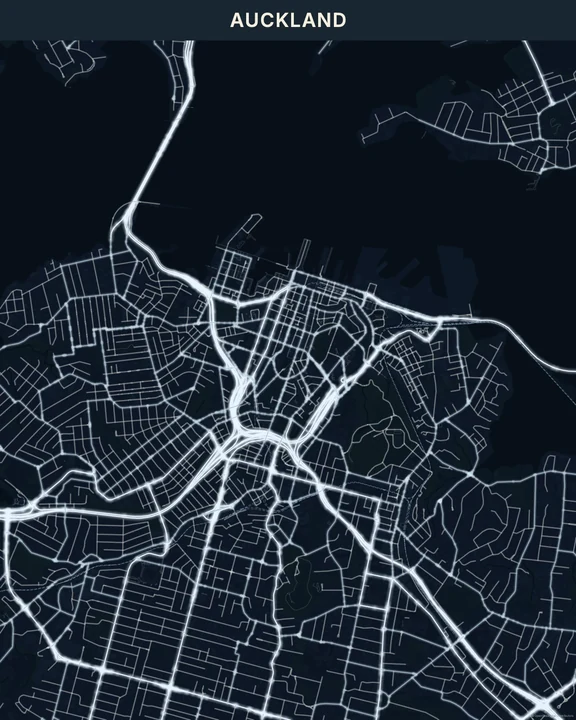
Cool Blue
Auckland
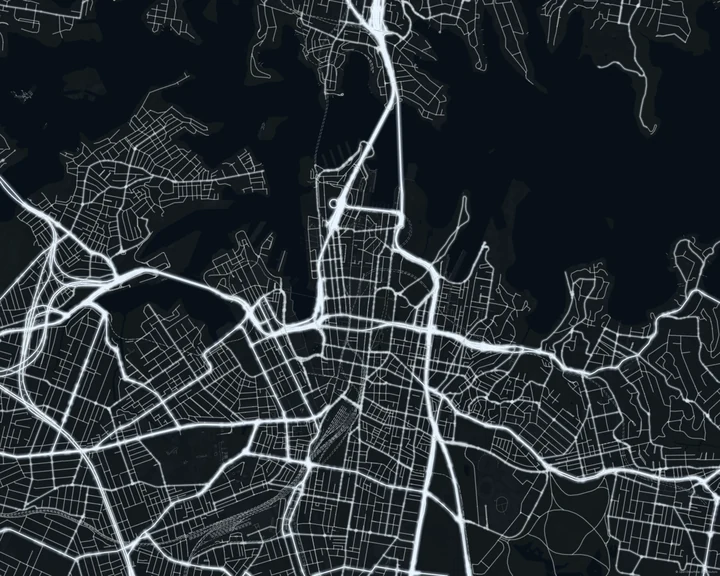
White Lights
Sydney
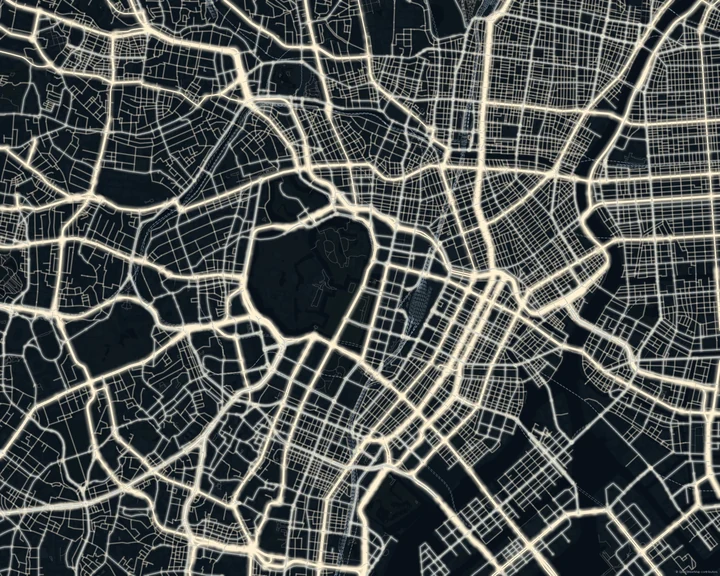
Metropolis
Tokyo
Find the network that feels familiar
Pan and zoom until a recognizable junction or road pattern becomes the centre of the piece. A small title can sit in the darker space. If you add a route or marker, choose a colour that remains distinct from the road lights and check it at the final composition size.
How it worksMaps in this theme
Auckland in Cool Blue
Night Lights · Cool Blue
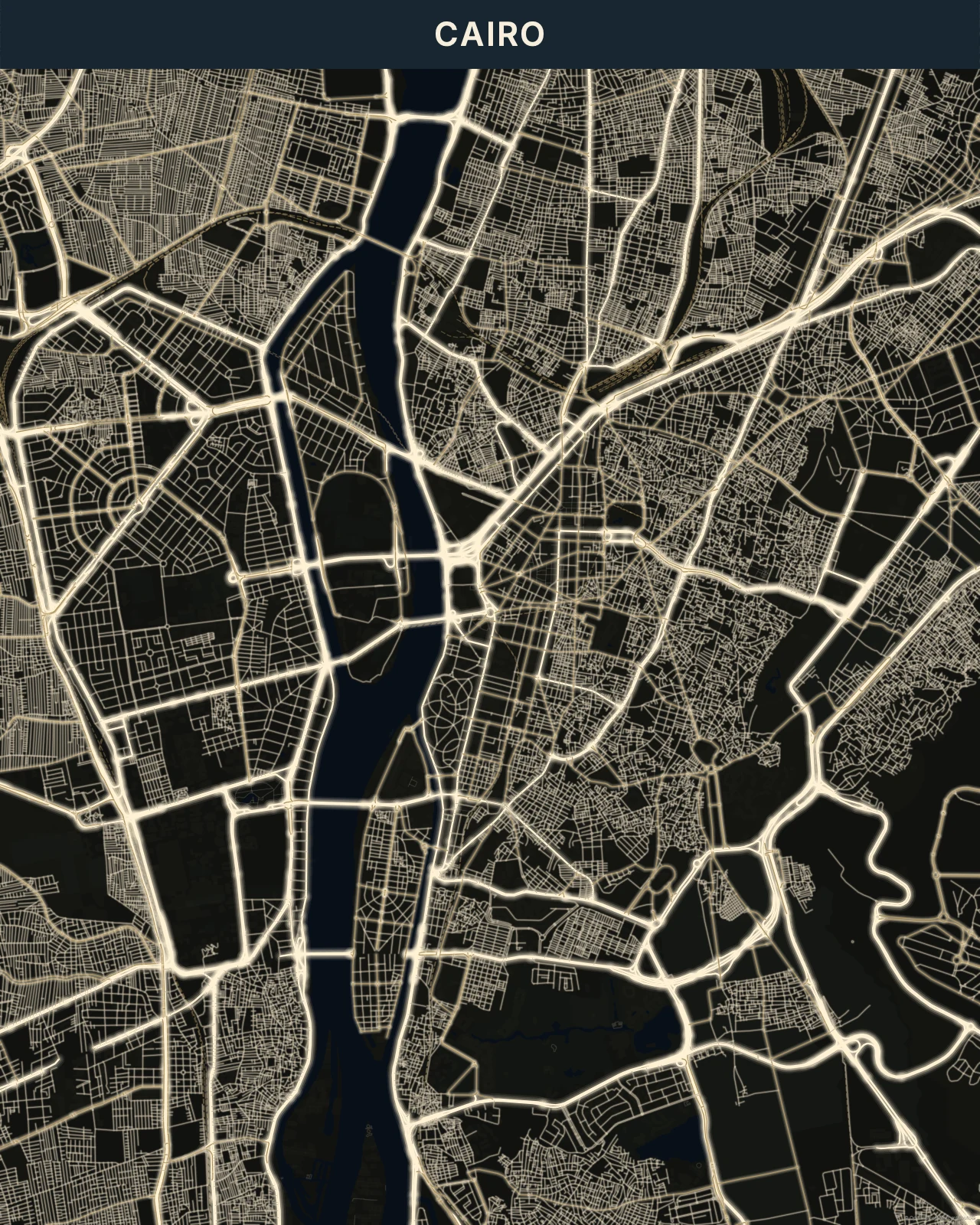
Cairo in Golden
Night Lights · Golden
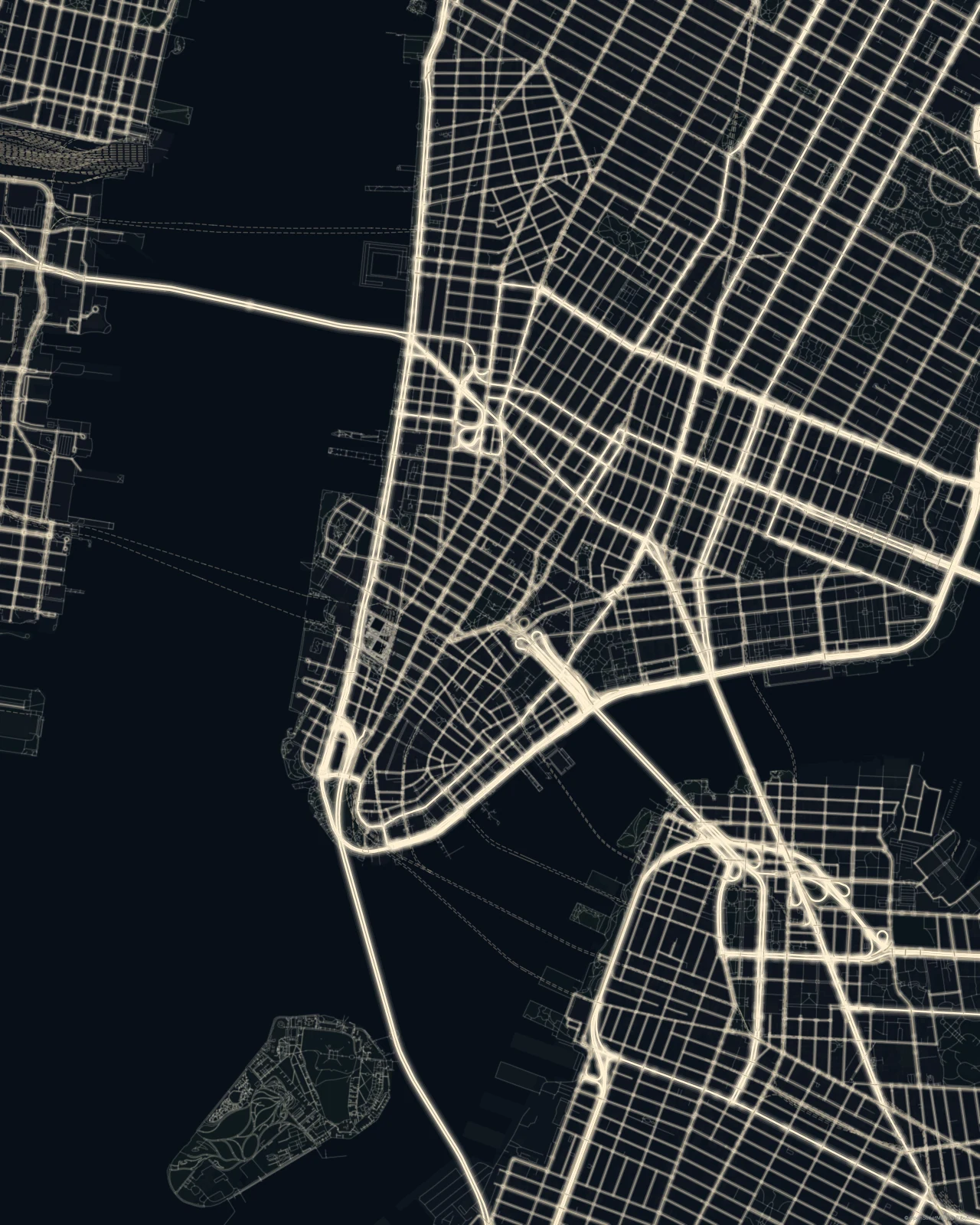
New York in Warm City
Night Lights · Warm City
Keep the lights on for your place.
In the studio, choose Night Lights under Theme, then pick a style.
Selected places, real geography. Search the editor for your own place and check the available map detail. © OpenStreetMap contributors