
Blueprint
There’s something satisfying about seeing how a place fits together. Blueprint draws attention to streets and building footprints with crisp, technical linework. Choose your ground colour and make a study of the places you know.
Try BlueprintIn the studio, choose Blueprint under Theme, then pick a style.
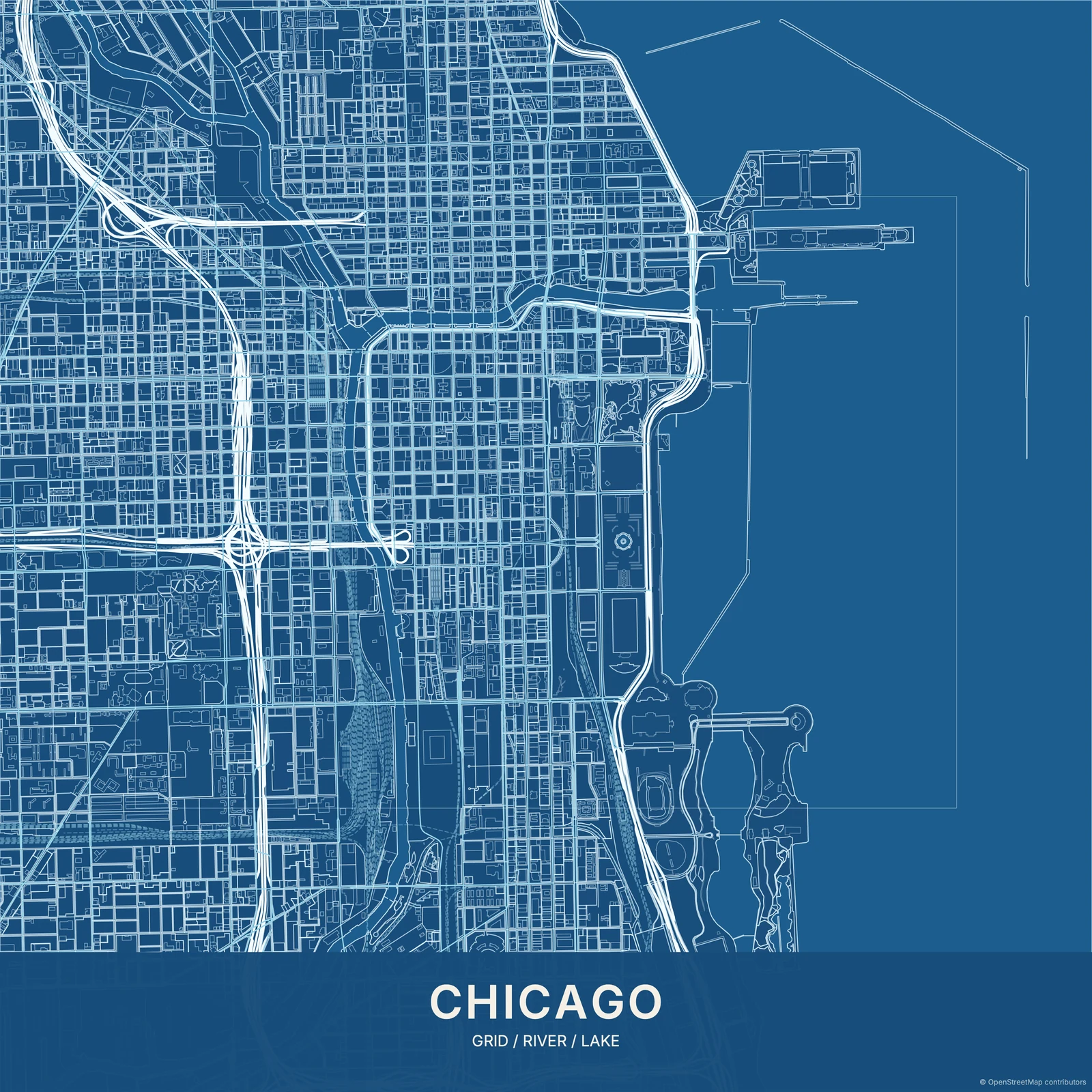
A view of the underlying structure
Fine lines and a clear road hierarchy give the map its technical feel. Buildings become part of the drawing rather than background colour. Unlike Dark, Blueprint puts drafting character first; unlike Pencil Sketch, it keeps the edges precise. It’s an artistic map based on real geography, with no invented measurements or engineering annotations.
Find your starting style
Architect Blue has the familiar blue-and-white character. Midnight and Blackprint deepen the ground; Sepia Technical warms it. Mint and Aubergine offer two less expected drafting palettes.
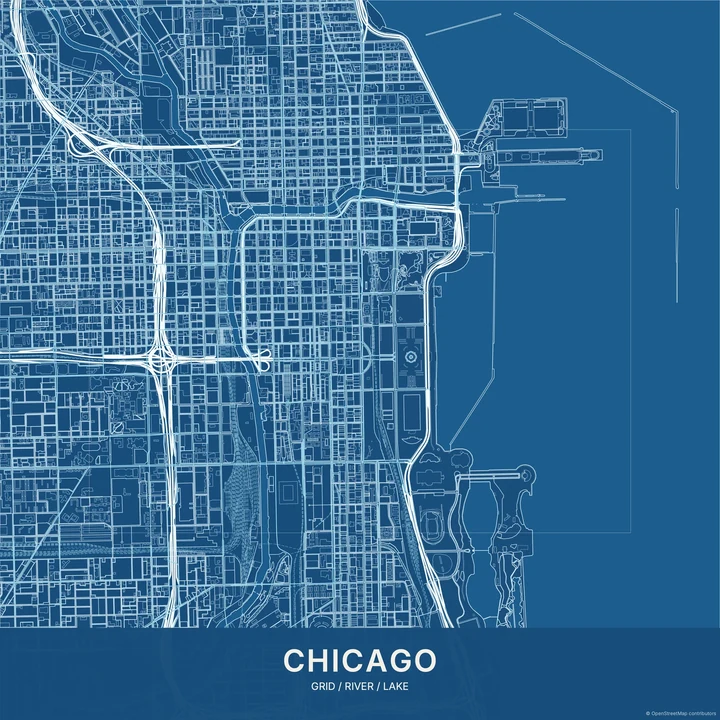
Architect Blue
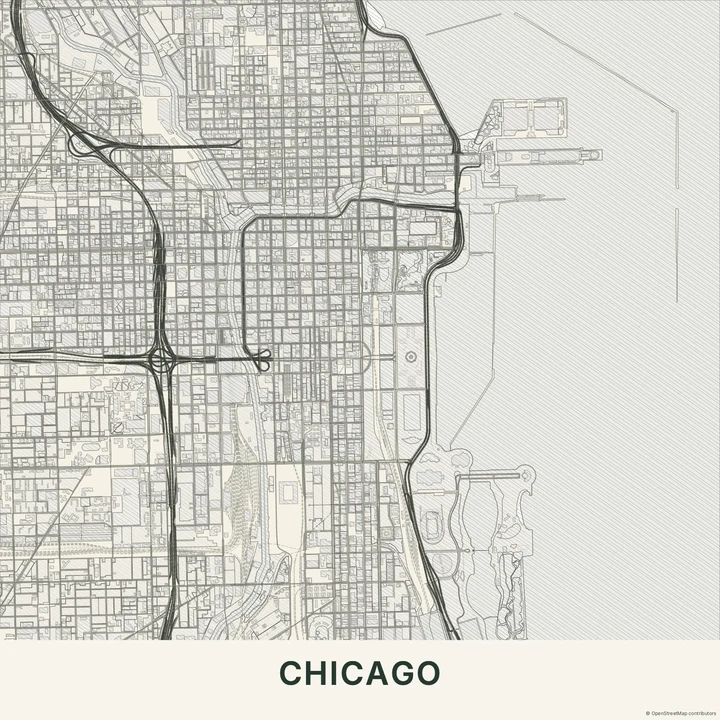
Chicago
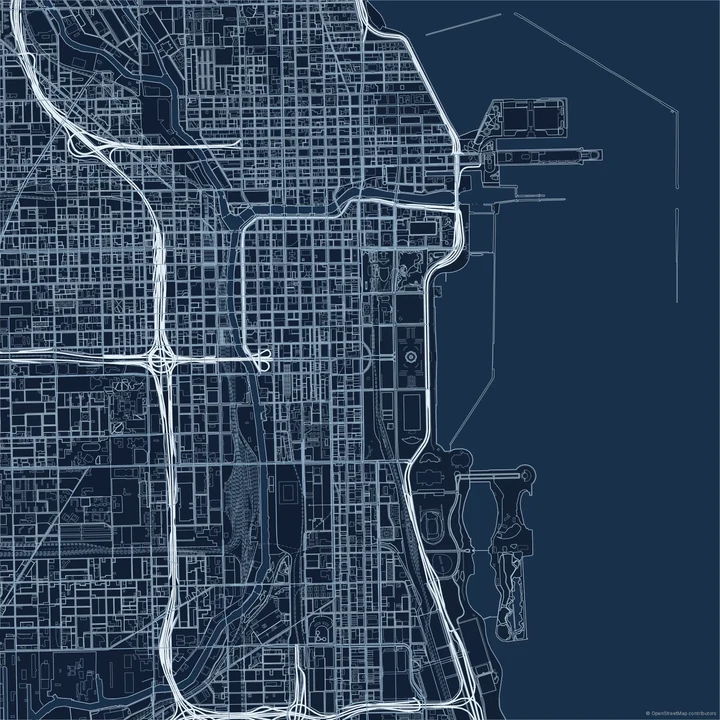
Midnight
Chicago
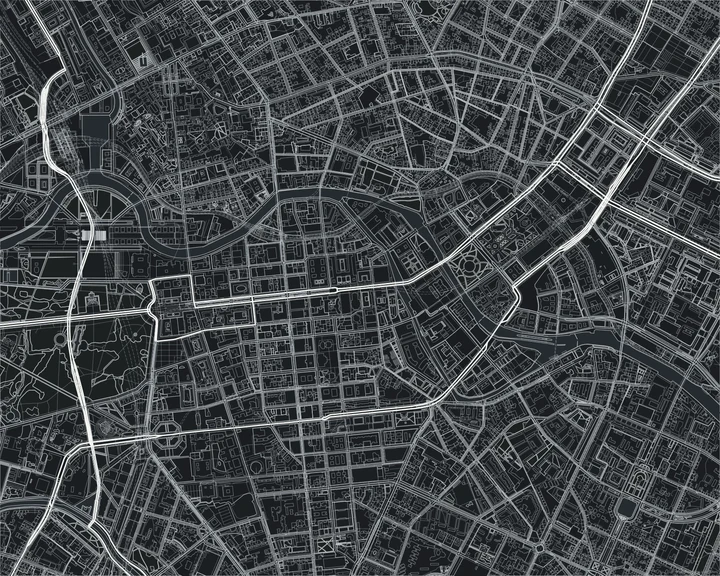
Blackprint
Berlin
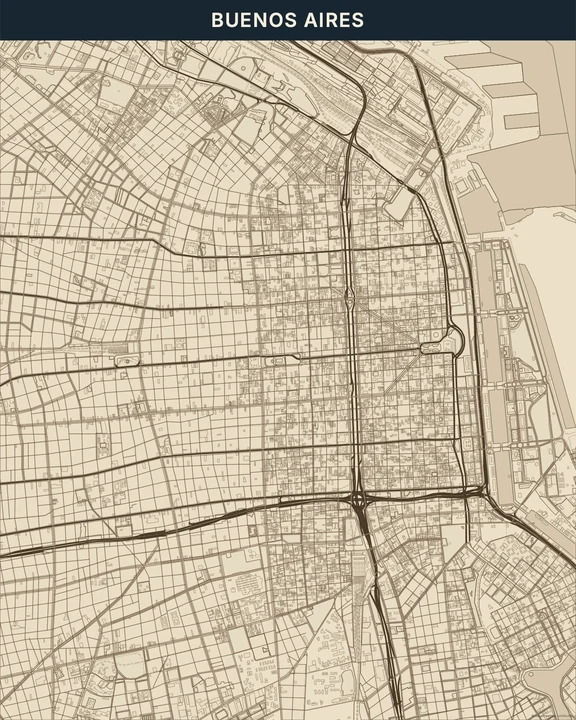
Sepia Technical
Buenos Aires
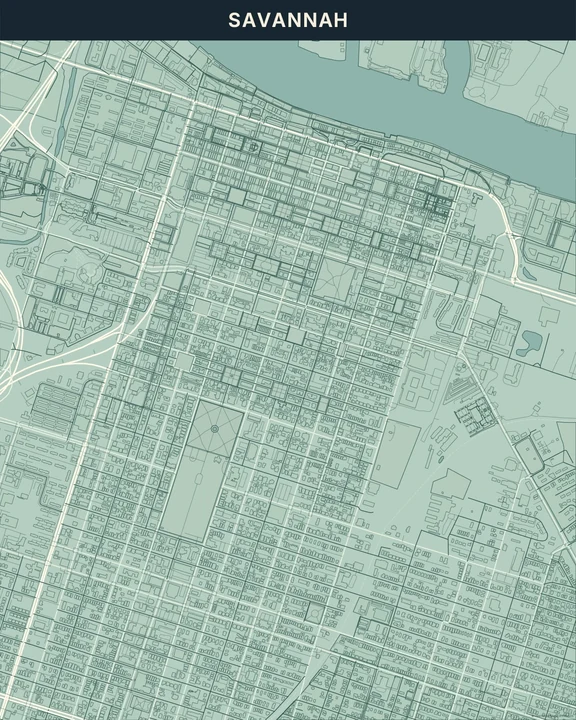
Mint
Savannah
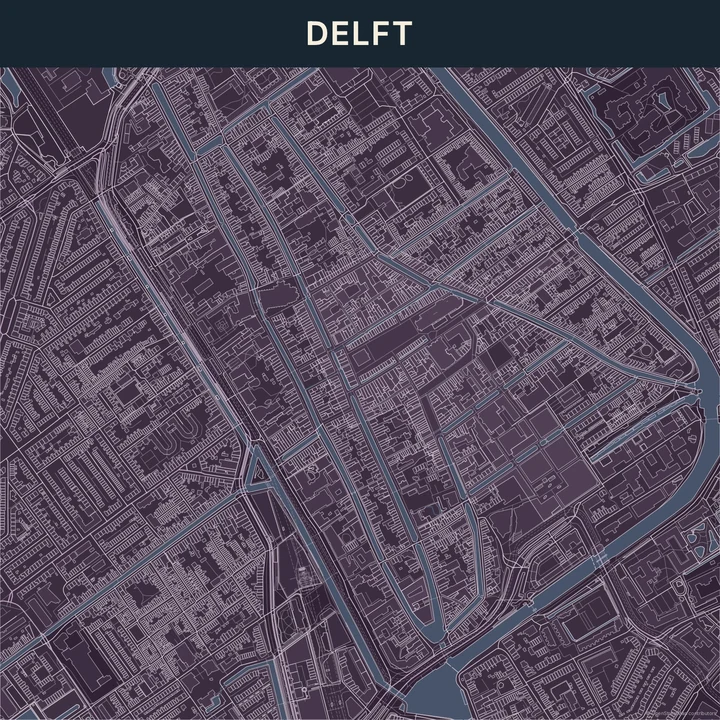
Aubergine
Delft
Frame a small piece of the city
Zoom in on a street pattern or a group of buildings and choose the layout that gives them room. Adjust line colours, add a label of your own, or trace a route through the drawing. Keep your additions clear of the smallest footprints so the structure stays readable.
How it worksMaps in this theme
Chicago in Architect Blue
Blueprint · Architect Blue
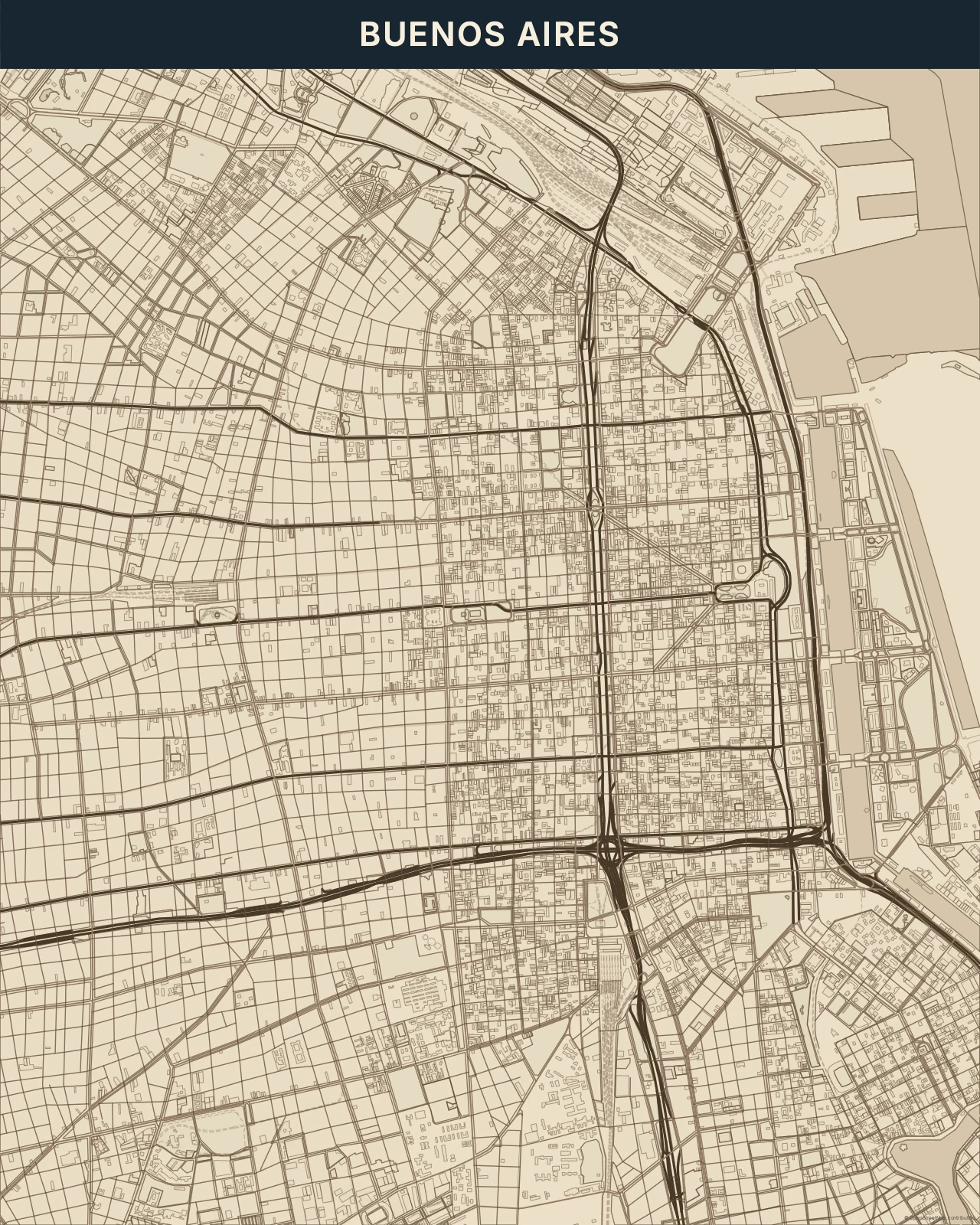
Buenos Aires in Sepia Technical
Blueprint · Sepia Technical
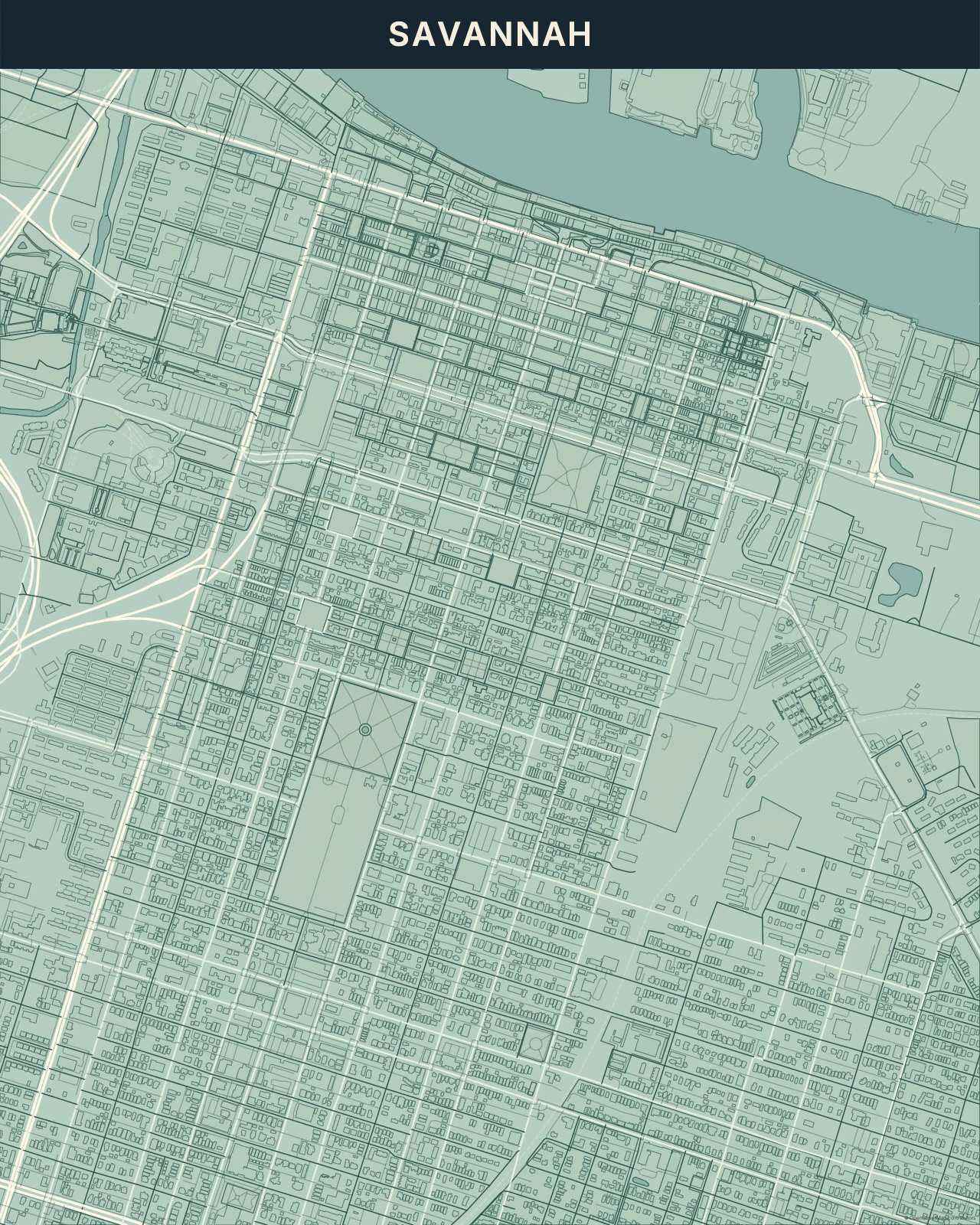
Savannah in Mint
Blueprint · Mint
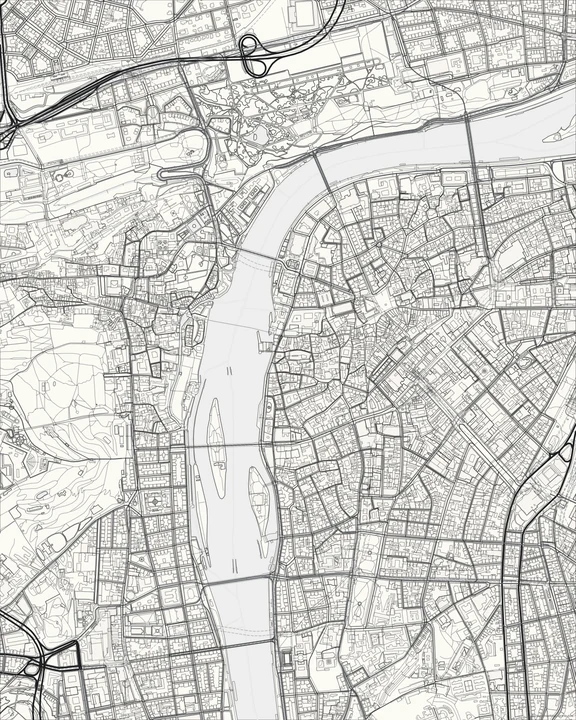
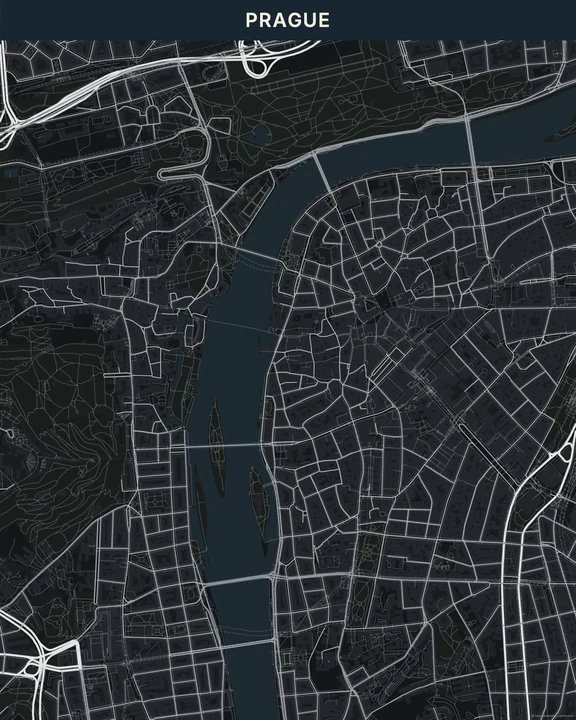
Find the drawing in the streets.
In the studio, choose Blueprint under Theme, then pick a style.
Selected places, real geography. Search the editor for your own place and check the available map detail. © OpenStreetMap contributors