
Watercolor
Soft colour settles into paper. Watercolor gives your map the feel of layered washes, with uneven pigment and gently painted edges. Choose a starting palette, then find the colours that feel like your place.
Create with WatercolorIn the studio, choose Watercolor under Theme, then pick a style.
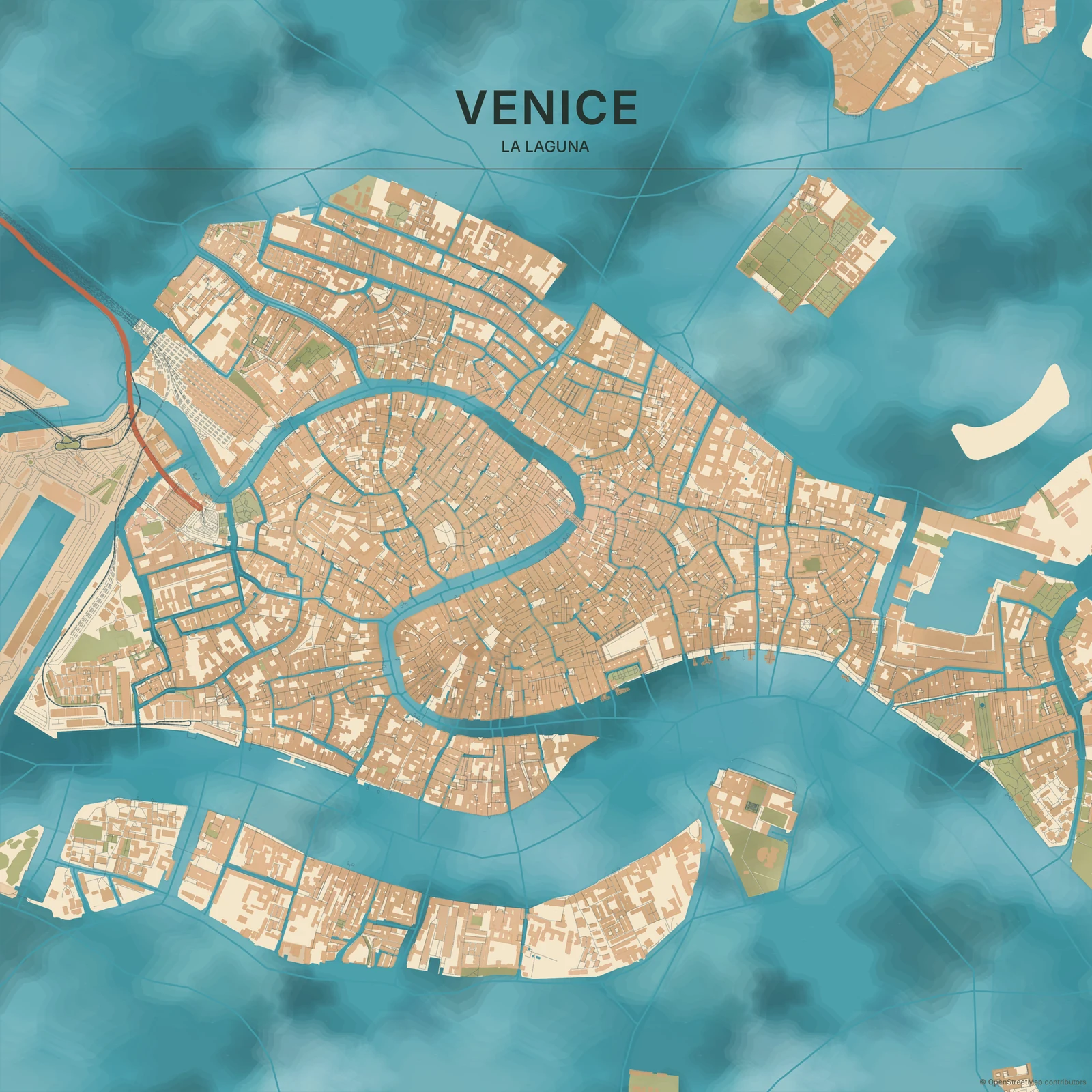
Let the wash show through
Large areas carry shifts in pigment rather than one perfectly flat fill. Paper remains part of the picture, and the edges feel less exact than a clean vector map. Colour is the main voice here: Japanese Ink puts more emphasis on dark brush lines, while Coloured Pencil builds its texture from finer directional marks. Watercolor leaves things softer and more fluid.
Find your starting style
Ocean and Mediterranean explore blue and turquoise. Autumn brings warmer pigment, Forest leans green, and Sakura and Lavender offer lighter, delicate colour combinations. Impressionist uses short, broken paint marks; Fresco favours matte mineral colours and warm plaster.
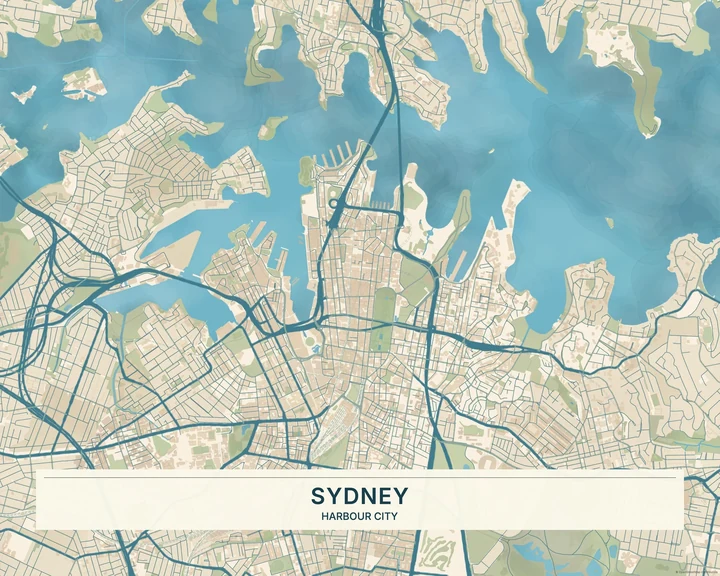
Ocean
Sydney
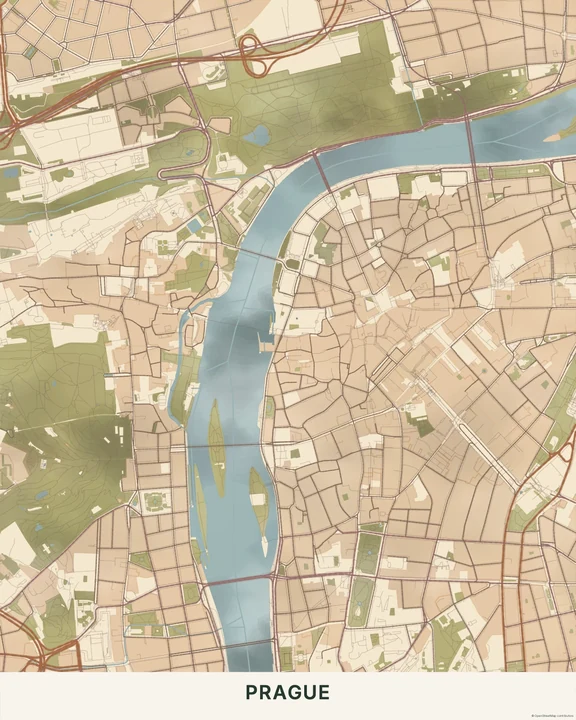
Autumn
Prague
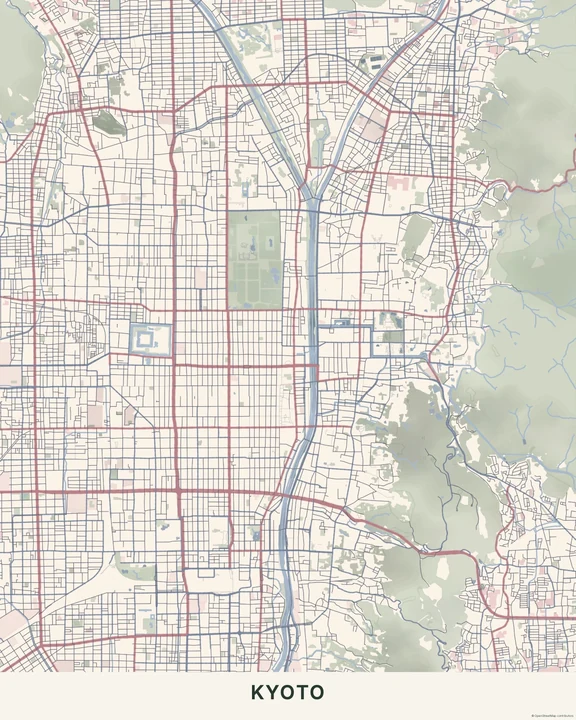
Sakura
Kyoto
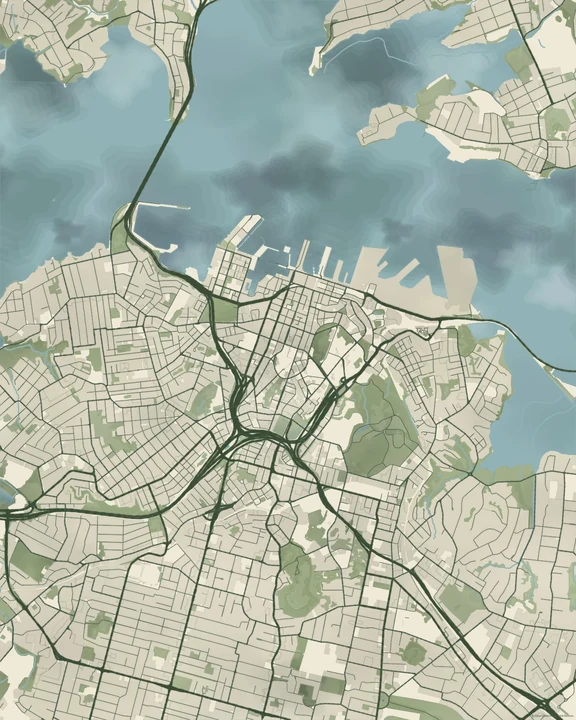
Forest
Auckland
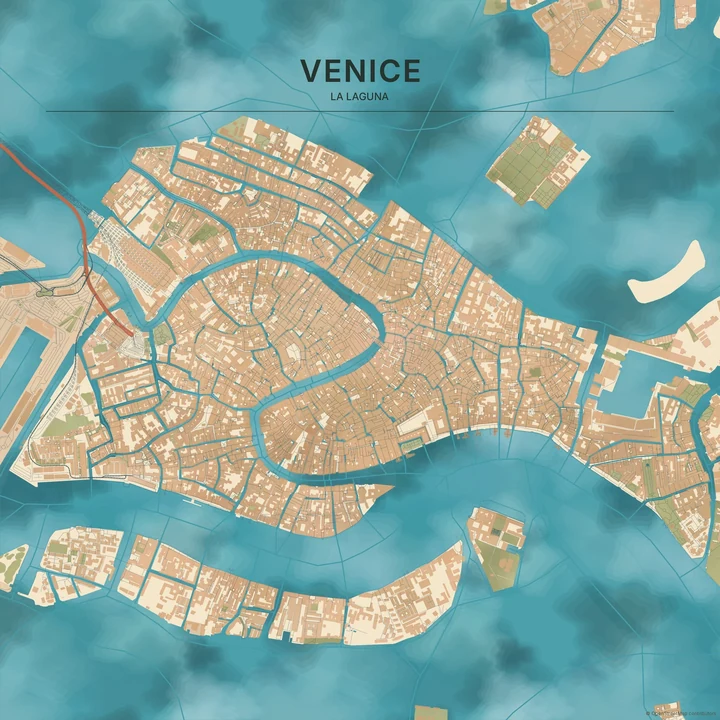
Mediterranean
Venice
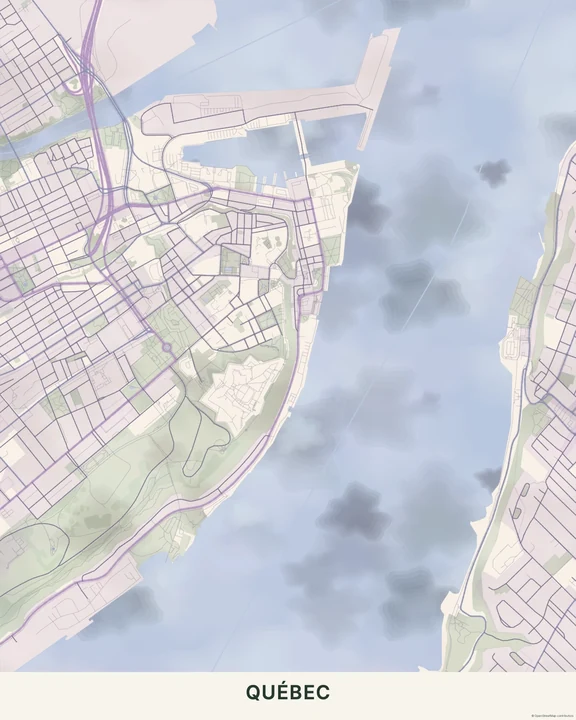
Lavender
Québec
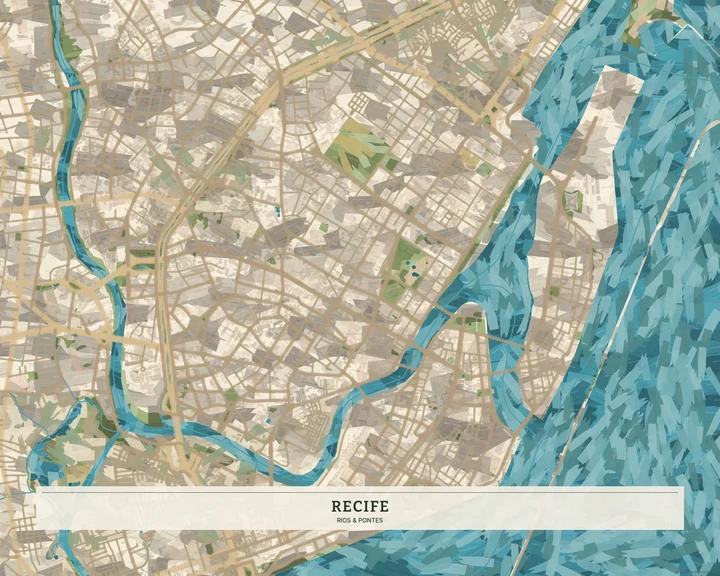
Impressionist
Recife
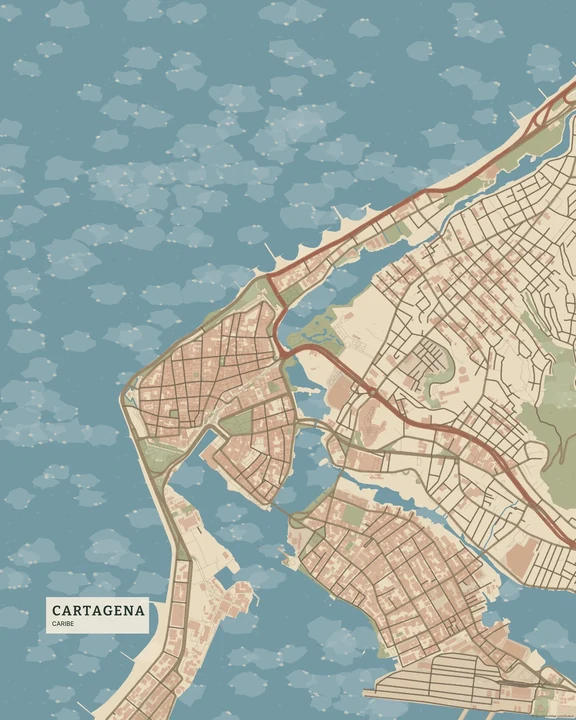
Fresco
Cartagena
Give the colours room
Try a view with a broad patch of water or greenery so the washes have space to show. Adjust the layer colours and move the map within your chosen format. A few words or a discreet marker can turn the painted geography into a memory without filling every quiet corner.
How it worksMaps in this theme
Venice in Mediterranean
Watercolor · Mediterranean
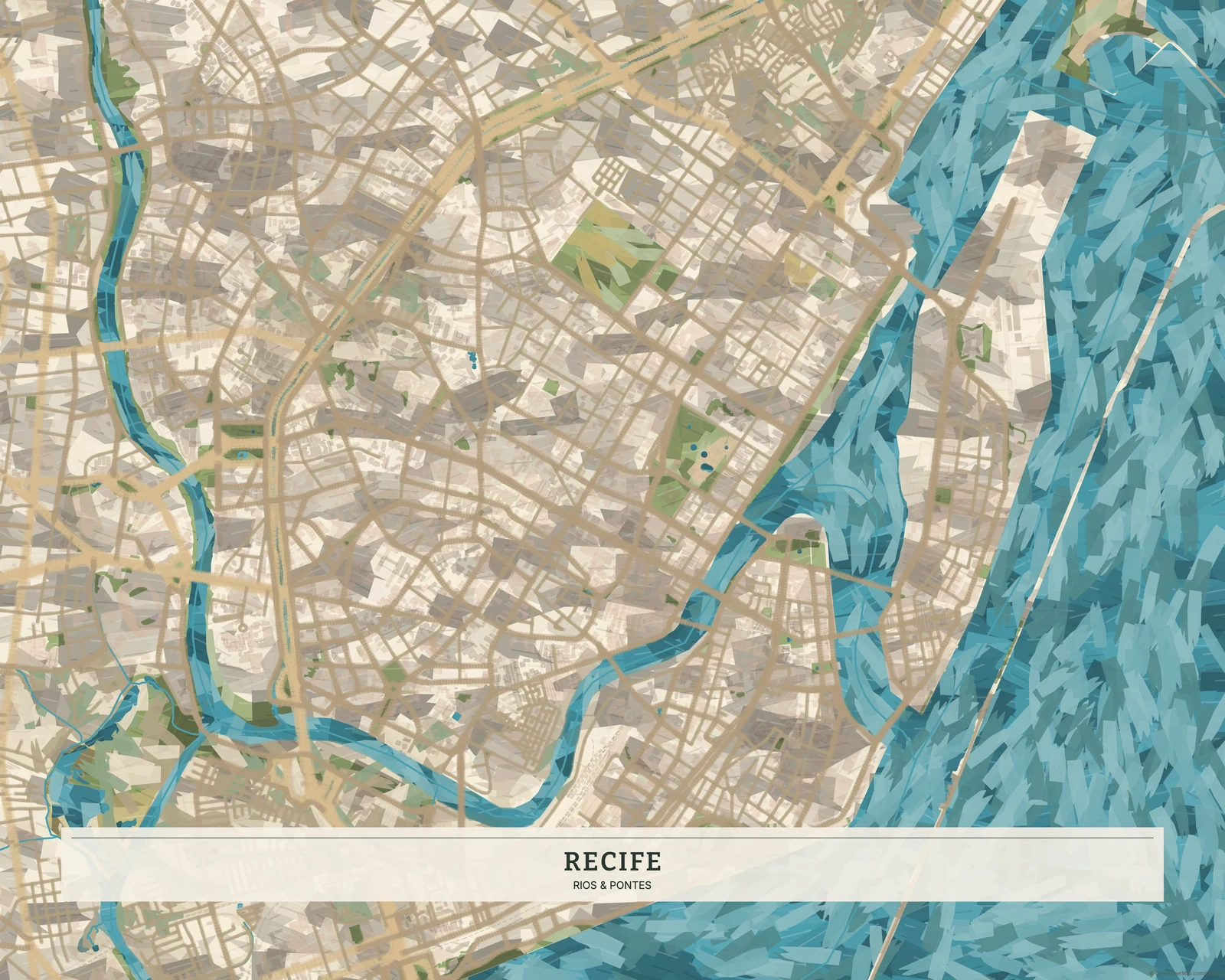
Recife in Impressionist
Watercolor · Impressionist
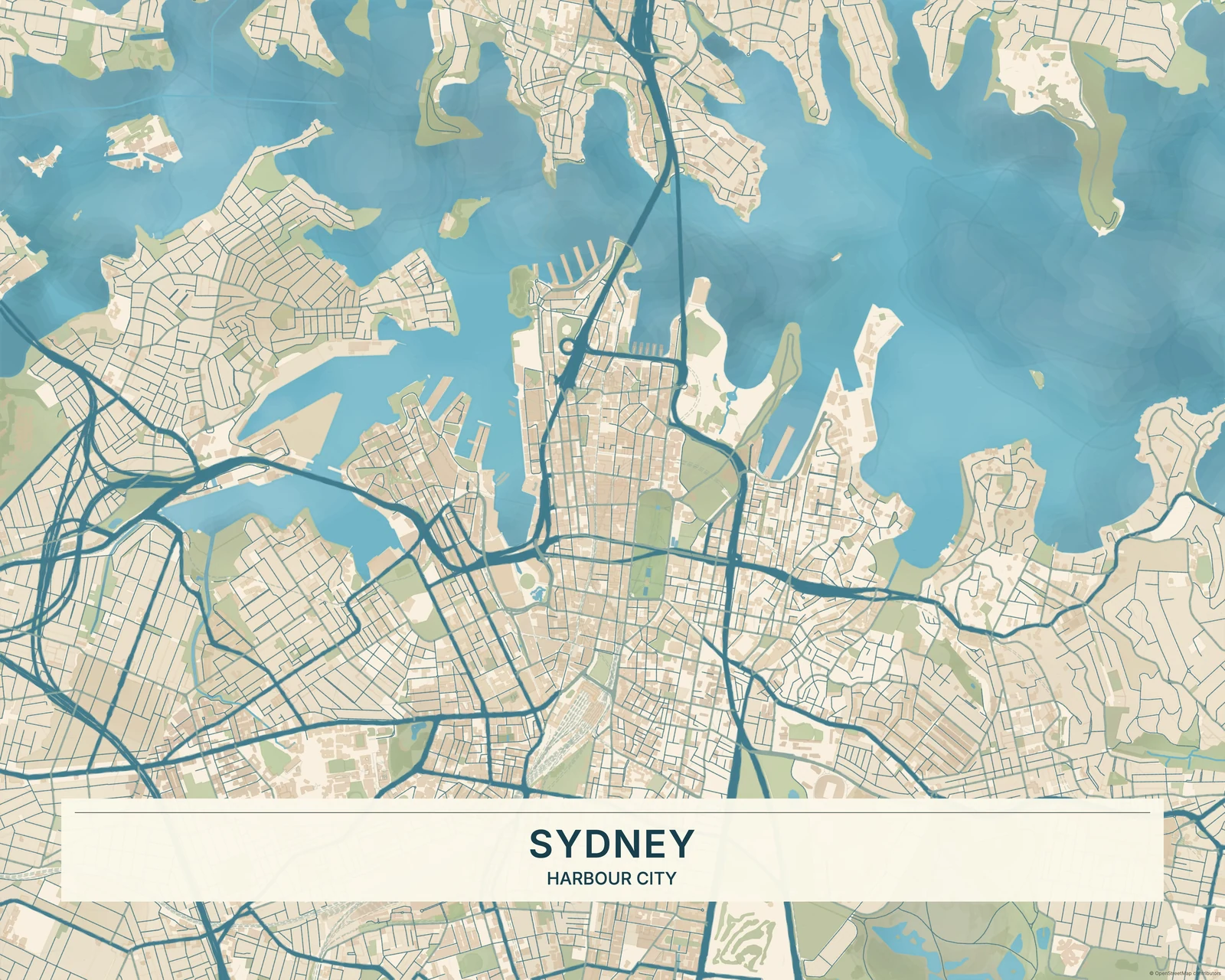
Sydney in Ocean
Watercolor · Ocean
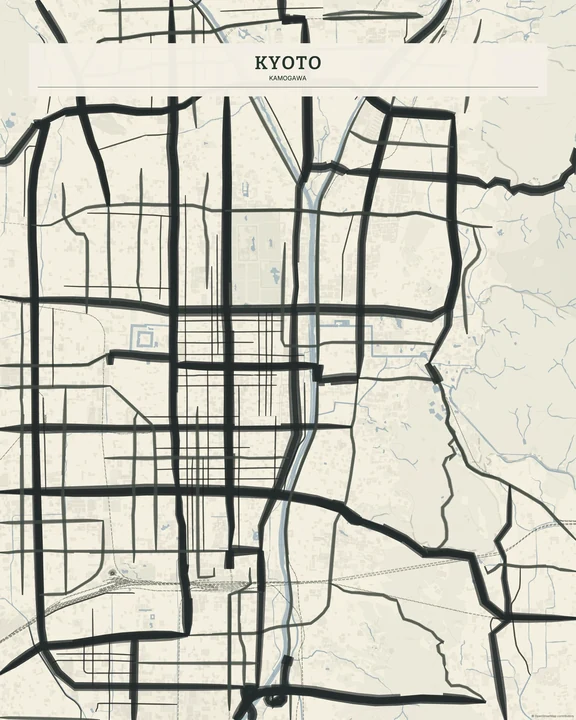
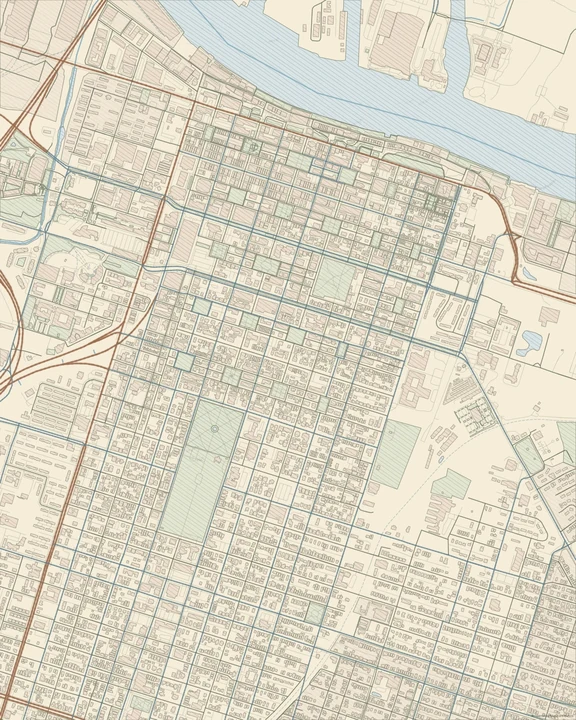
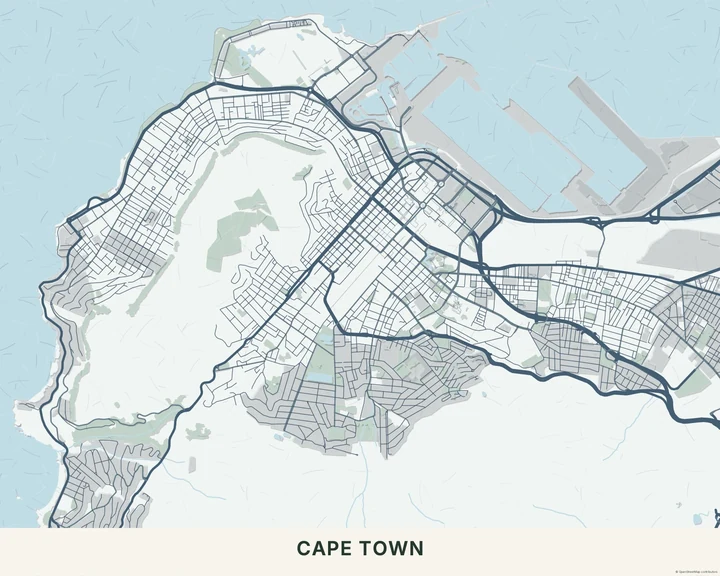
A softer view of somewhere familiar.
In the studio, choose Watercolor under Theme, then pick a style.
Selected places, real geography. Search the editor for your own place and check the available map detail. © OpenStreetMap contributors