
Paper Cut
Picture a place built from sheets of coloured paper. Paper Cut gives land, water and buildings their own layers, with small shadows that make the shapes feel lifted from the page. Arrange the view and let the edges catch your eye.
Create with Paper CutIn the studio, choose Paper Cut under Theme, then pick a style.
A little depth goes a long way
The shadows sit between geographic layers, so the depth follows the map rather than framing it with one large shadow. Slightly imperfect edges and a paper-like surface soften the shapes. Where Geometric keeps its colour fields flat, Paper Cut lets them feel stacked. The effect stays shallow, closer to a carefully assembled collage than a three-dimensional landscape.
Find your starting style
Nordic keeps the layers cool and restrained. Botanical brings more green, Pastel softens the colours, Earth feels warmer, and Vibrant makes the separation bolder.
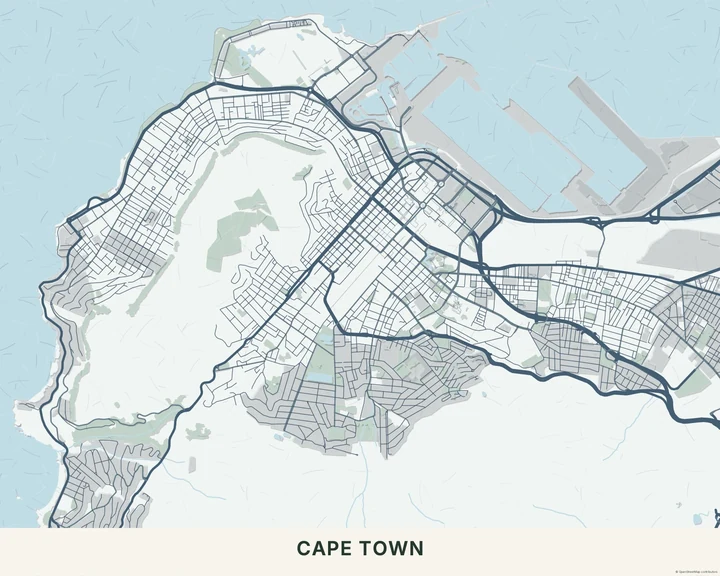
Nordic
Cape Town
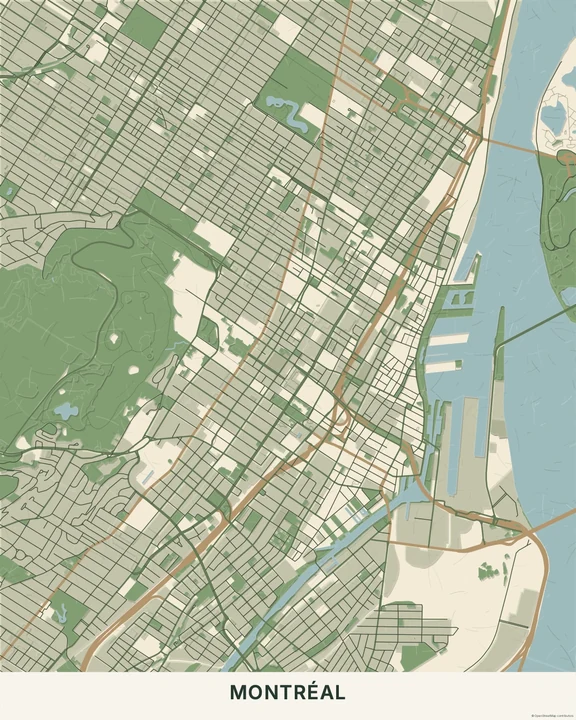
Botanical
Montréal
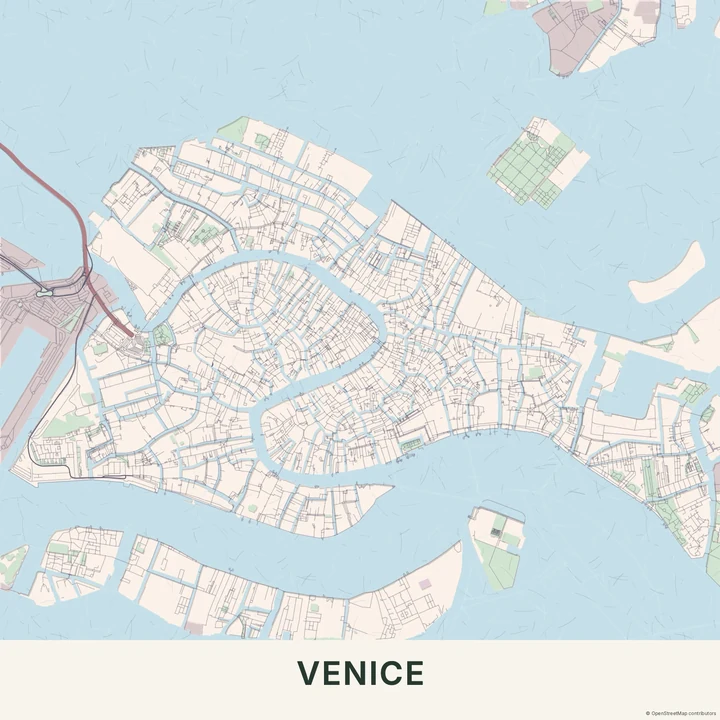
Pastel
Venice
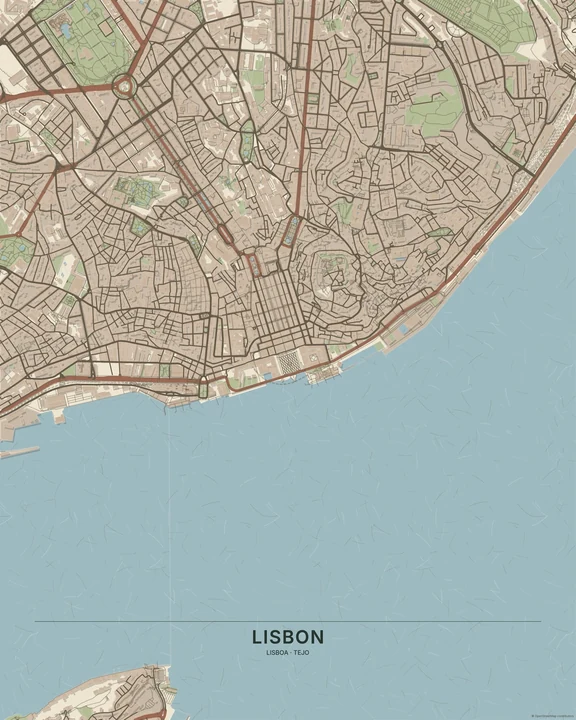
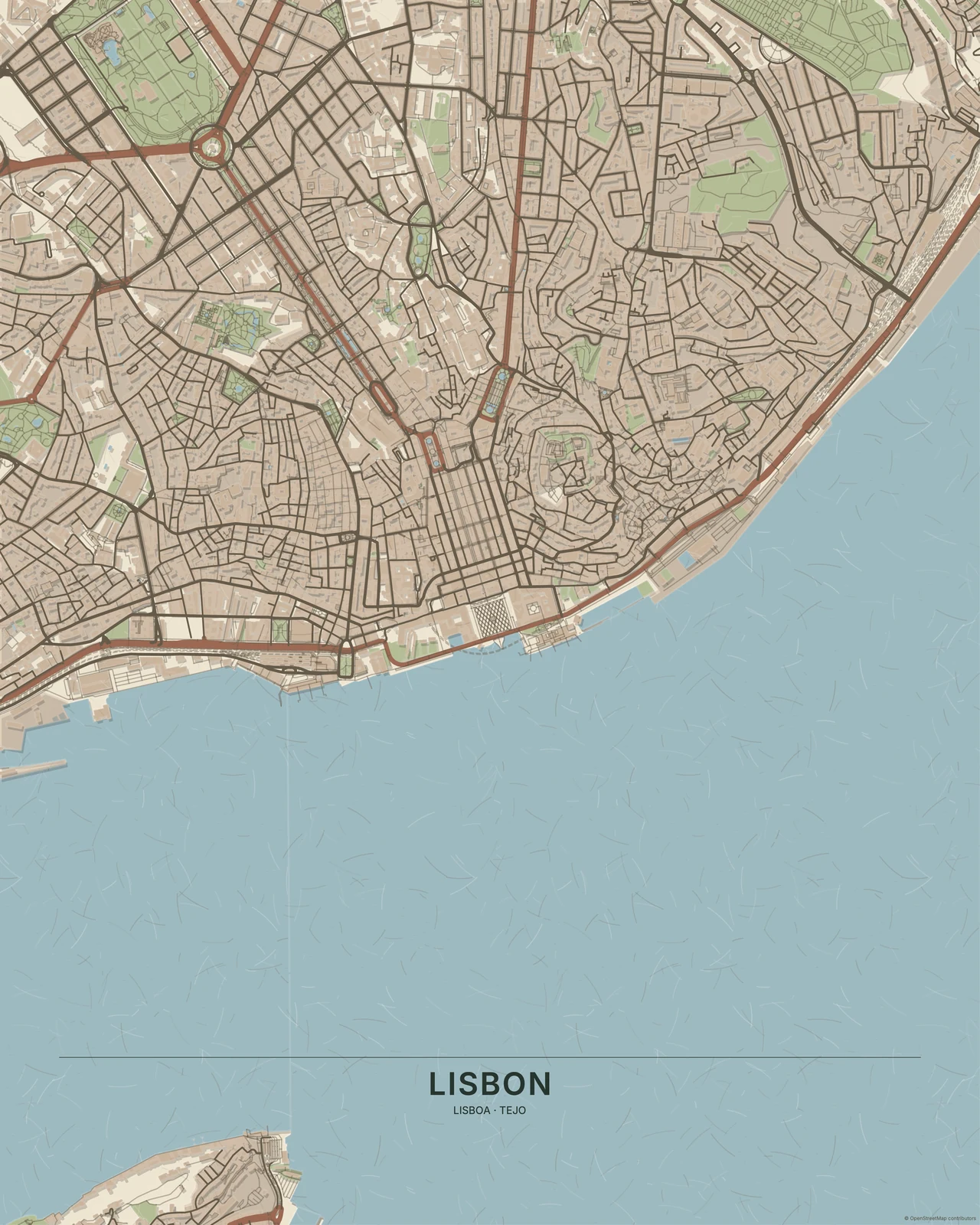
Earth
Lisbon
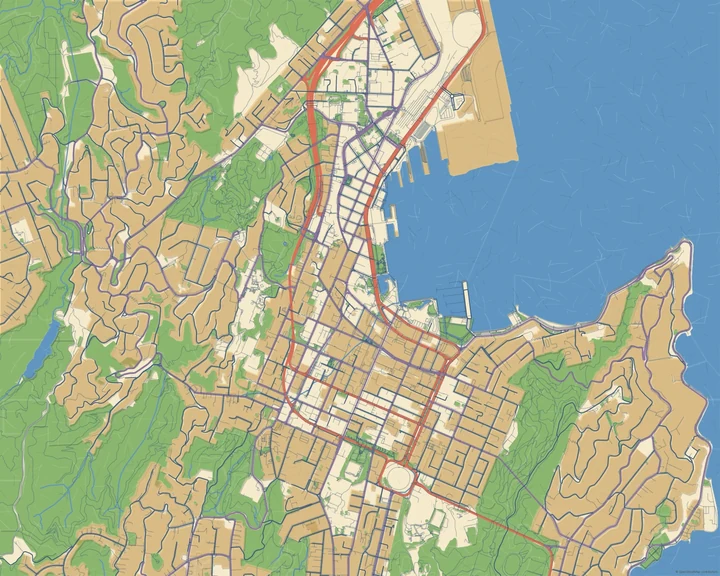
Vibrant
Wellington
Arrange your paper landscape
Try a crop where water, parks and streets have enough room to separate. Choose layer colours that work together, then add your own words or a marker. Keep text away from busy edges so it feels placed on the composition rather than caught between its layers.
How it worksMaps in this theme
Lisbon in Earth
Paper Cut · Earth
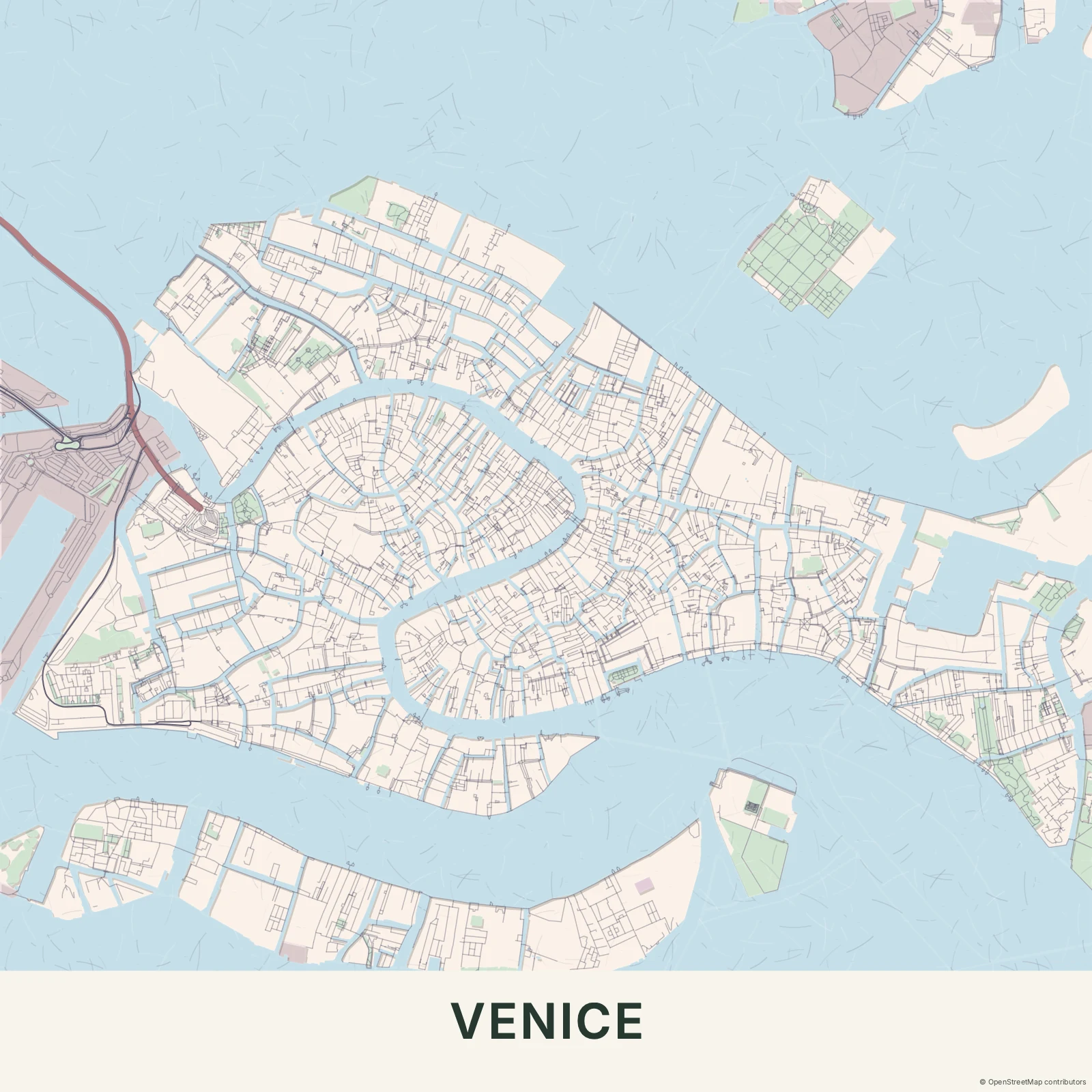
Venice in Pastel
Paper Cut · Pastel
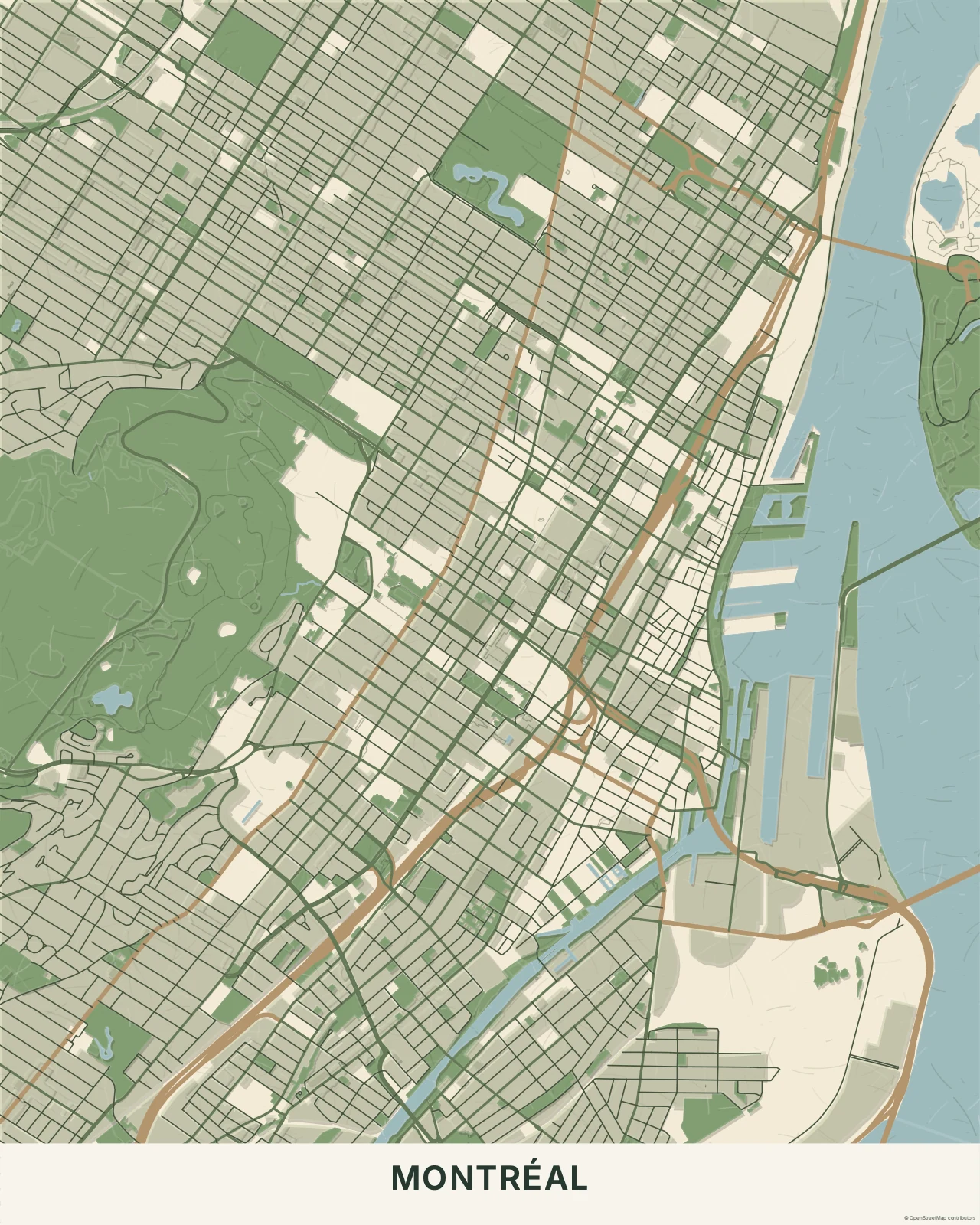
Montréal in Botanical
Paper Cut · Botanical
Layer a little meaning into your map.
In the studio, choose Paper Cut under Theme, then pick a style.
Selected places, real geography. Search the editor for your own place and check the available map detail. © OpenStreetMap contributors