
Geometric
Find the order in the streets. Geometric brings geographic fields and dividing lines into a clear, structured composition. Choose bold primary colours or a quieter palette, then balance the shapes within your frame.
Shape a Geometric mapIn the studio, choose Geometric under Theme, then pick a style.
A place, seen as shapes
Reduced detail lets the larger geographic areas read together. Strong road and boundary lines hold the colour fields apart, with little surface texture to interrupt them. Geometric is more systematic than Abstract’s varied compositional approaches. It also stays flat where Paper Cut adds layered depth. The shapes still come from the map rather than an unrelated decorative pattern.
Find your starting style
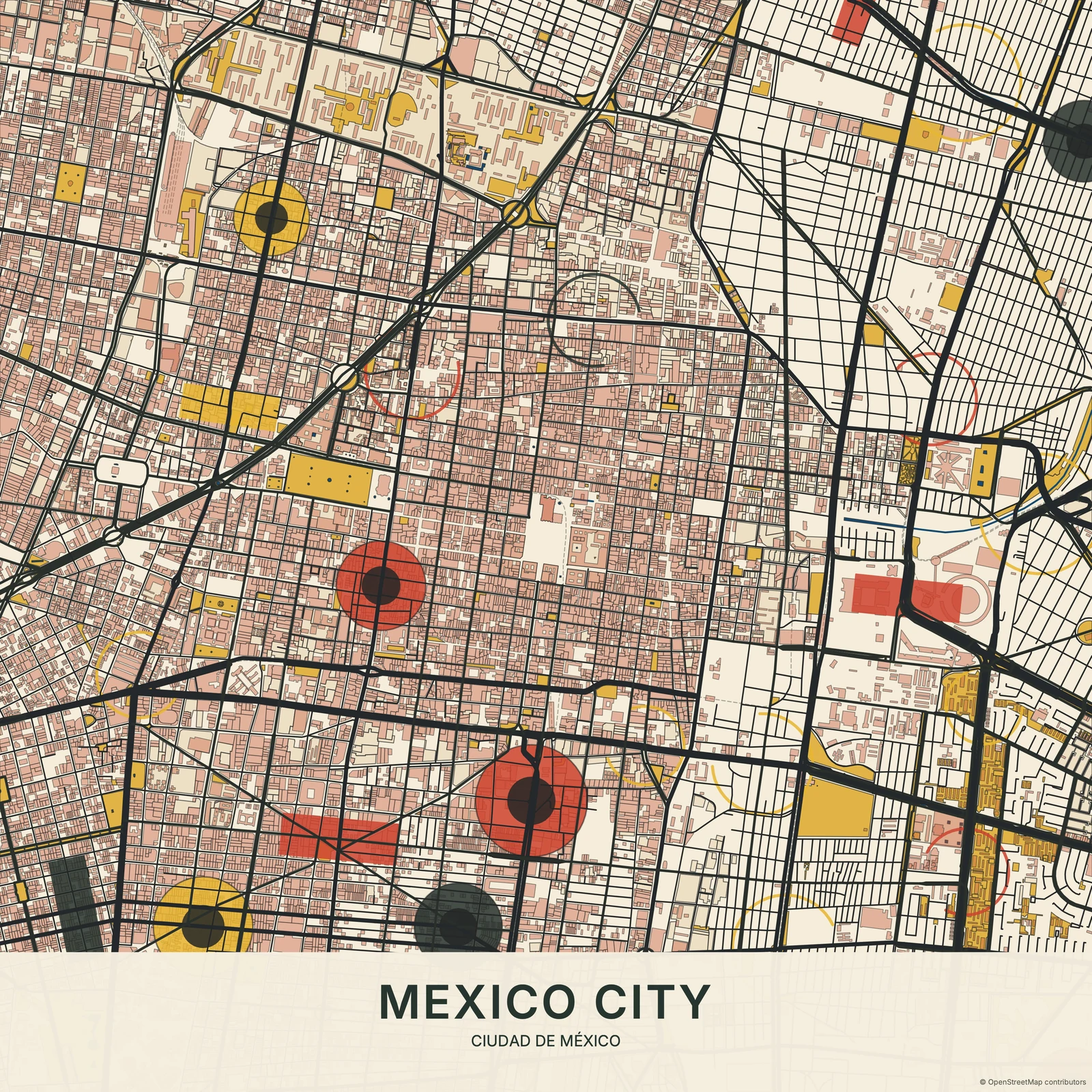
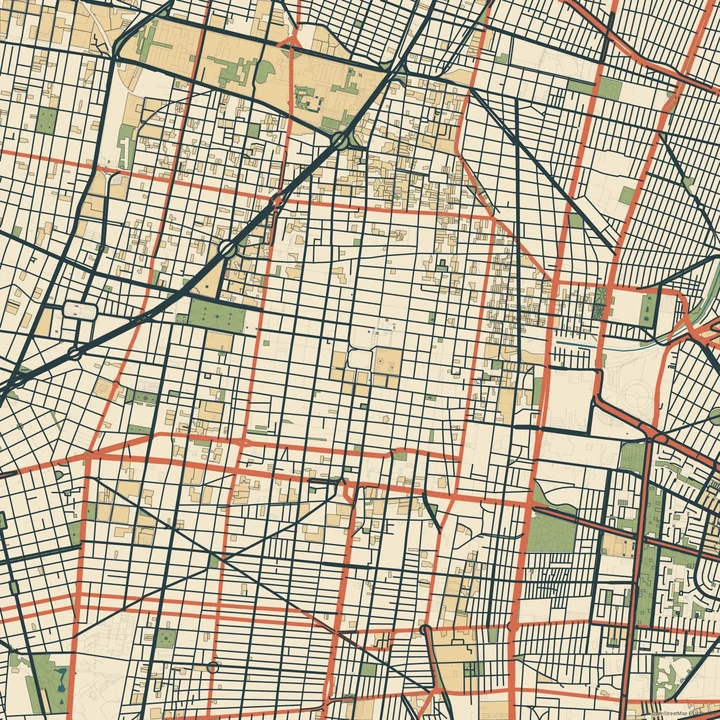
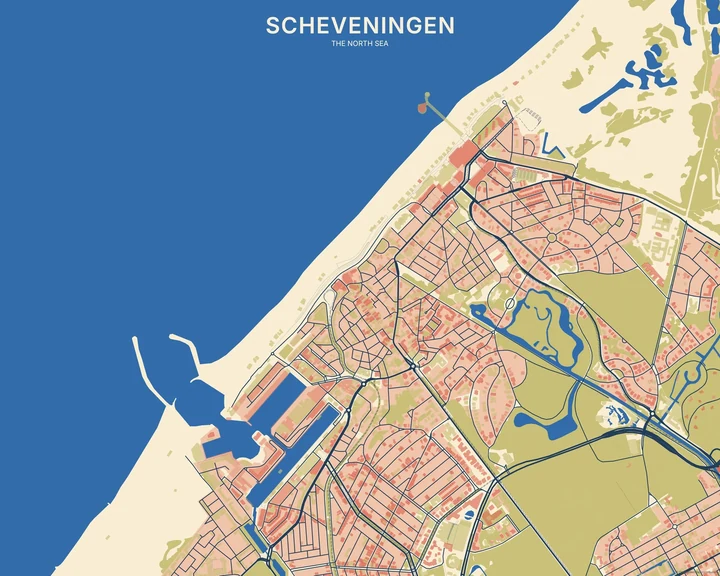
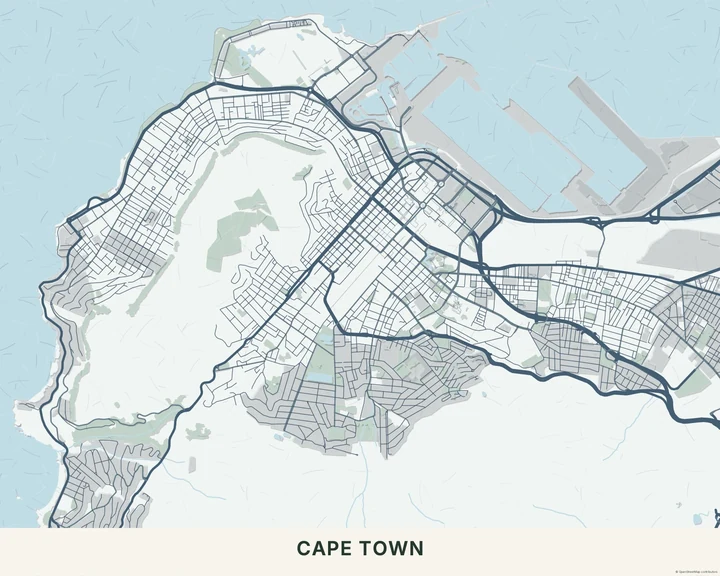
Bauhaus and Primary bring red, yellow and blue into focus. Nordic lowers the saturation, Pastel keeps the mood light, and Earth works with clay, sand and olive tones. Chromatic Geometry places circles and arcs at real junctions. Synthetism joins broad ochre, terracotta and green geographic fields with dark contours and clear teal water. Art Deco follows real street junctions with stepped panels and restrained fans.
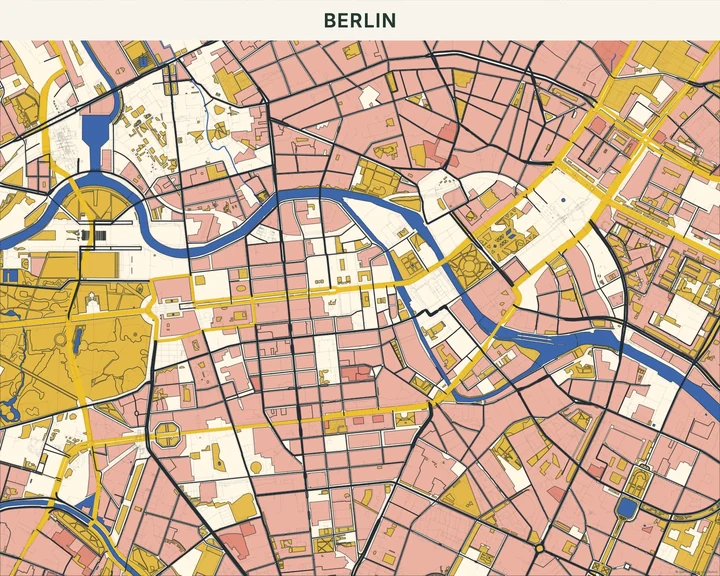
Bauhaus
Berlin
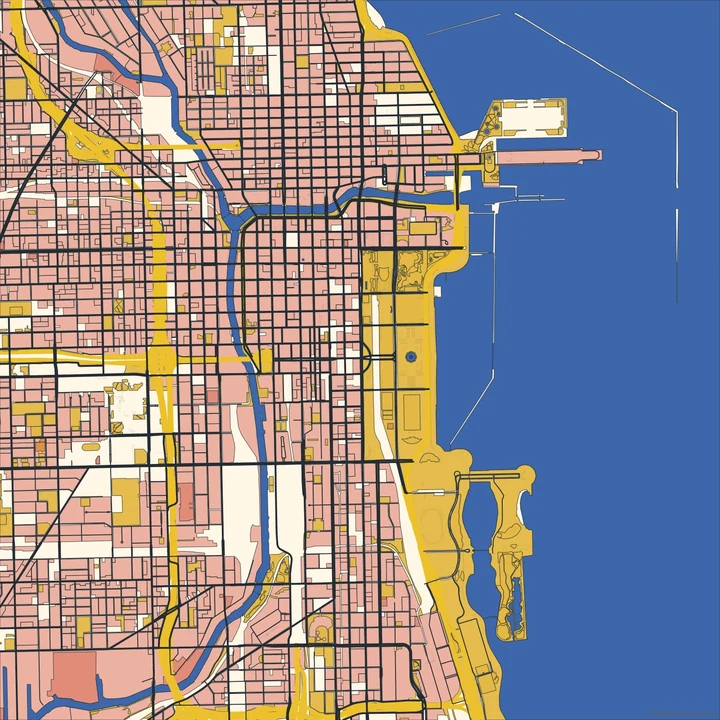
Primary
Chicago
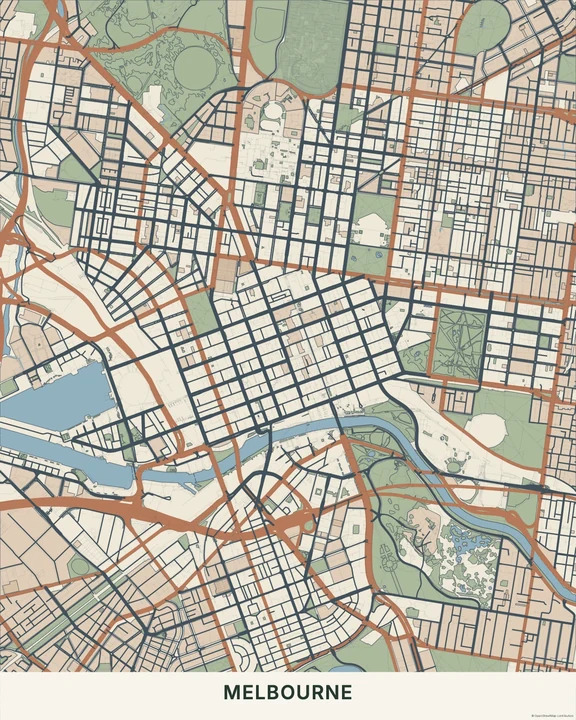
Nordic
Melbourne
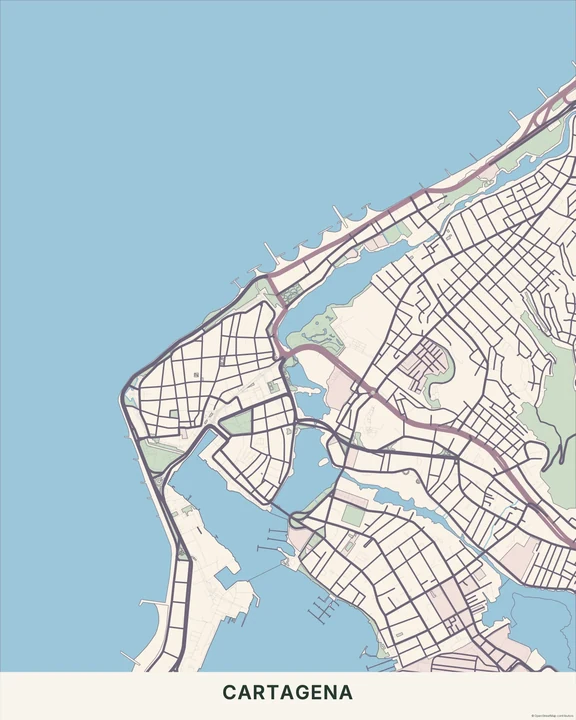
Pastel
Cartagena
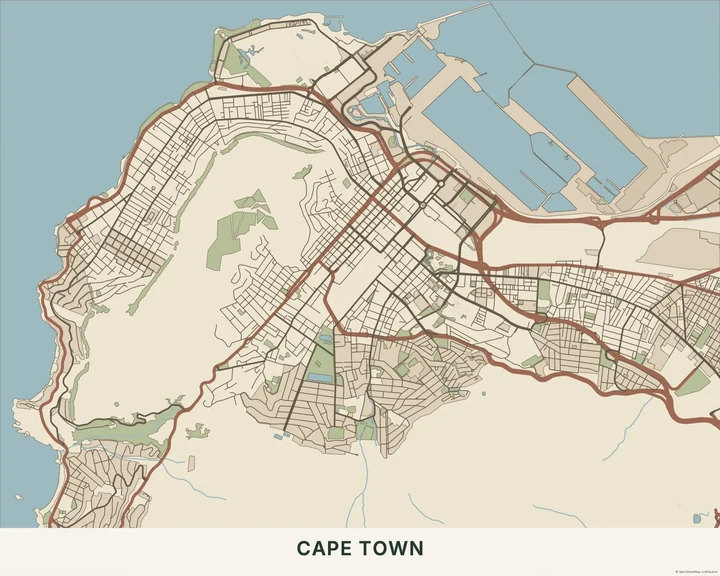
Earth
Cape Town
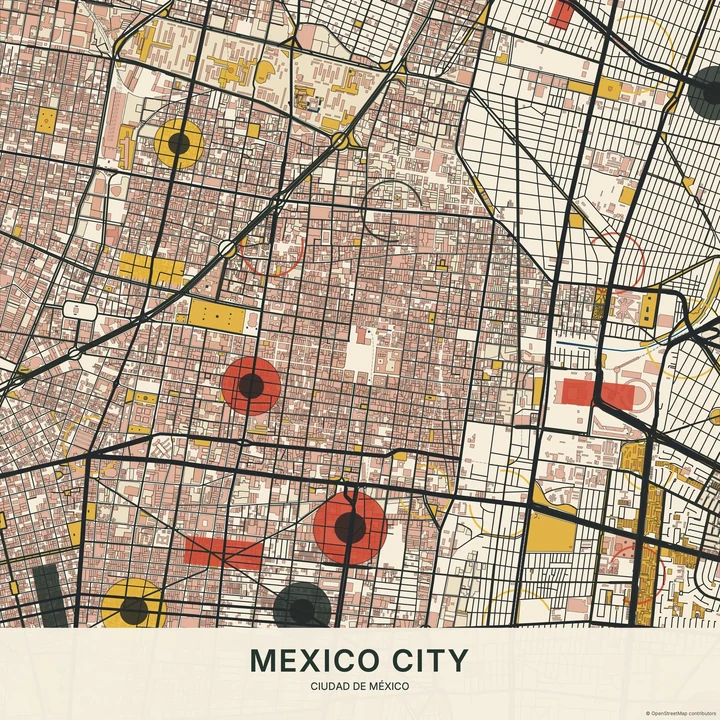
Chromatic Geometry
Mexico City
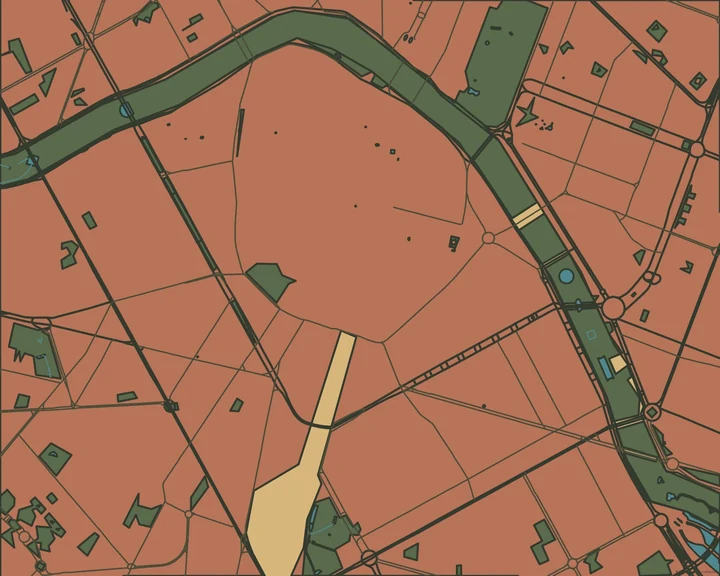
Synthetism
Valencia
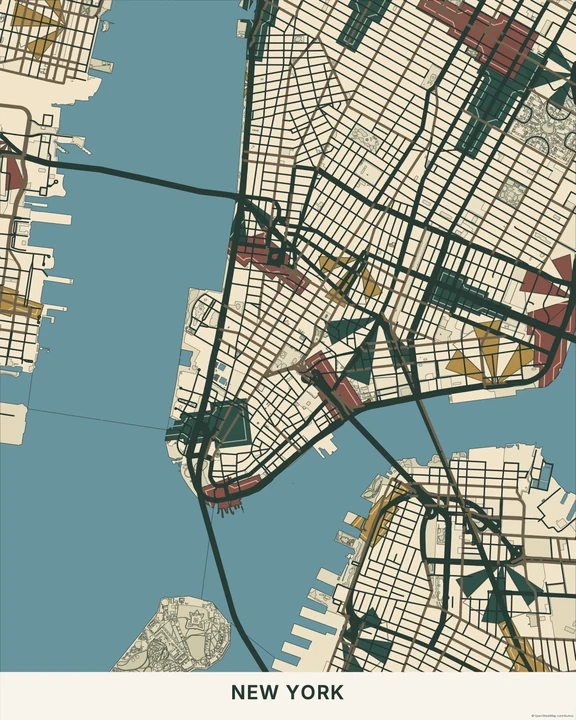
Art Deco
New York
Balance one field against another
Pan across the map and watch how the areas of colour change size. Adjust the layer colours, try a different artwork format, and use a simple shape or short title if the composition needs an anchor. The open areas can be as useful as the busy ones.
How it worksMaps in this theme
Mexico City in Chromatic Geometry
Geometric · Chromatic Geometry
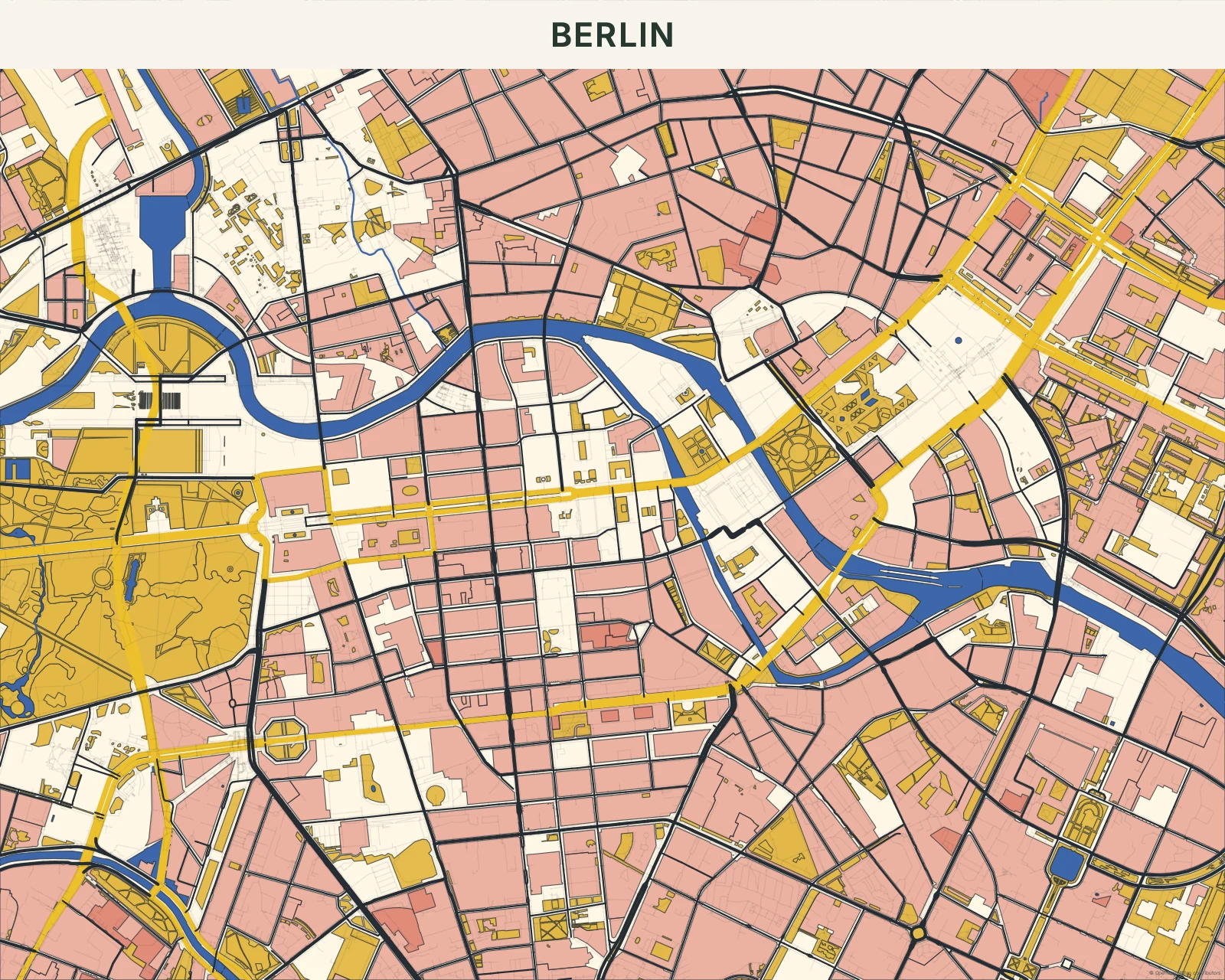
Berlin in Bauhaus
Geometric · Bauhaus
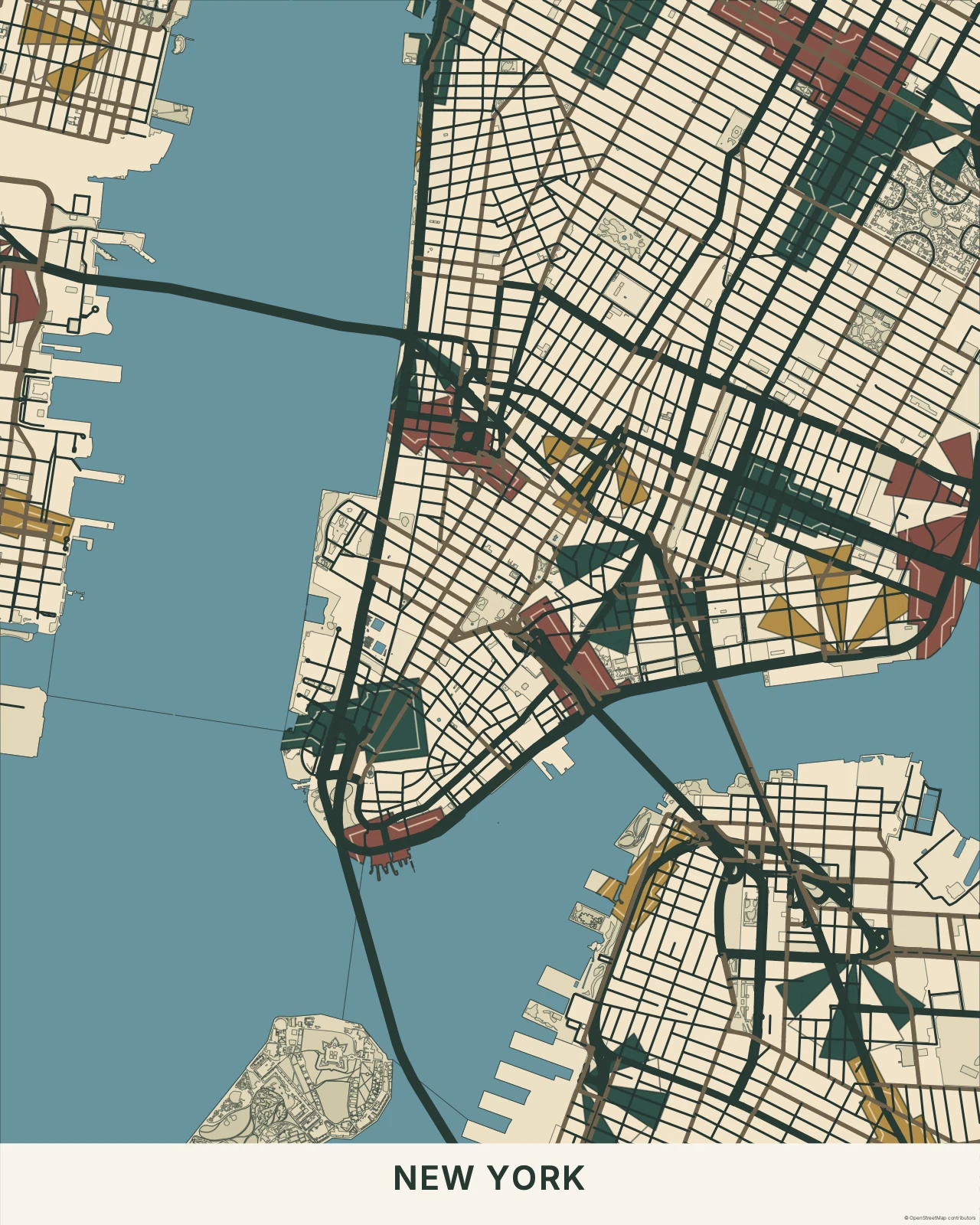
New York in Art Deco
Geometric · Art Deco
Find a composition hiding in plain sight.
In the studio, choose Geometric under Theme, then pick a style.
Selected places, real geography. Search the editor for your own place and check the available map detail. © OpenStreetMap contributors