
Linocut / Woodblock
Bold ink meets the spaces left unprinted. Linocut / Woodblock gives your map the feel of a relief print, with carved marks and slightly broken edges. It’s a tactile starting point for a simple, strong composition.
Make a Linocut / Woodblock mapIn the studio, choose Linocut / Woodblock under Theme, then pick a style.
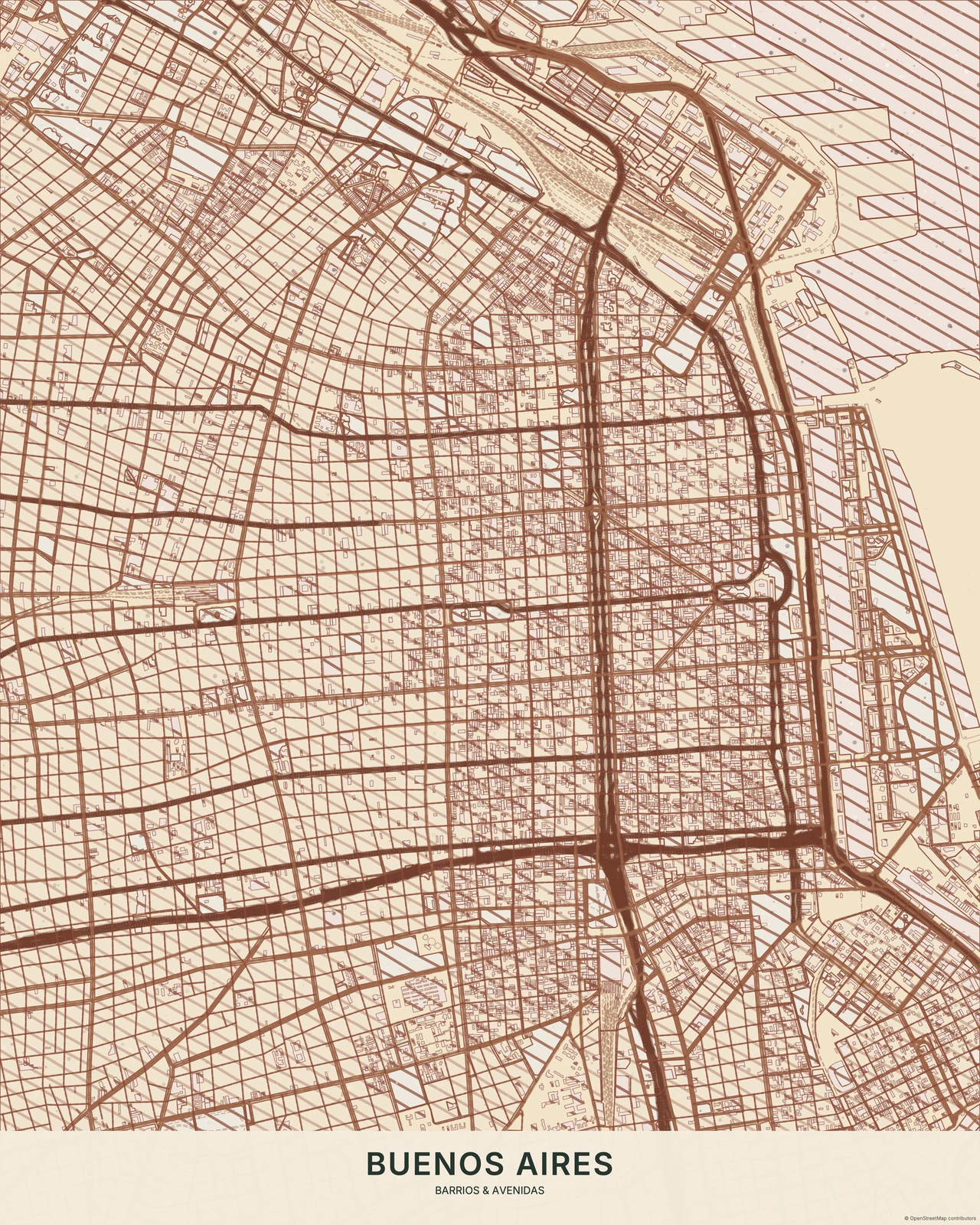
Marks that feel cut, not brushed
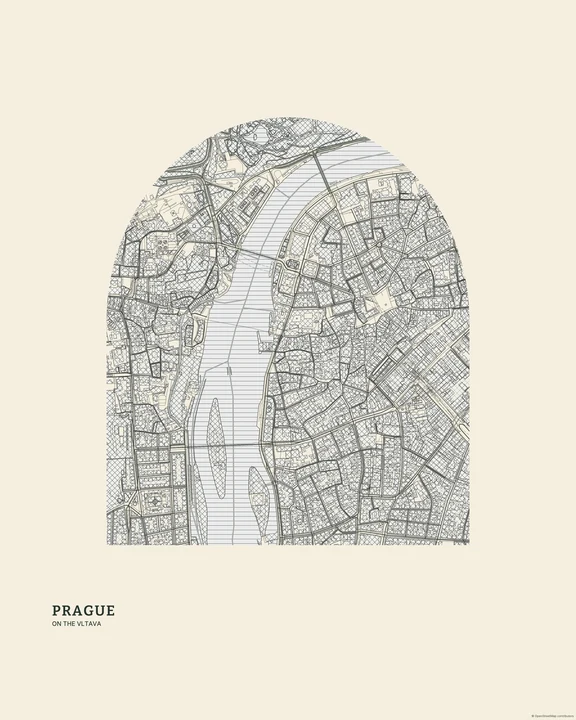
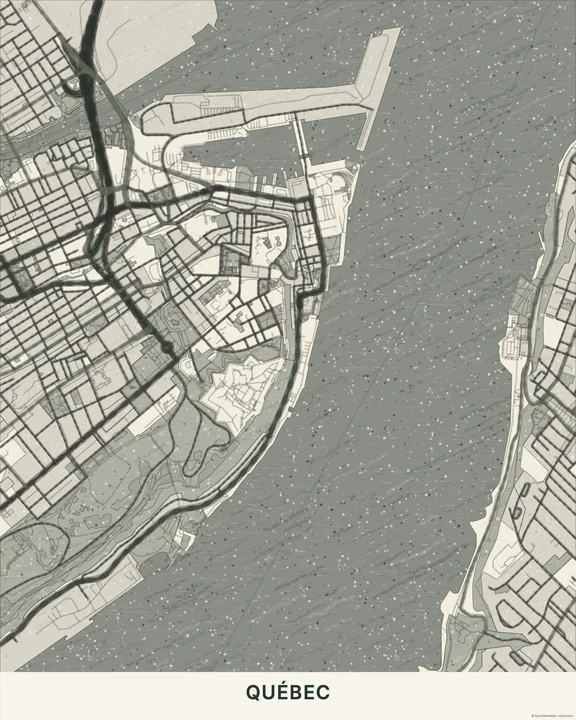
Directional hatching and uneven ink coverage give the geographic shapes a worked surface. The paper peeks through, and the road structure has a heavier, more decisive character. Japanese Ink flows like a brush; Engraving / Etching uses much finer marks. Linocut / Woodblock sits between broad dark areas and the lighter cuts that break them open.
Find your starting style
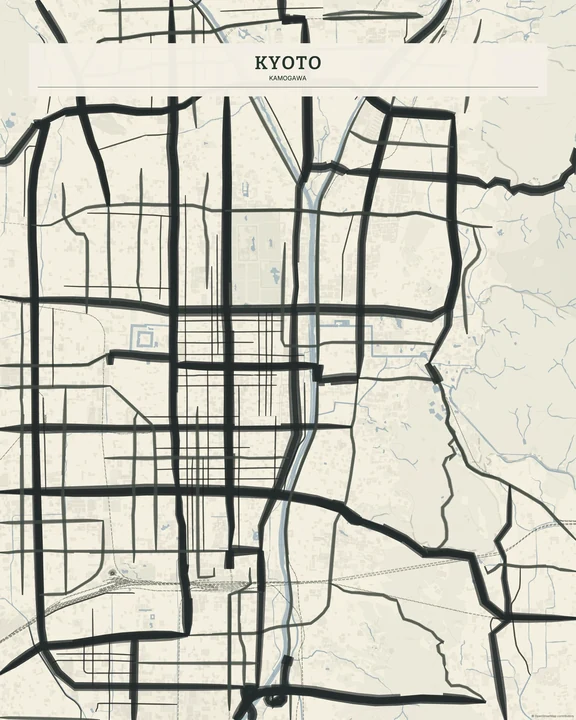
Black & Ivory gives the clearest light-dark contrast. Indigo cools the ink, Terracotta warms it, and Forest keeps the relief-print mood in deep green. Woodblock adds indigo colour separation, restrained red accents and carved contours from actual geographic boundaries.
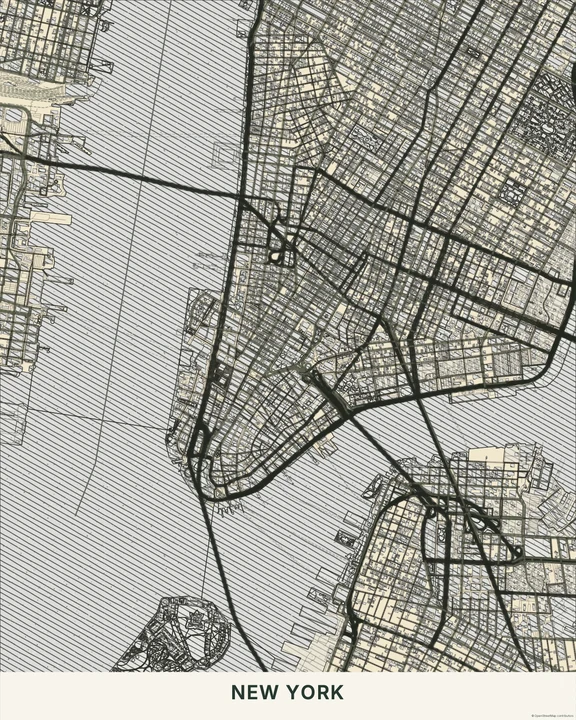
Black & Ivory
New York
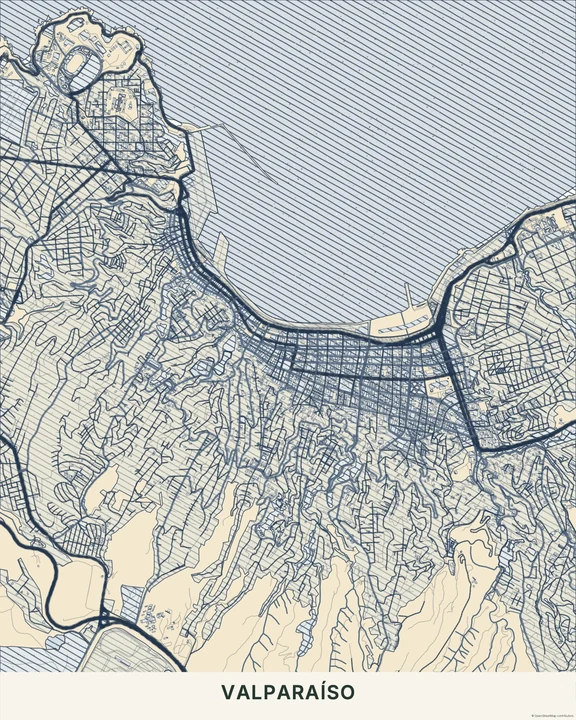
Indigo
Valparaíso
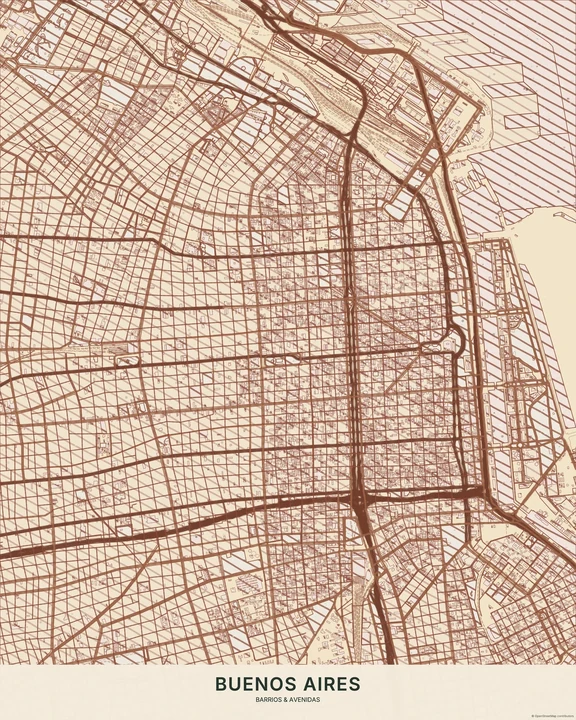
Terracotta
Buenos Aires
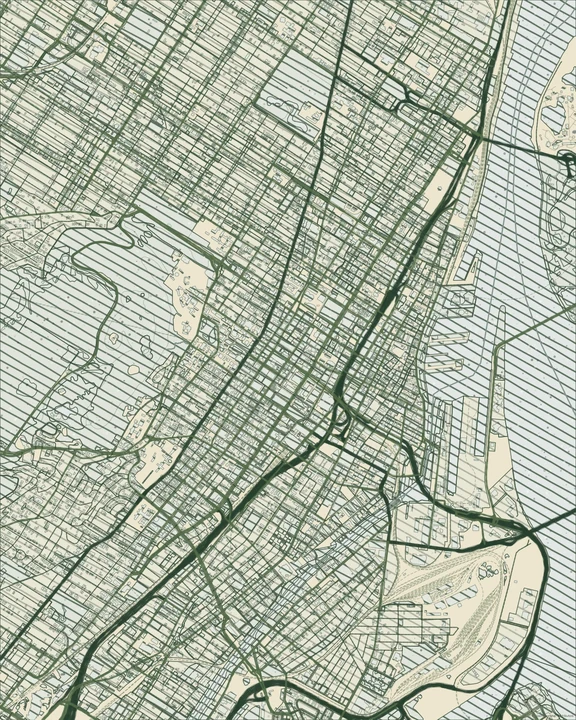
Forest
Montréal
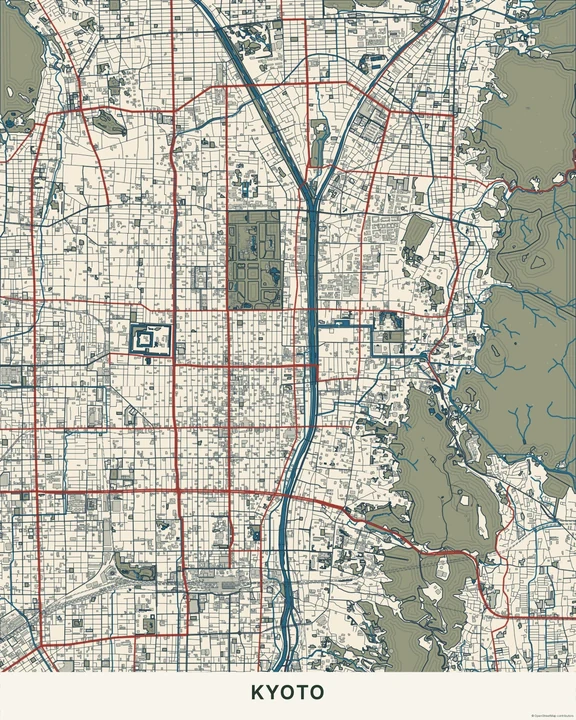
Woodblock
Kyoto
Look for a strong silhouette
Move the map until the larger shapes work together, then reduce any layers that make the view feel crowded. A small amount of your own text can sit in the lighter space. Try keeping markers and routes close to the chosen ink colour for a limited-palette piece.
How it worksMaps in this theme
Buenos Aires in Terracotta
Linocut / Woodblock · Terracotta
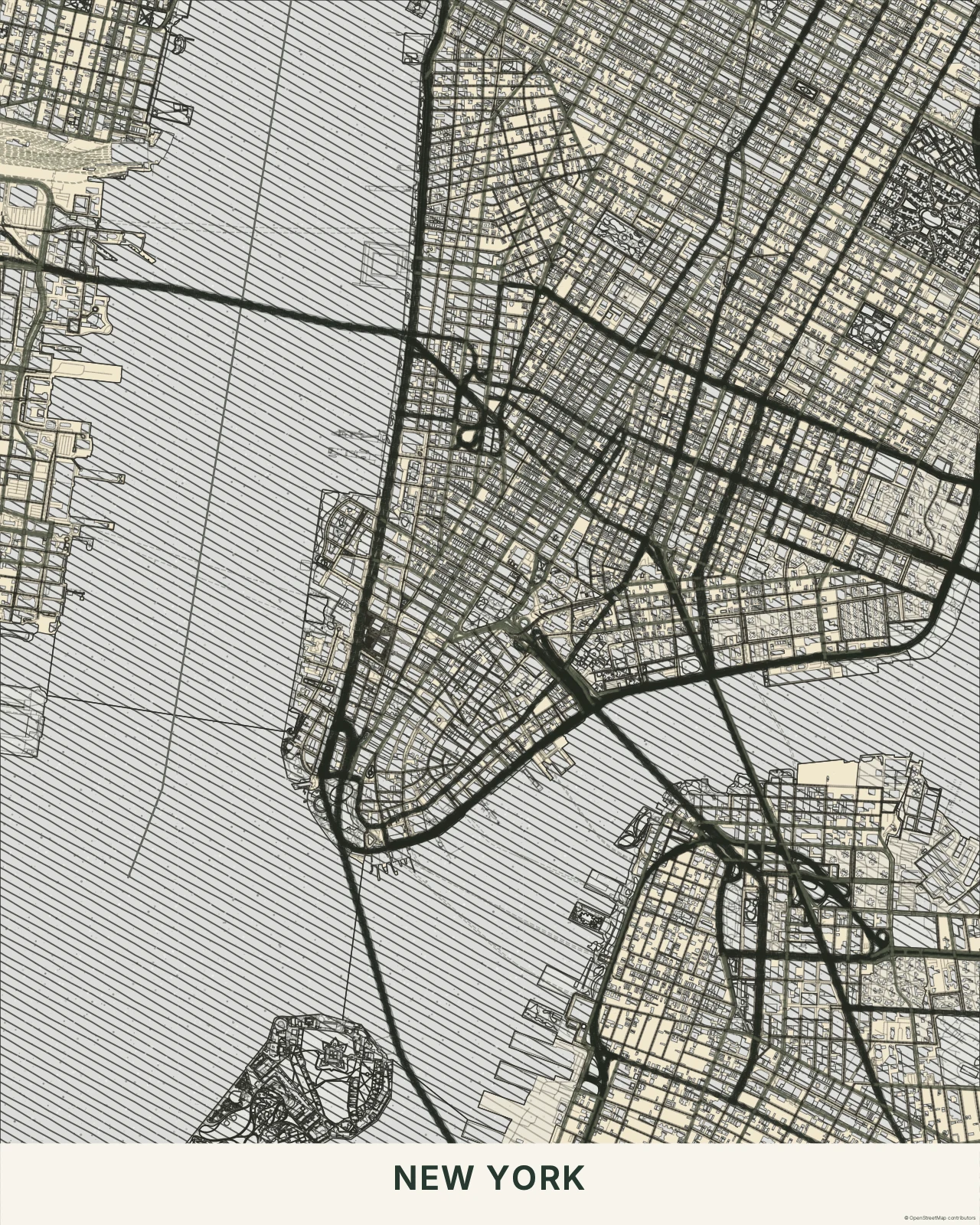
New York in Black & Ivory
Linocut / Woodblock · Black & Ivory
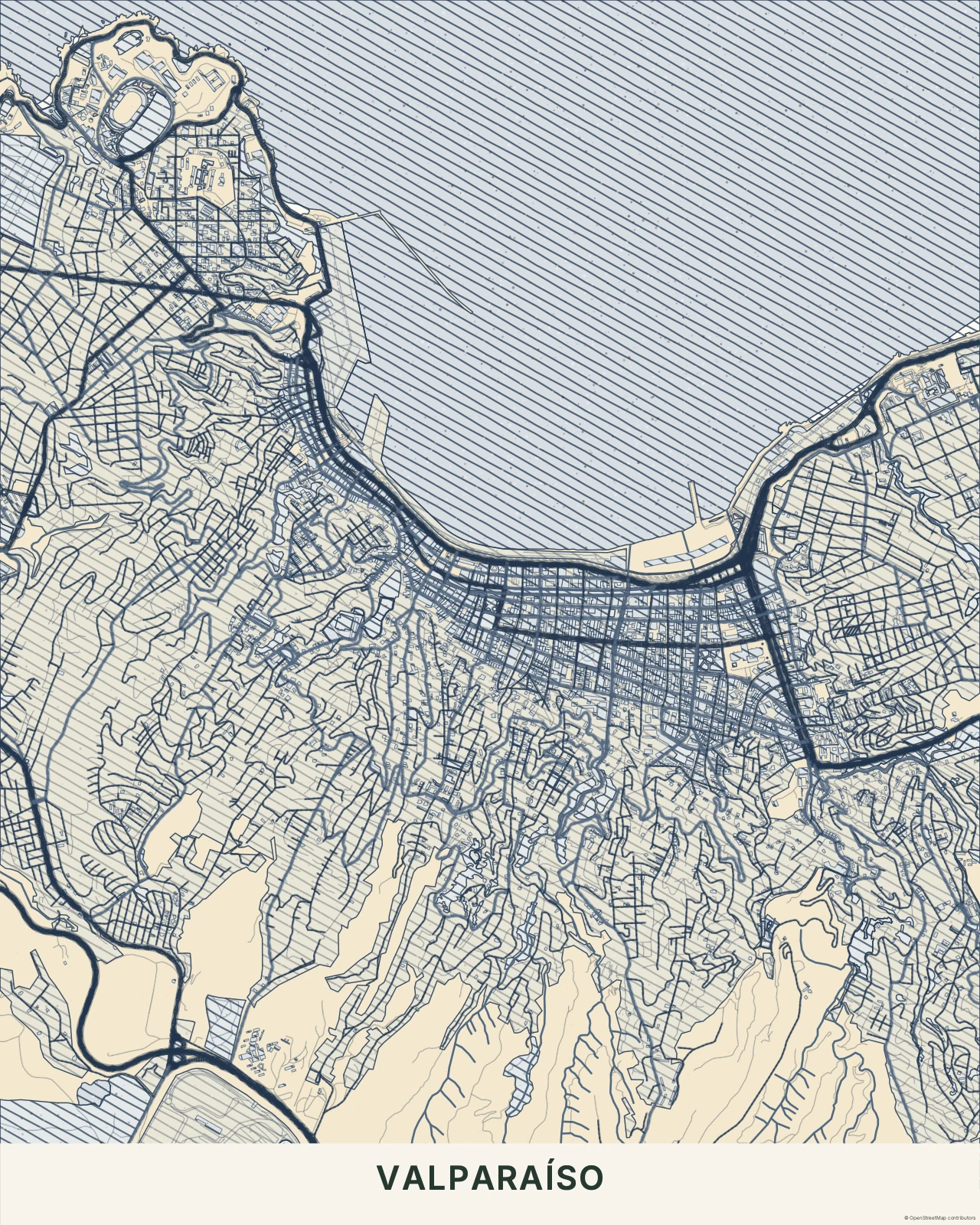
Valparaíso in Indigo
Linocut / Woodblock · Indigo
Find the bold marks in your place.
In the studio, choose Linocut / Woodblock under Theme, then pick a style.
Selected places, real geography. Search the editor for your own place and check the available map detail. © OpenStreetMap contributors