
Engraving / Etching
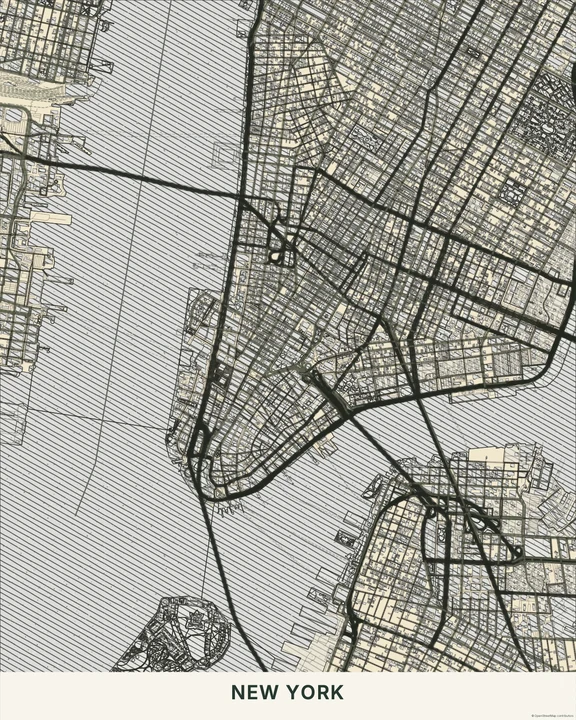
Come a little closer. Engraving / Etching builds its tones from fine lines and cross-hatching, making the map feel carefully worked onto paper. Choose an ink colour and find a view worth looking at twice.
Try an engraved mapIn the studio, choose Engraving / Etching under Theme, then pick a style.
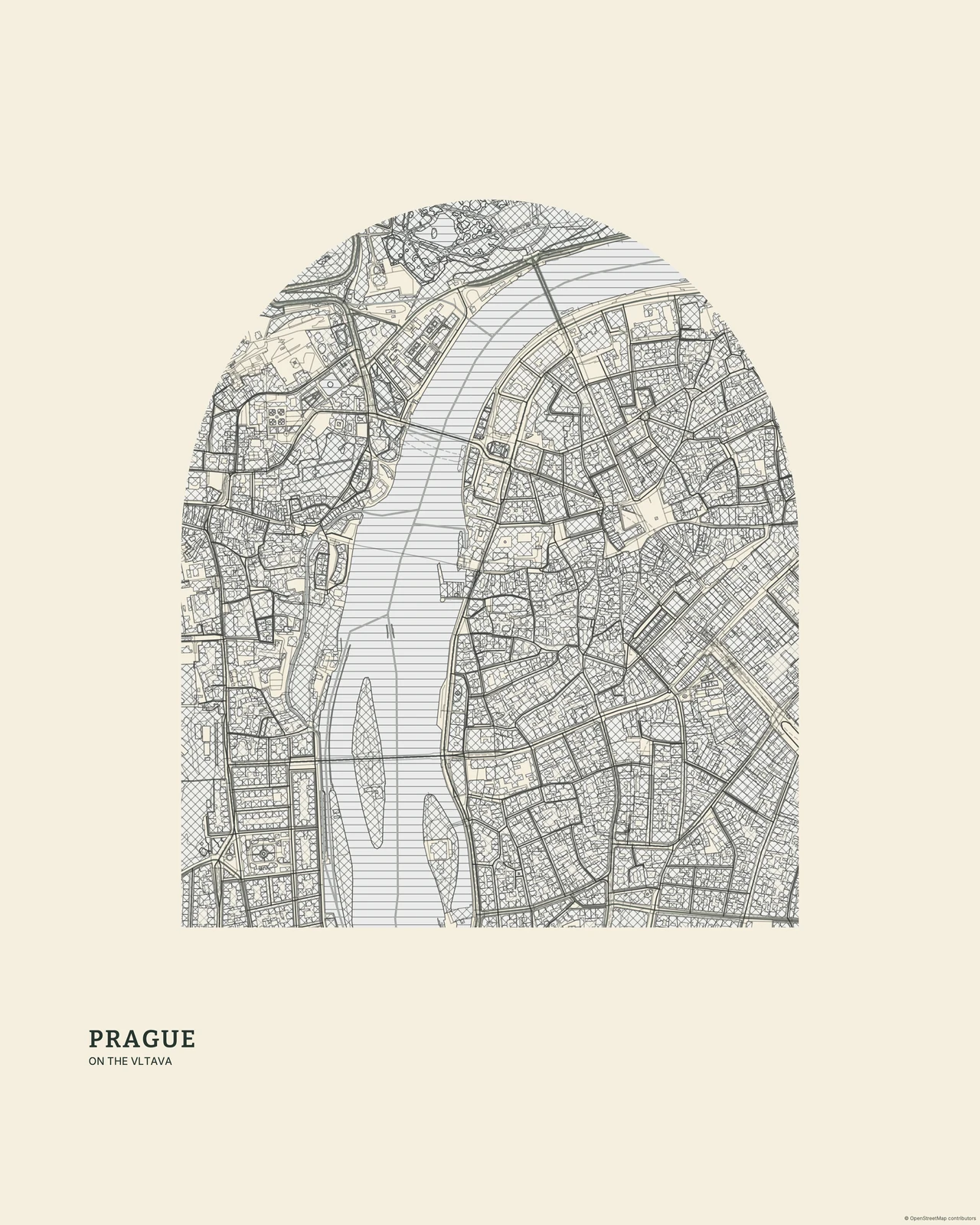
Shade made from lines
Parallel marks and crossing strokes give larger areas their tone, while important roads stay crisp above them. The detail has a precise printed character, quite different from Pencil Sketch’s lighter, hand-drawn movement. Linocut / Woodblock uses broader cuts; Vintage Cartography puts more emphasis on an antique-map atmosphere. Here, the small engraved marks are the reason to linger.
Find your starting style
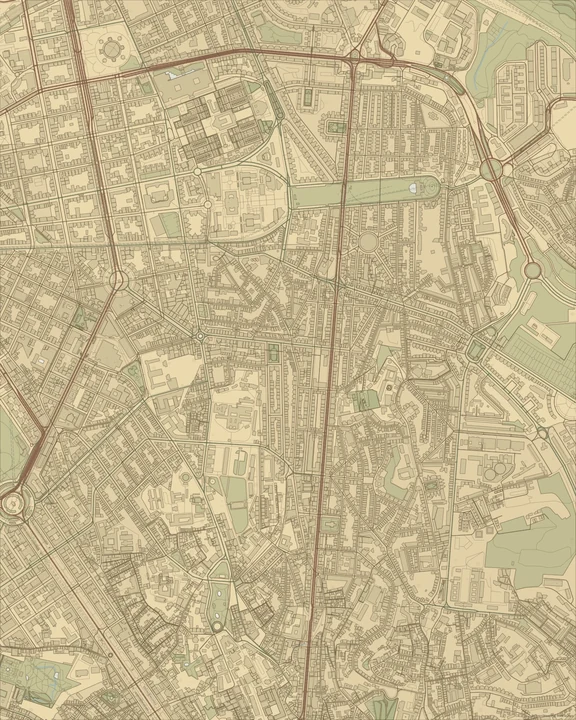
Ivory sets dark ink against warm paper. Sepia makes the contrast warmer and softer, while Slate gives the linework a cooler, more contemporary tone.
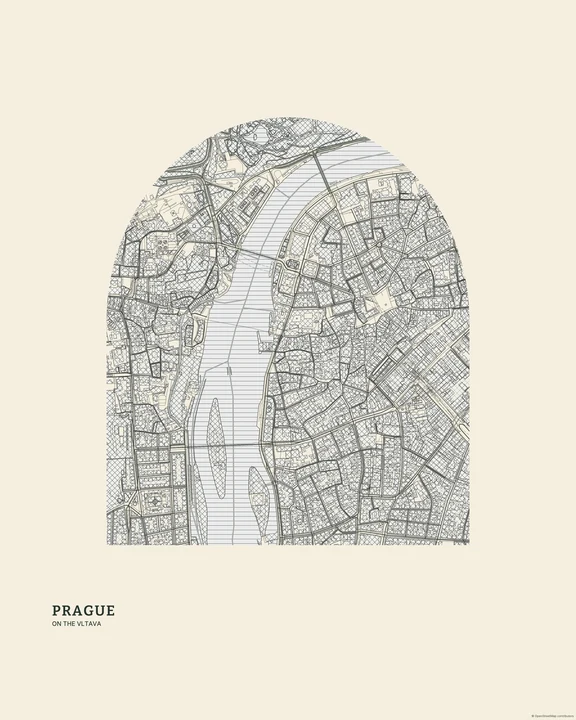
Ivory
Prague
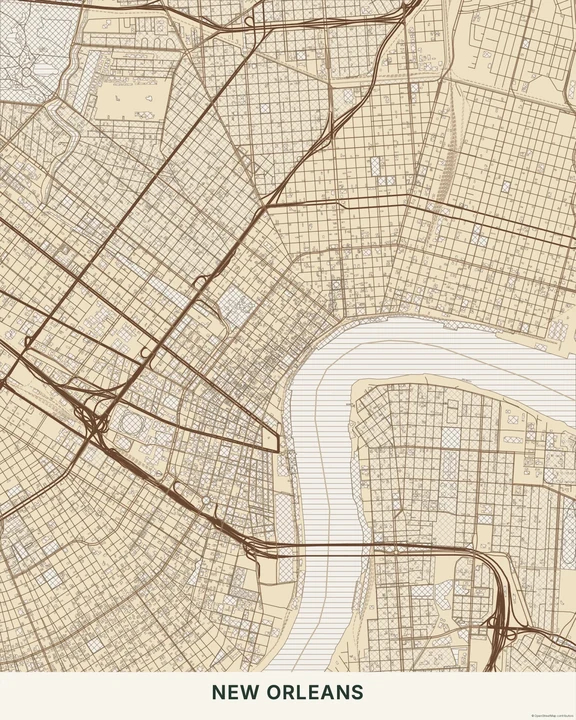
Sepia
New Orleans
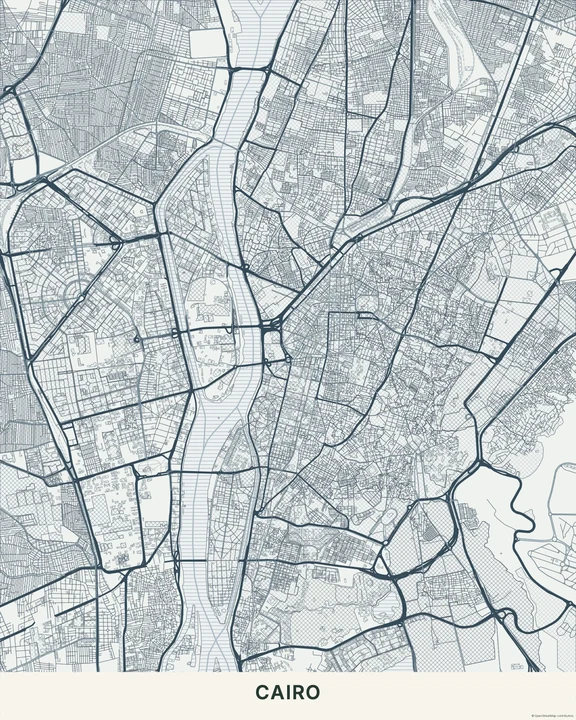
Slate
Cairo
Keep the fine work readable
Choose a crop with a clear street structure, then check it at your intended artwork size. Use the layer controls to reduce clutter and add a title in a calm area. A restrained route colour can lead the eye without covering the hatching.
How it worksMaps in this theme
Prague in Ivory
Engraving / Etching · Ivory
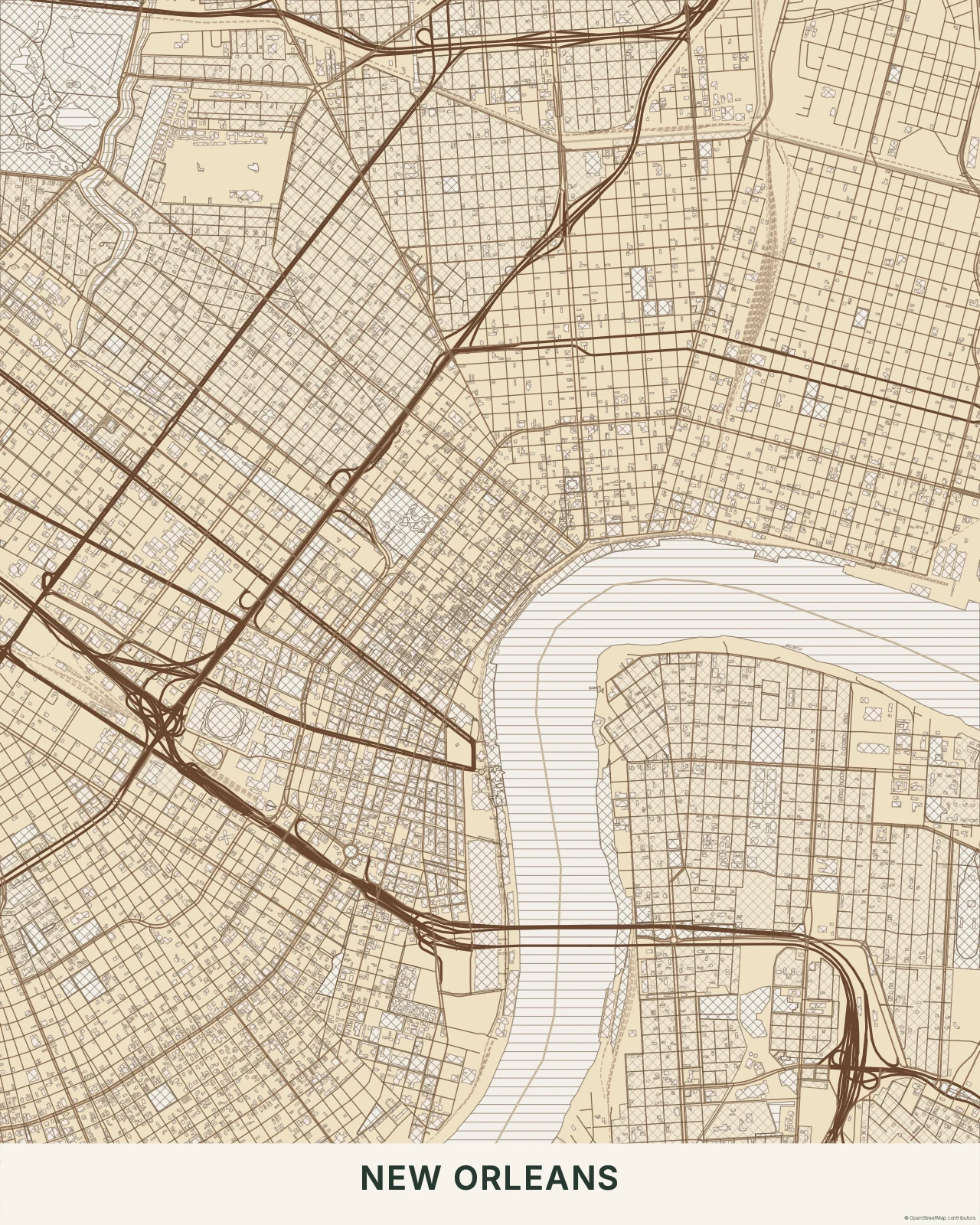
New Orleans in Sepia
Engraving / Etching · Sepia
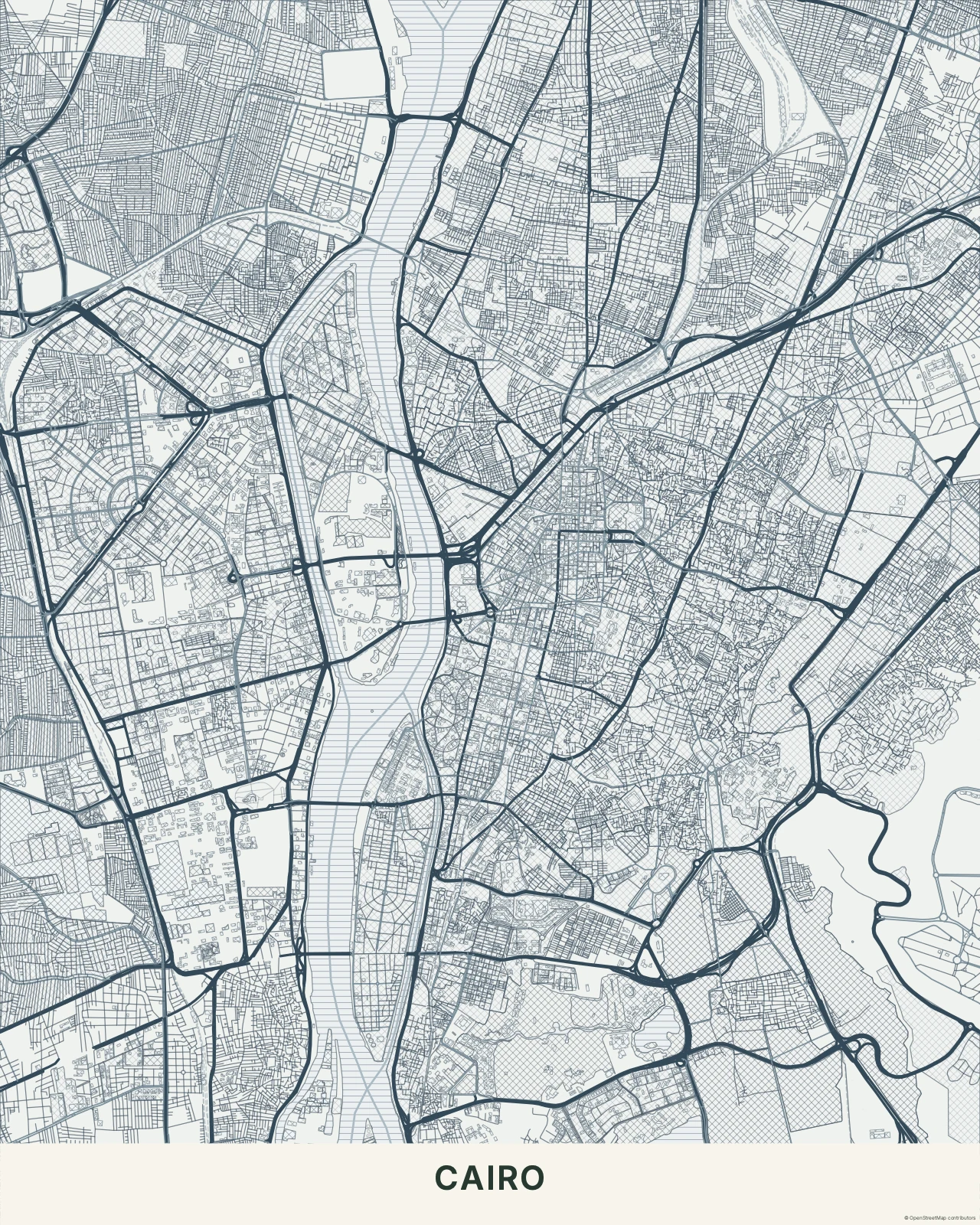
Cairo in Slate
Engraving / Etching · Slate
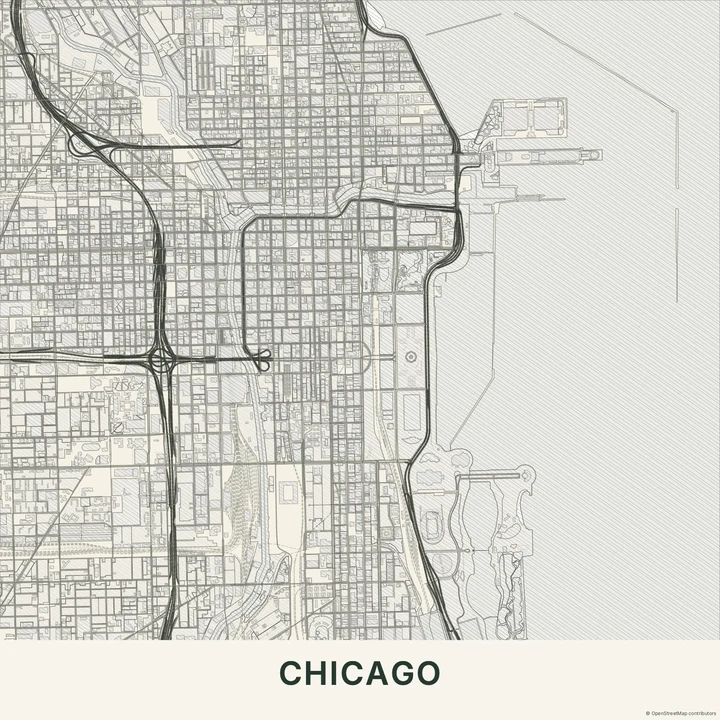
There’s more to see between the lines.
In the studio, choose Engraving / Etching under Theme, then pick a style.
Selected places, real geography. Search the editor for your own place and check the available map detail. © OpenStreetMap contributors