
Charcoal
A broad mark can say a lot. Charcoal gives the map a rubbed, grainy surface, with dark pigment and lighter paper showing through. Start softly or go bolder, then frame the streets that matter to you.
Work with CharcoalIn the studio, choose Charcoal under Theme, then pick a style.
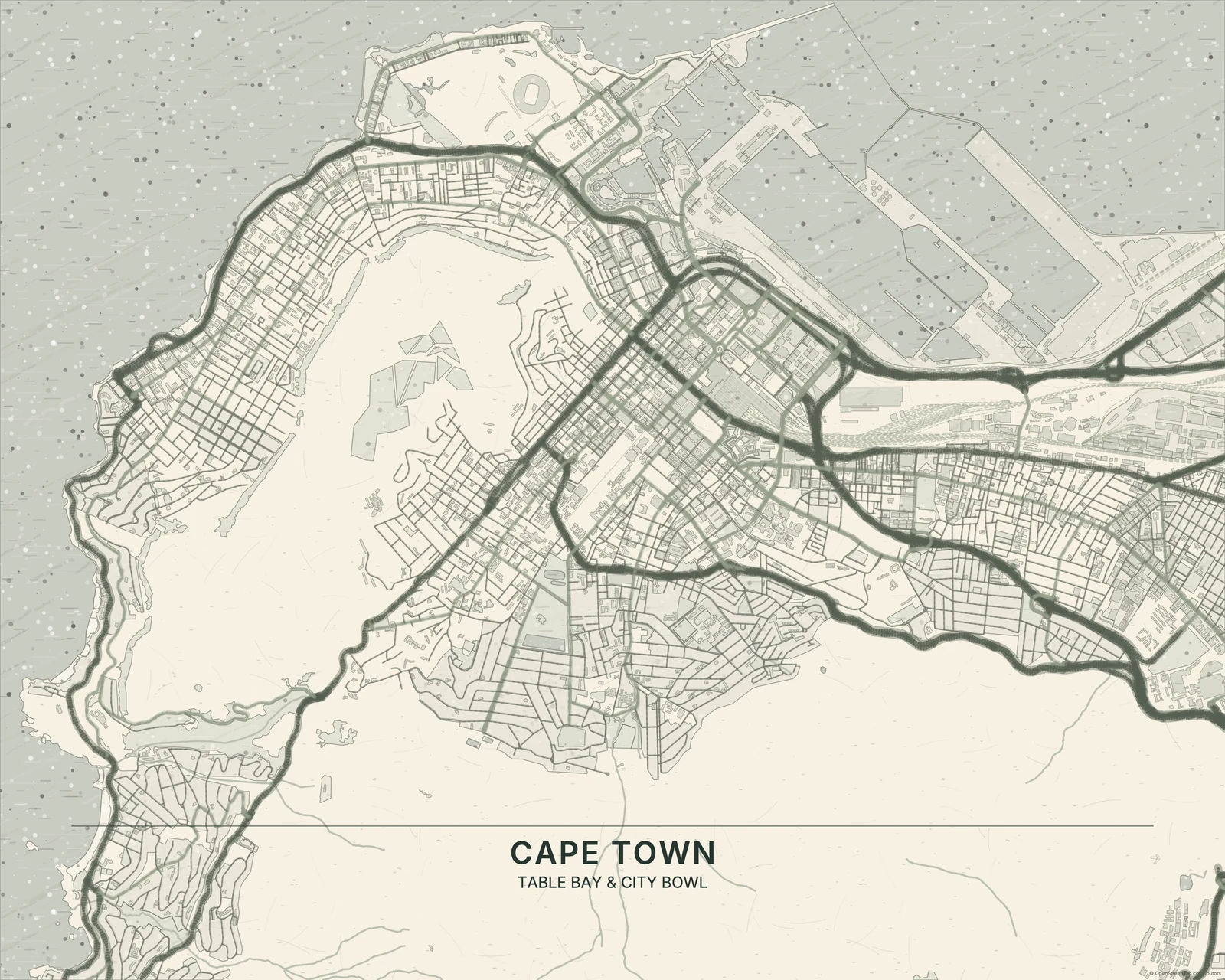
Weight, grain and a little smudge
Larger areas carry uneven pigment, while rough strokes and broken edges keep the geography feeling worked by hand. Light patches break up the darker masses. Charcoal is heavier and broader than Pencil Sketch; it feels dry and rubbed beside Japanese Ink’s brushwork or Watercolor’s washes. The attraction is in that balance of drawn structure and loose surface.
Find your starting style
Natural balances grain and detail. Soft leaves more paper visible, Dramatic deepens the blacks, and Sepia shifts the drawing into warm brown tones.
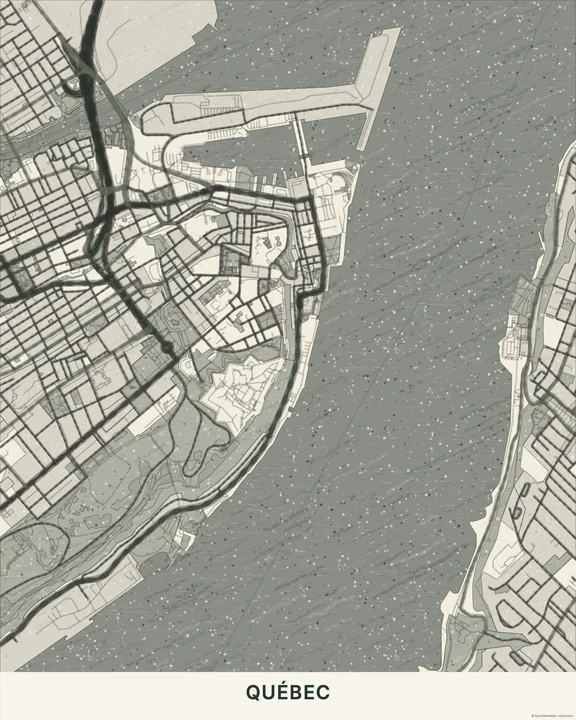
Natural
Québec
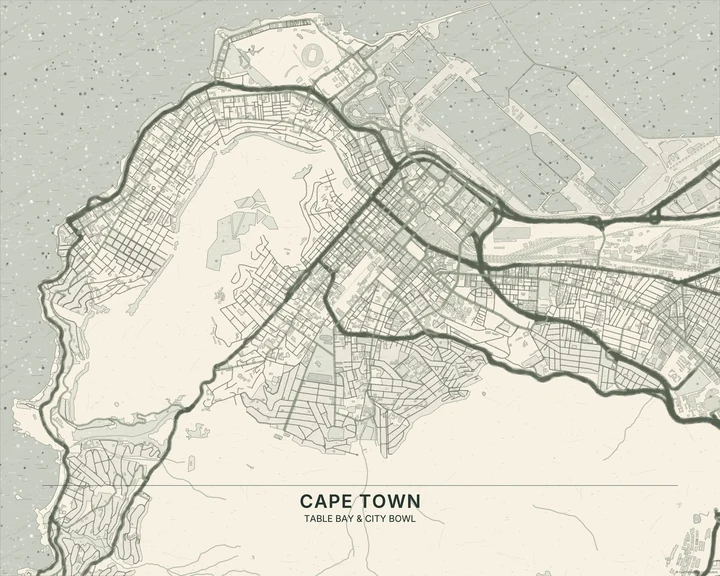
Soft
Cape Town
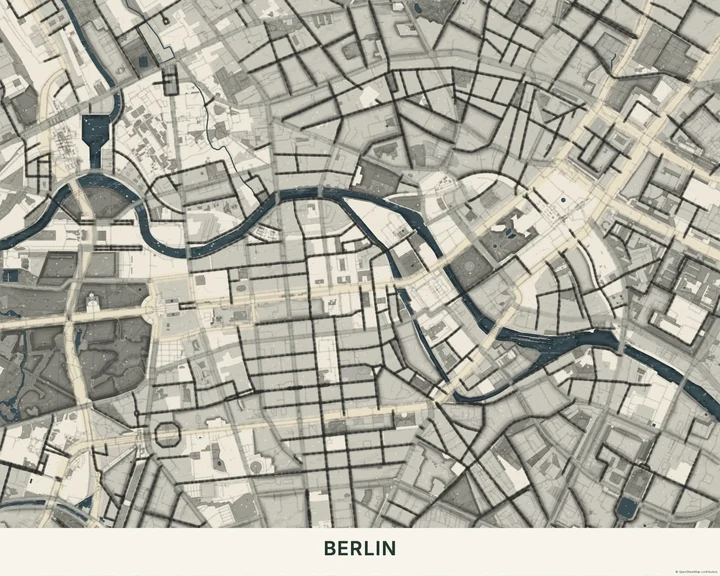
Dramatic
Berlin
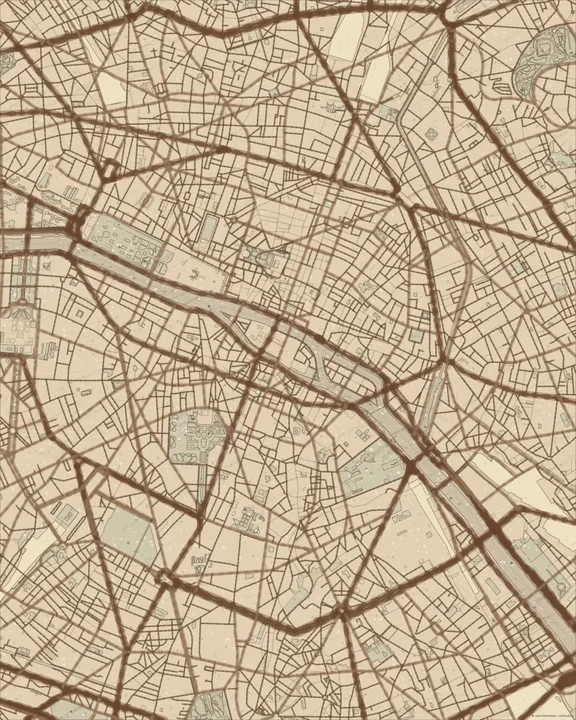
Sepia
Paris
Choose where the weight falls
Move the map until the darker shapes feel balanced against the lighter areas. Hide layers that crowd the view, and keep any added words clear of the heaviest pigment. A single marker or short route can add meaning without competing with the drawing.
How it worksMaps in this theme
Cape Town in Soft
Charcoal · Soft
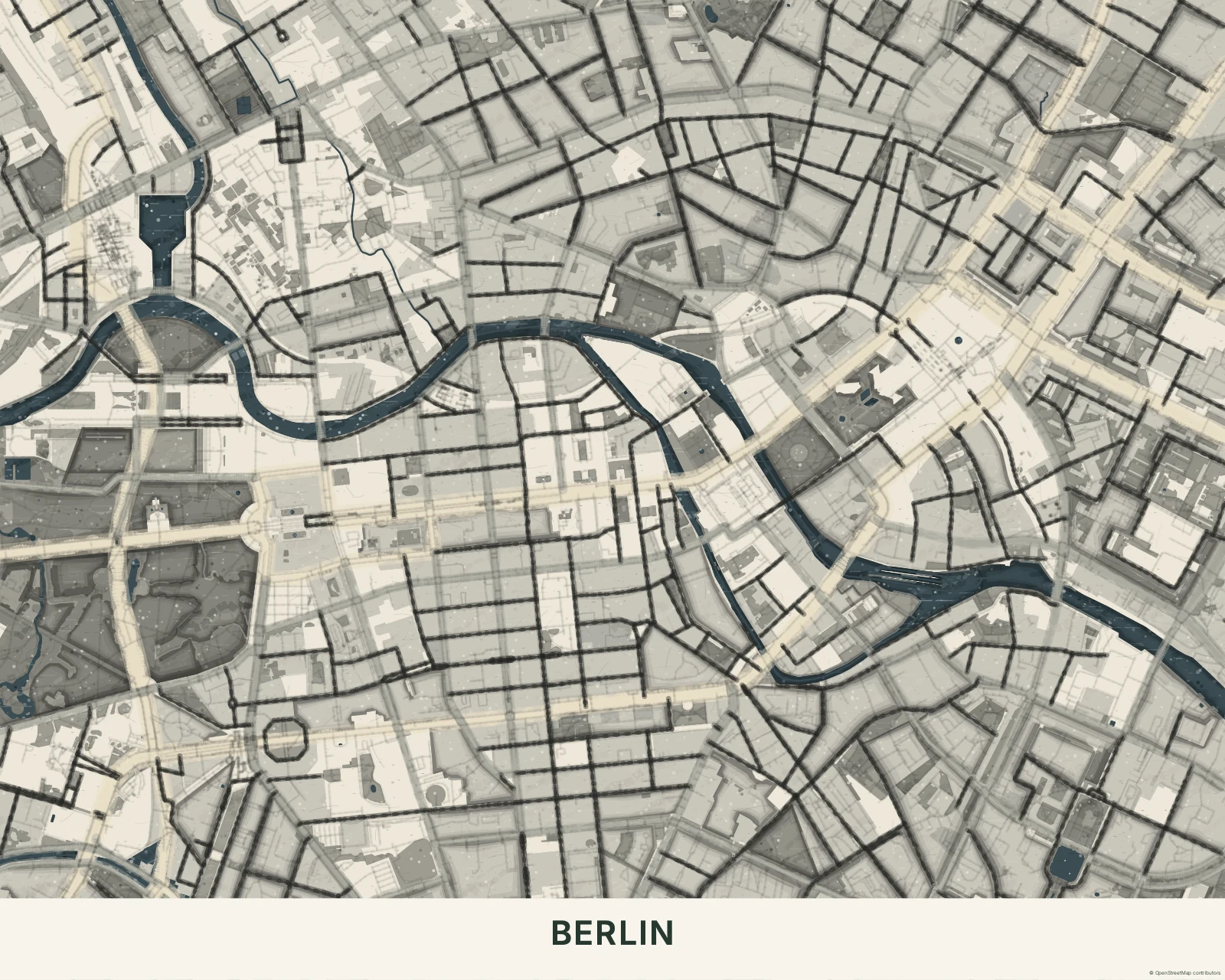
Berlin in Dramatic
Charcoal · Dramatic
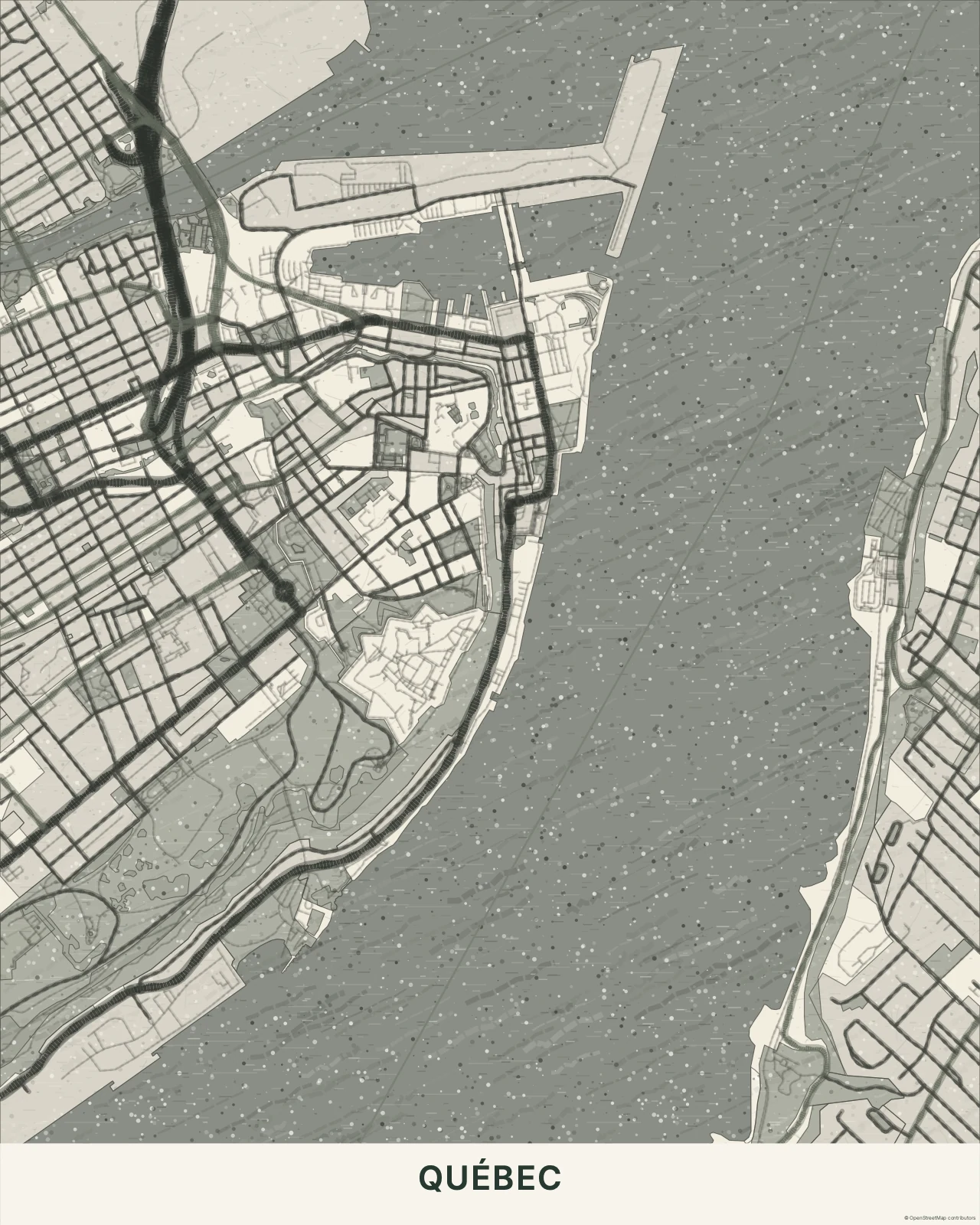
Québec in Natural
Charcoal · Natural
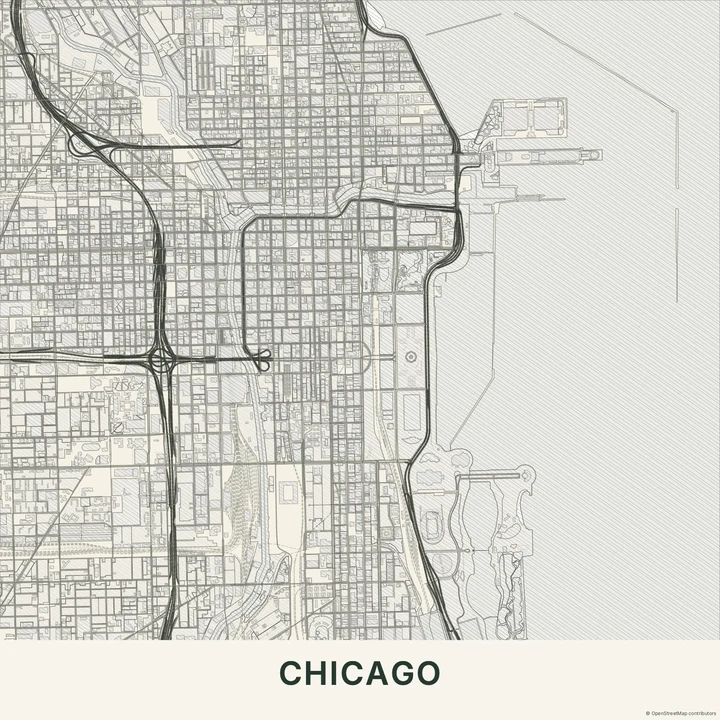
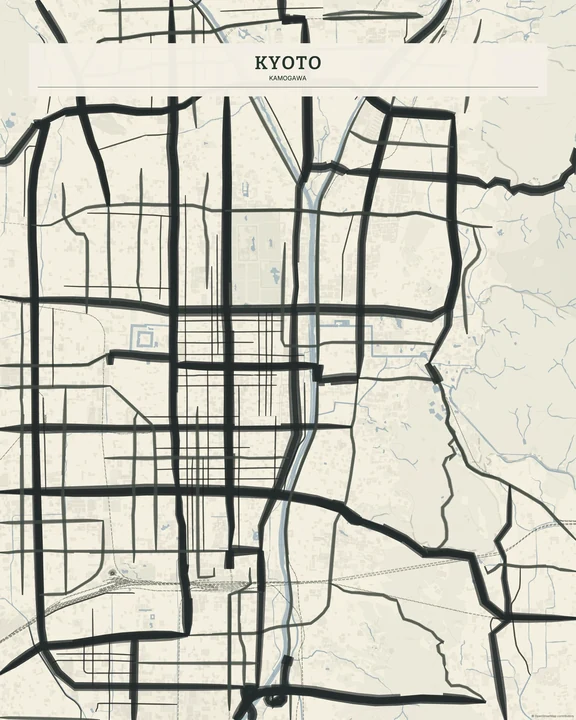
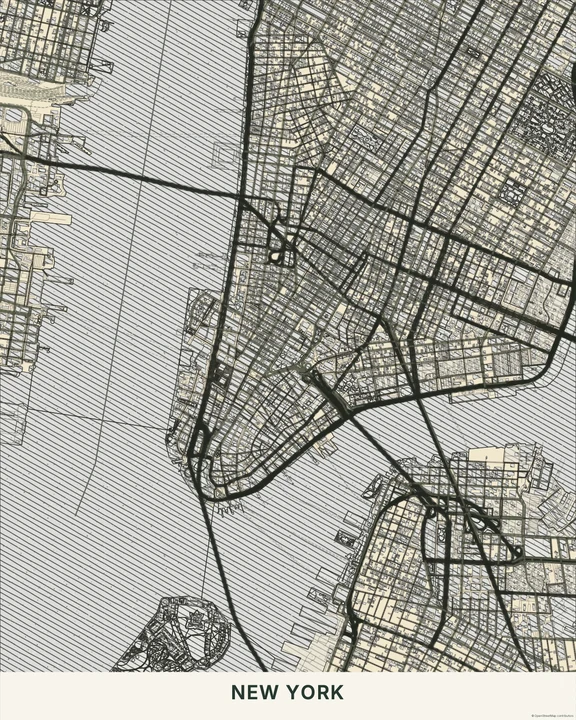
Give a familiar place a bolder mark.
In the studio, choose Charcoal under Theme, then pick a style.
Selected places, real geography. Search the editor for your own place and check the available map detail. © OpenStreetMap contributors