
Roman Mosaic
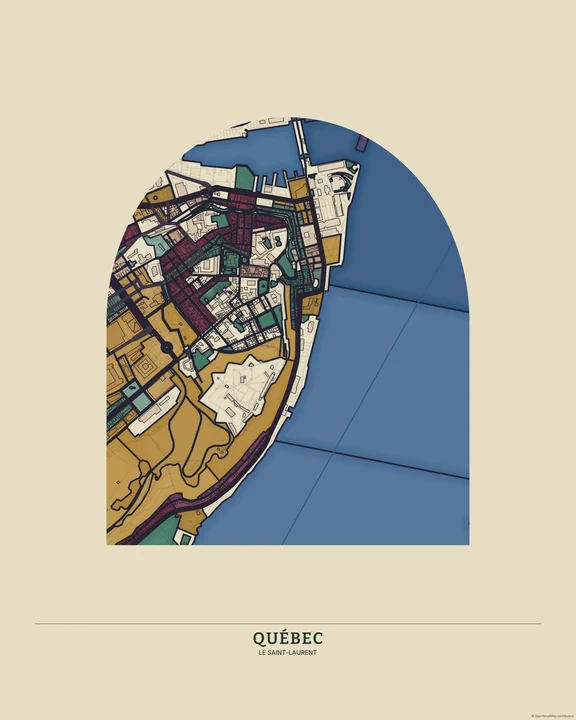
Small stones, patiently arranged. Roman Mosaic gives the map a surface of tesserae—little tile-like pieces—with narrow gaps and gentle changes in tone. The streets belong to today; the material mood looks further back.
Build a Roman Mosaic mapIn the studio, choose Roman Mosaic under Theme, then pick a style.
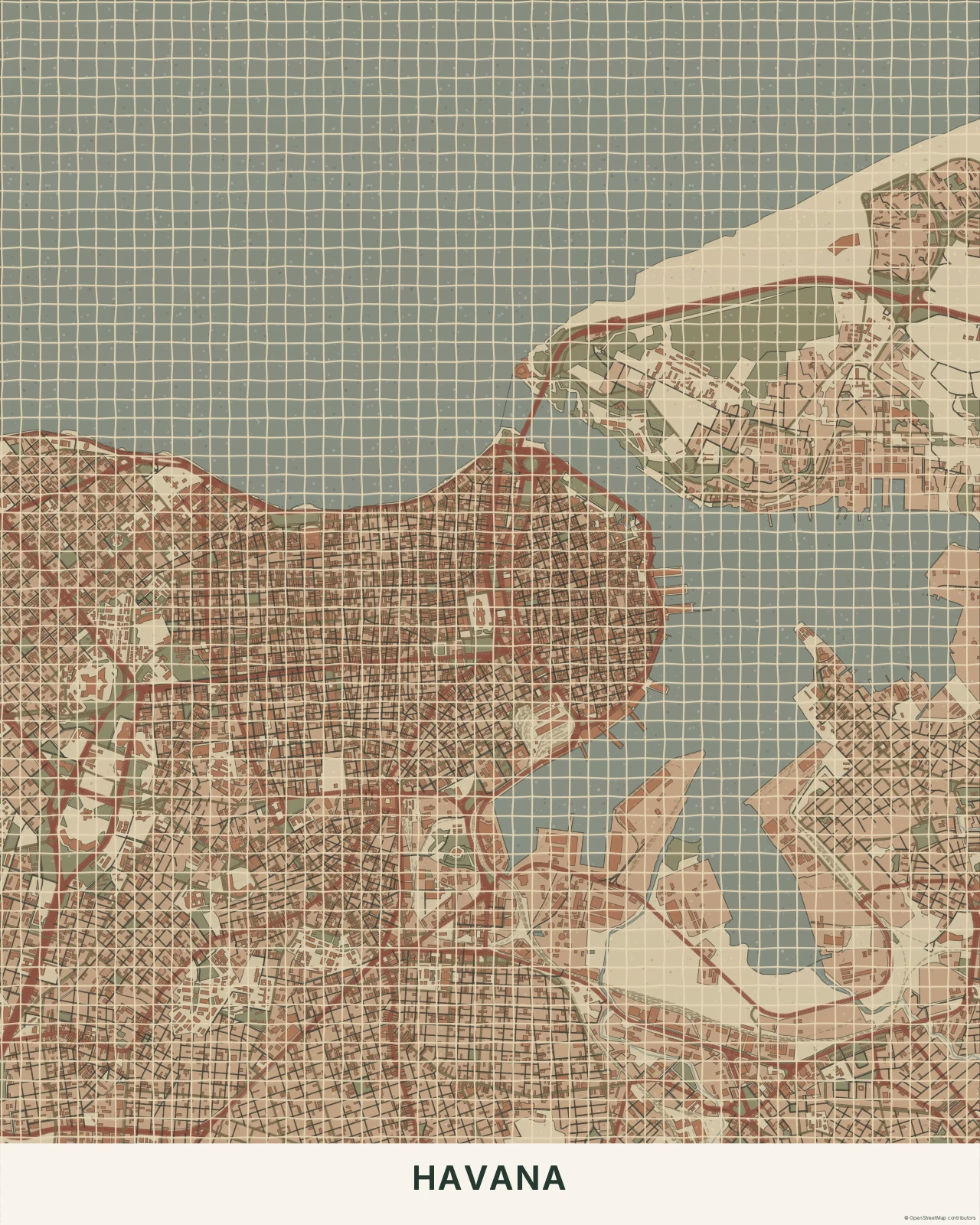
A rhythm made of stone
The pieces follow geographic regions, with bands along important roads helping the network stay readable. Their smaller, more regular spacing separates them from Mediterranean Mosaic’s irregular ceramic tiles. Stone tones feel quieter than a glazed surface, even in the richer palettes. This is a digital interpretation of mosaic material, not a reconstruction of an ancient map or floor.
Find your starting style
Pompeii combines warm earth and dark accents. Travertine stays pale and architectural, Monochrome Stone makes the pattern more graphic, and Imperial brings richer red and green tones.
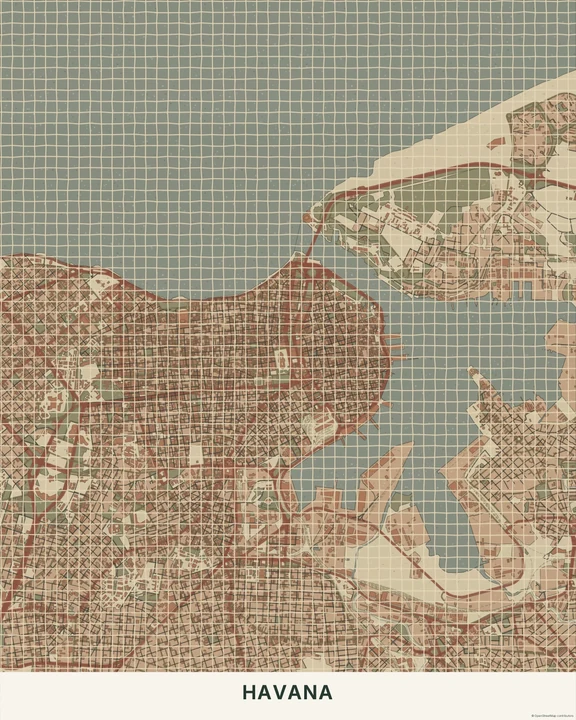
Pompeii
Havana
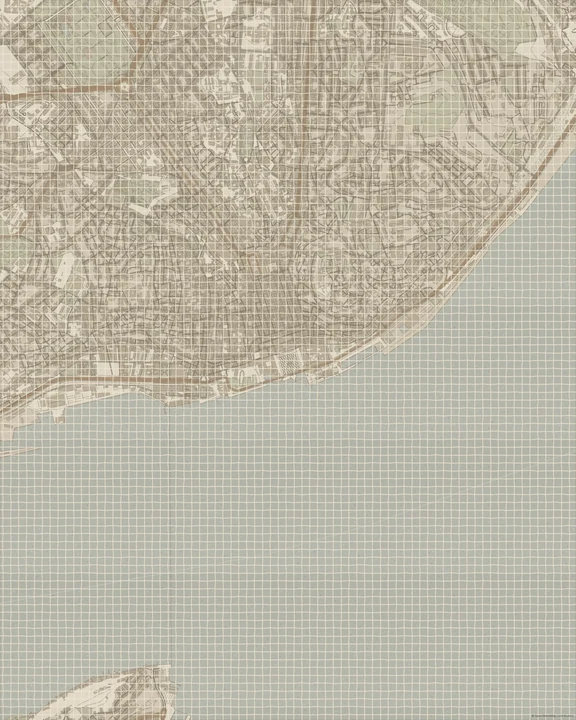
Travertine
Lisbon
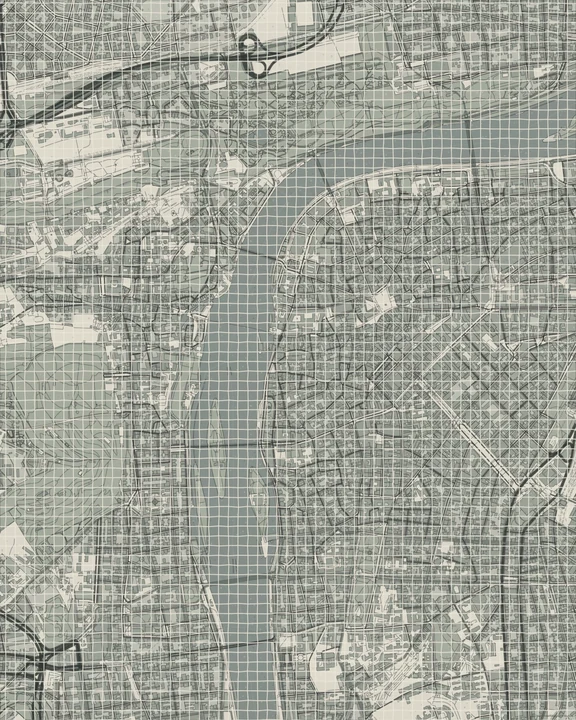
Monochrome Stone
Prague
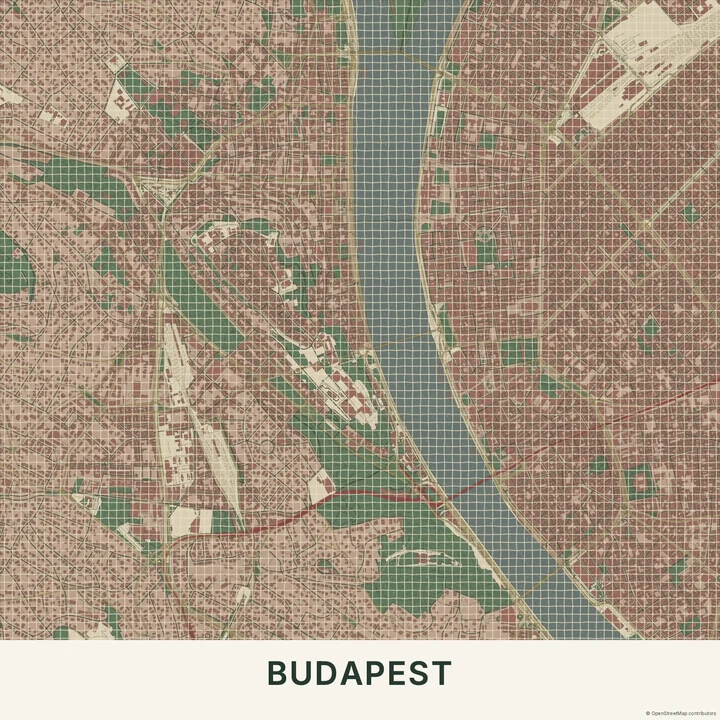
Imperial
Budapest
Let the road pattern guide you
Choose a crop with a few clear routes through it. Change the geographic colours to balance the stone-like areas, and try a short title outside the densest detail. A personal route can sit above the mosaic, but leave enough contrast for both to remain clear.
How it worksMaps in this theme
Havana in Pompeii
Roman Mosaic · Pompeii
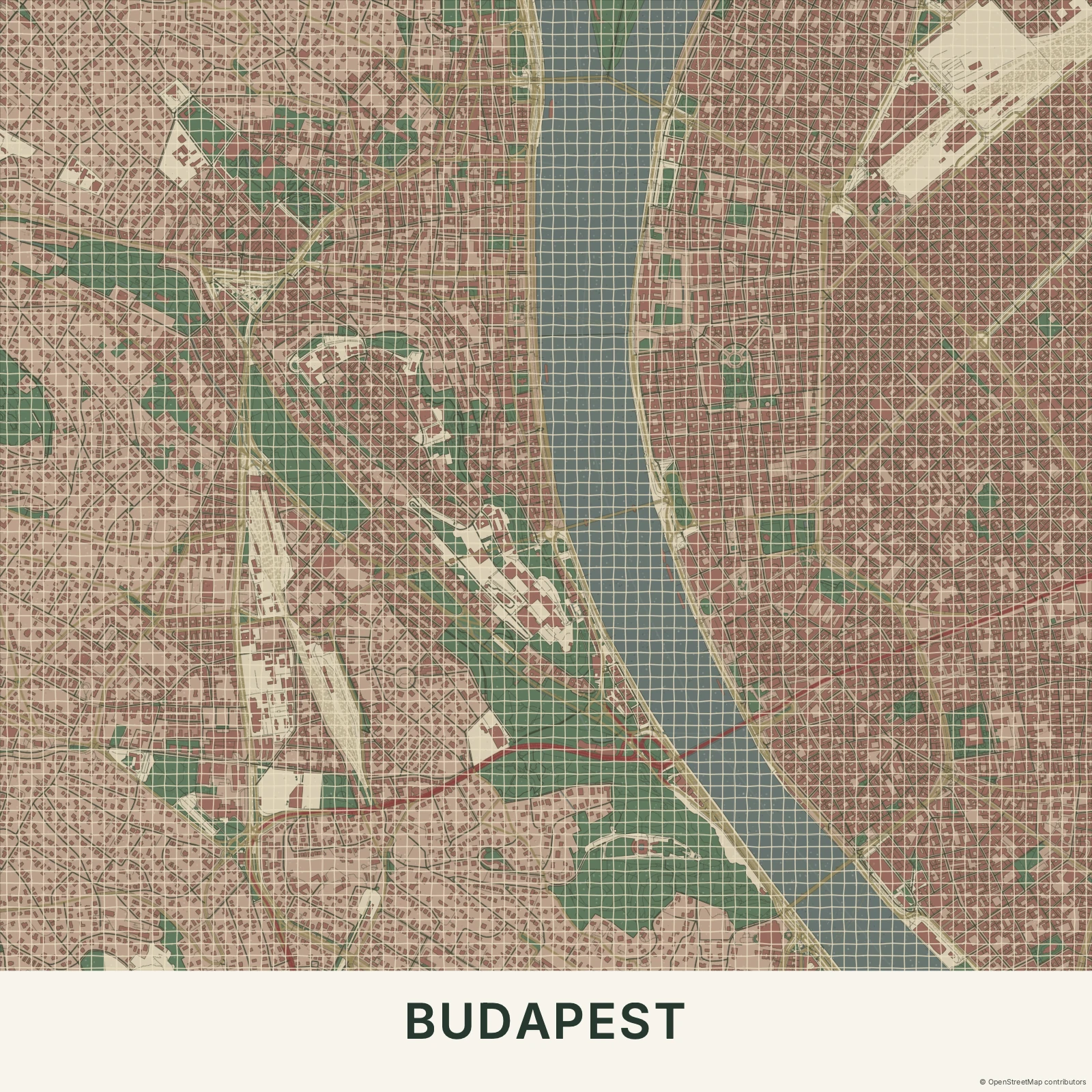
Budapest in Imperial
Roman Mosaic · Imperial
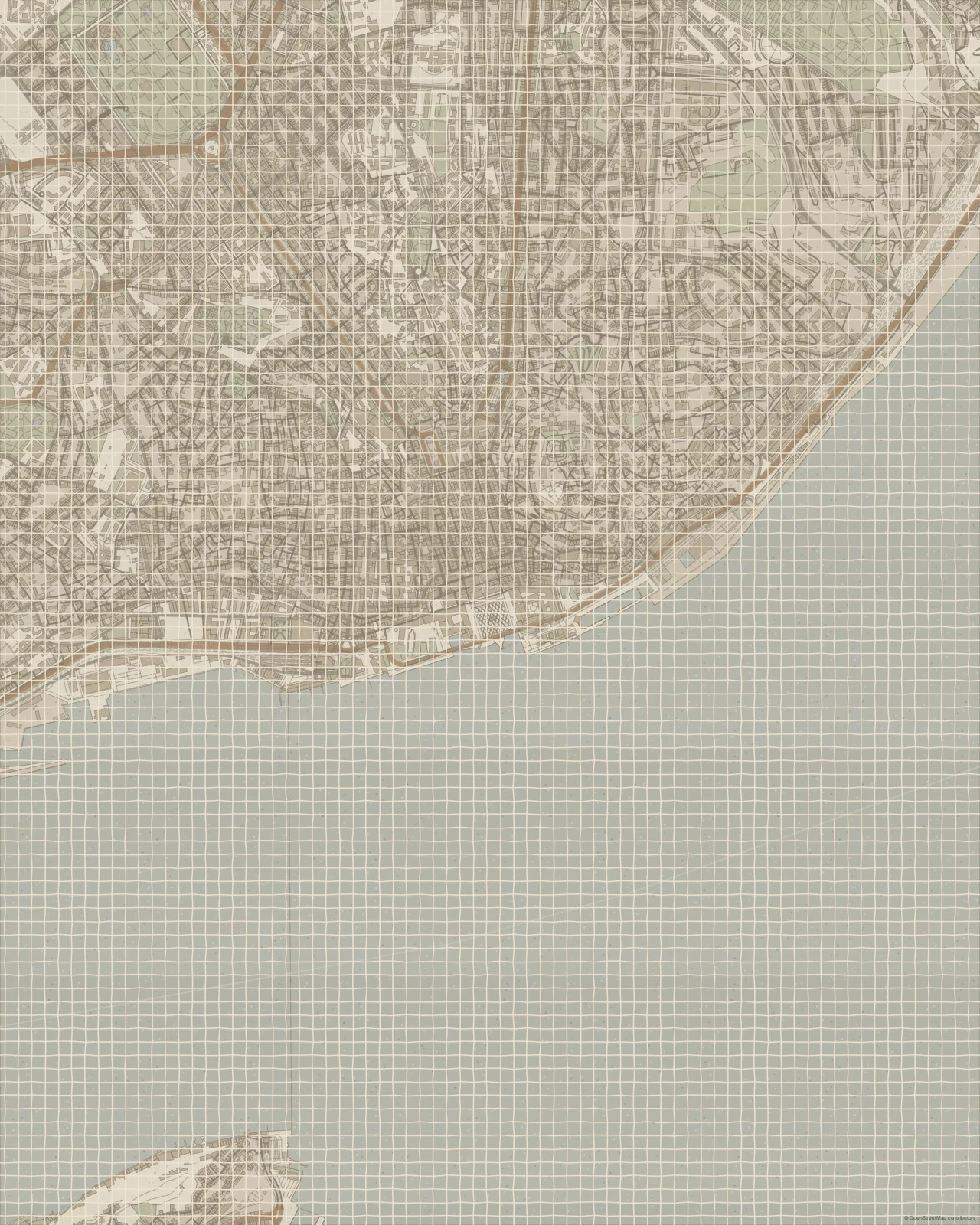
Lisbon in Travertine
Roman Mosaic · Travertine
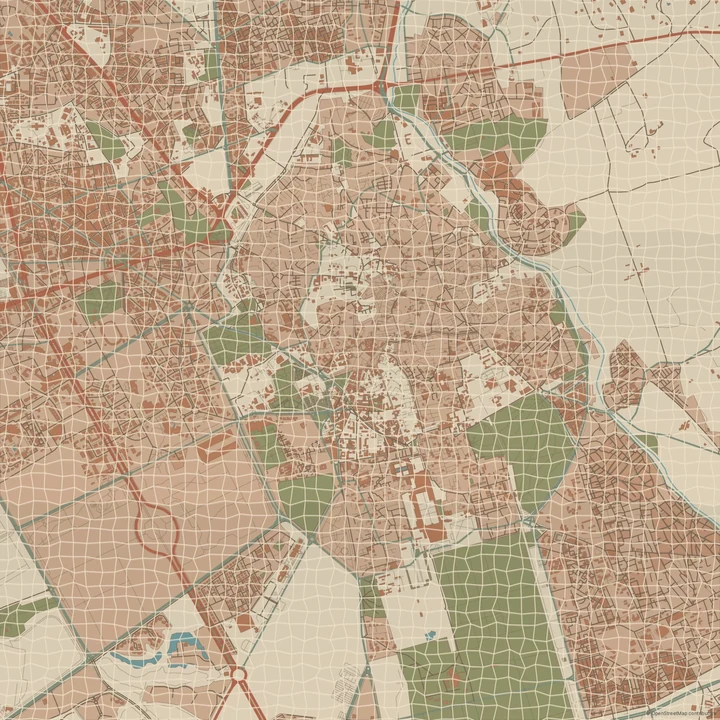
A place, gathered piece by piece.
In the studio, choose Roman Mosaic under Theme, then pick a style.
Selected places, real geography. Search the editor for your own place and check the available map detail. © OpenStreetMap contributors